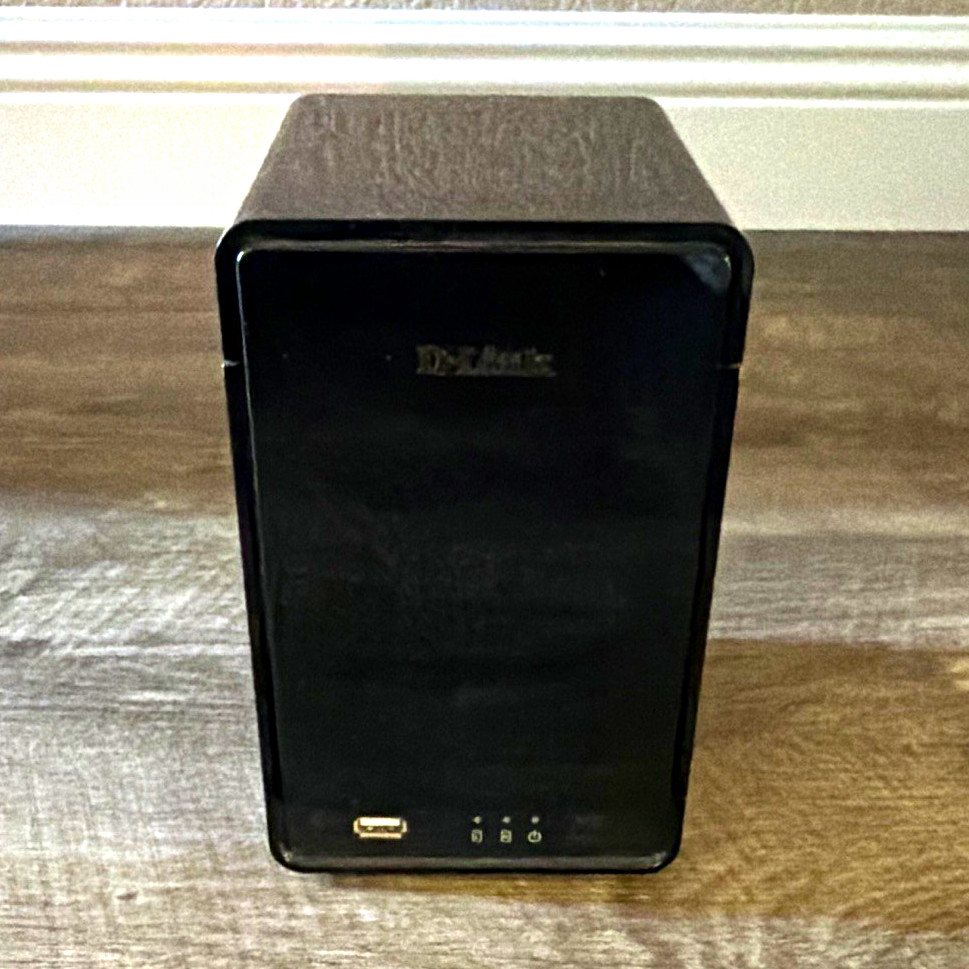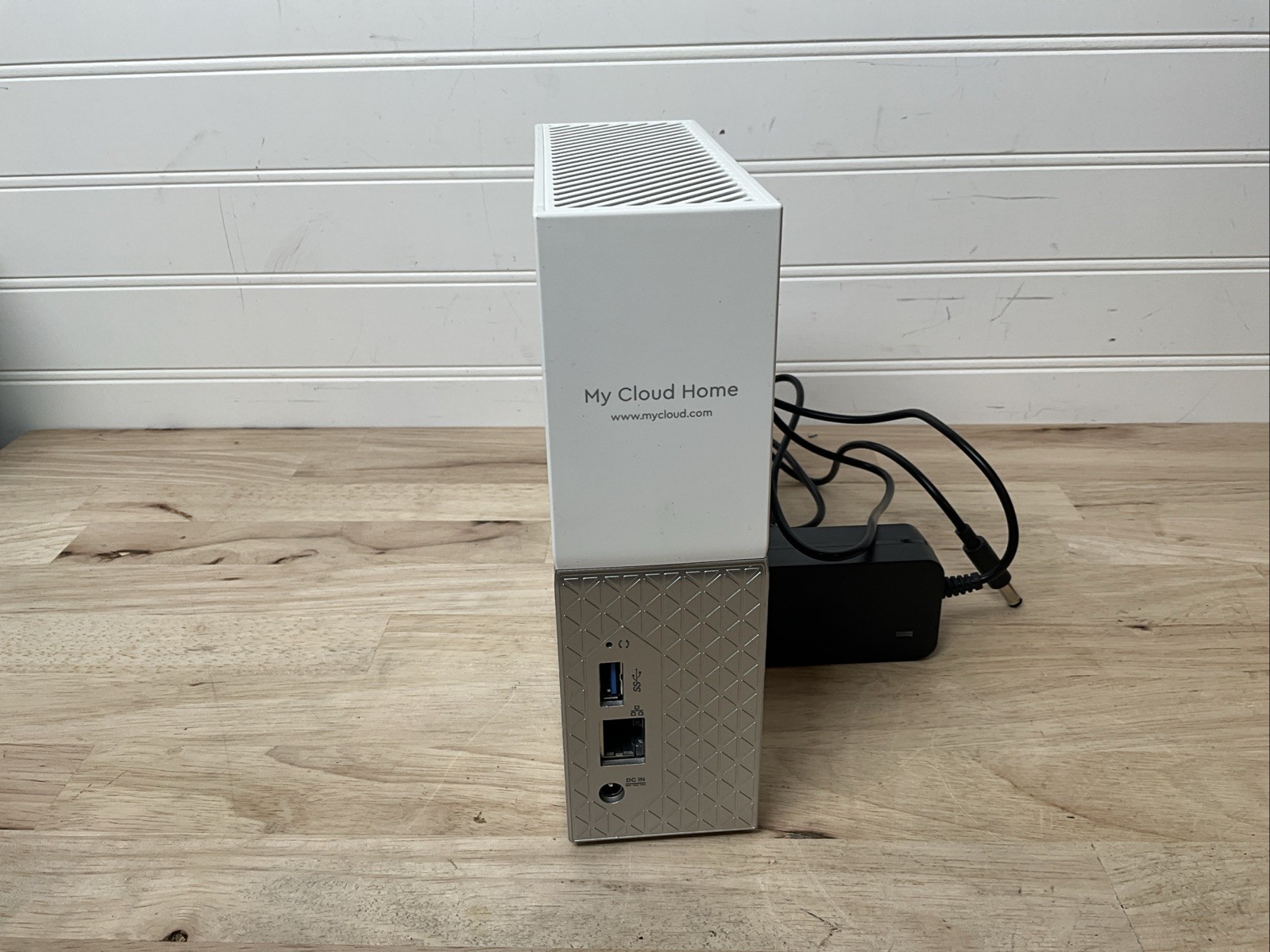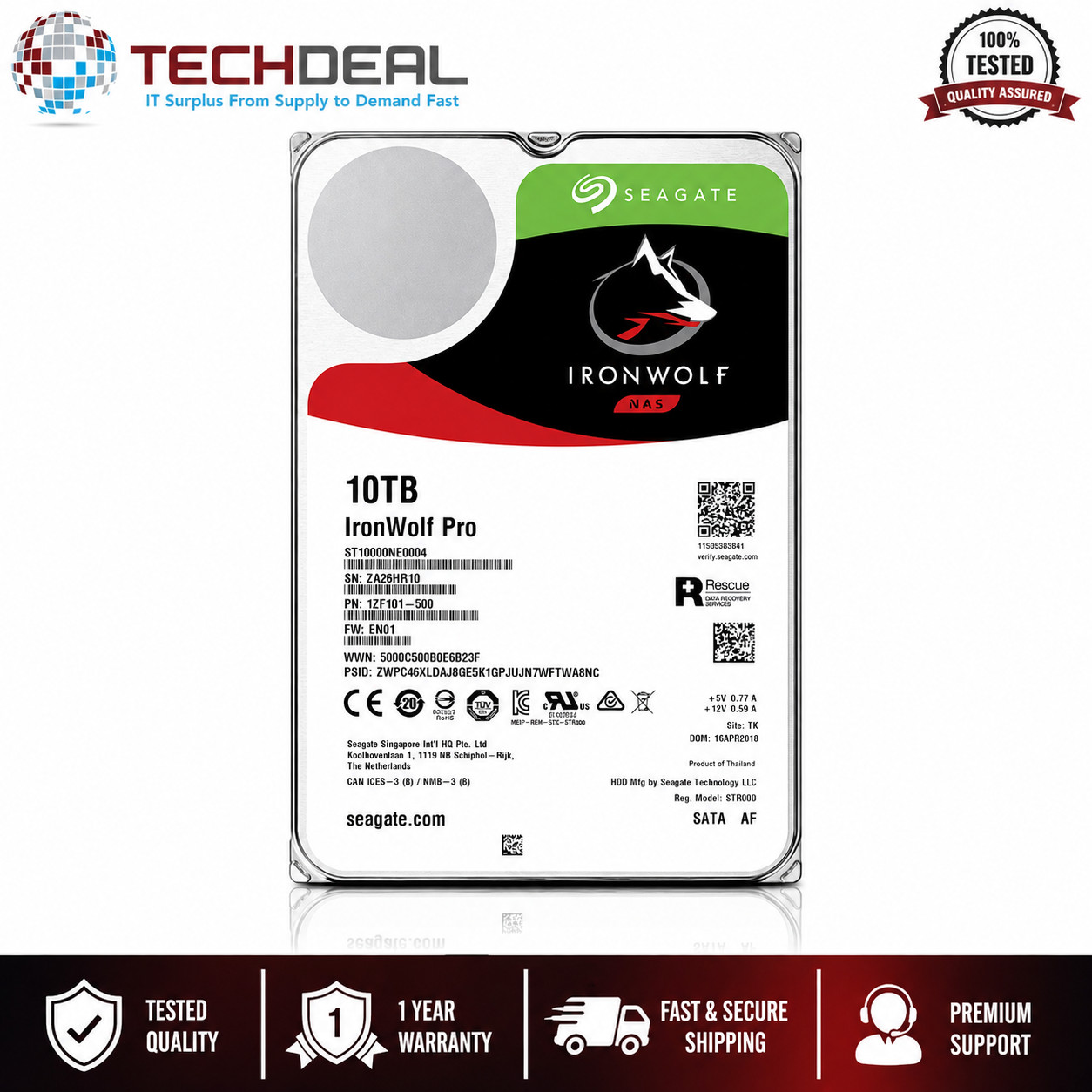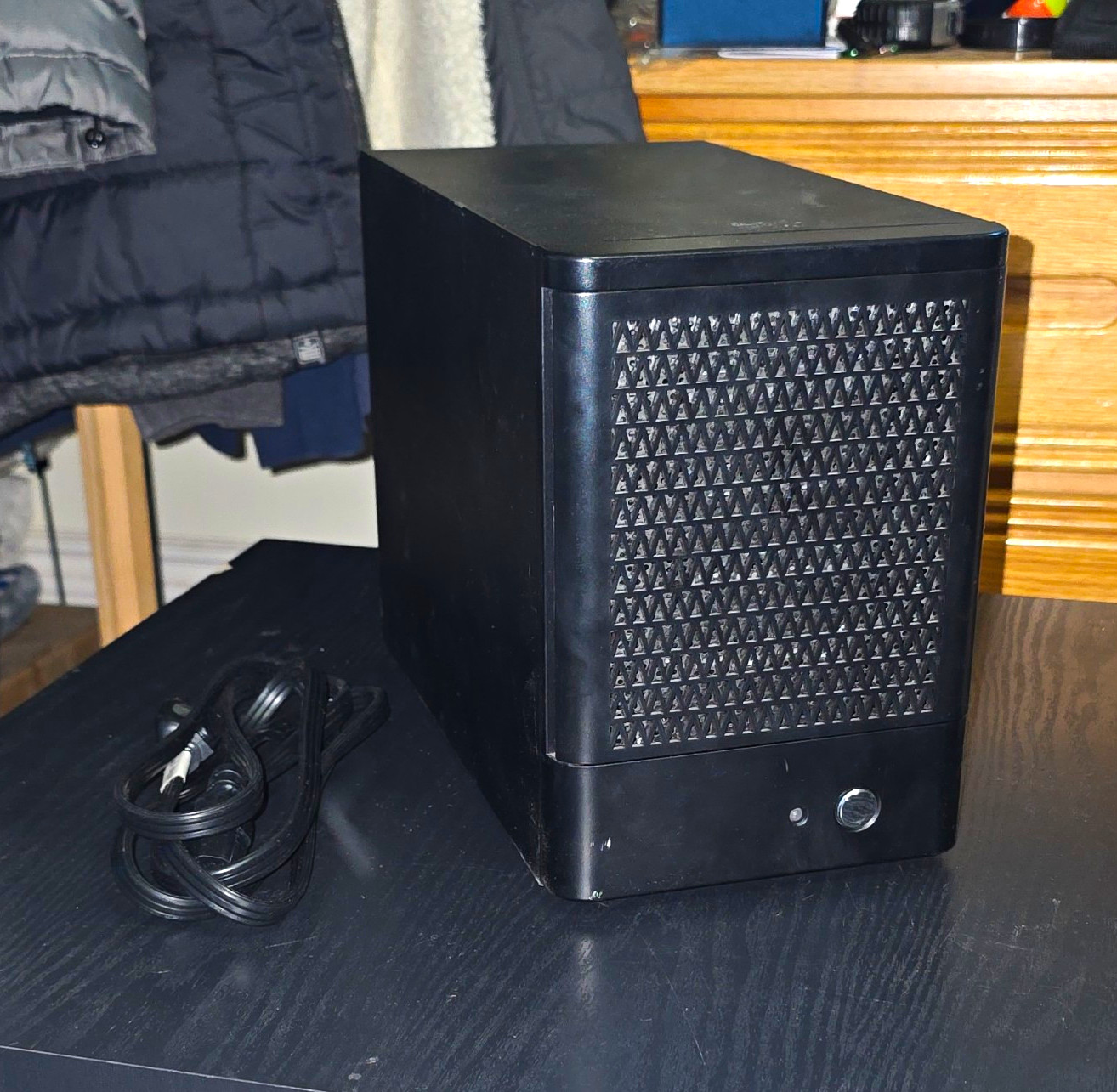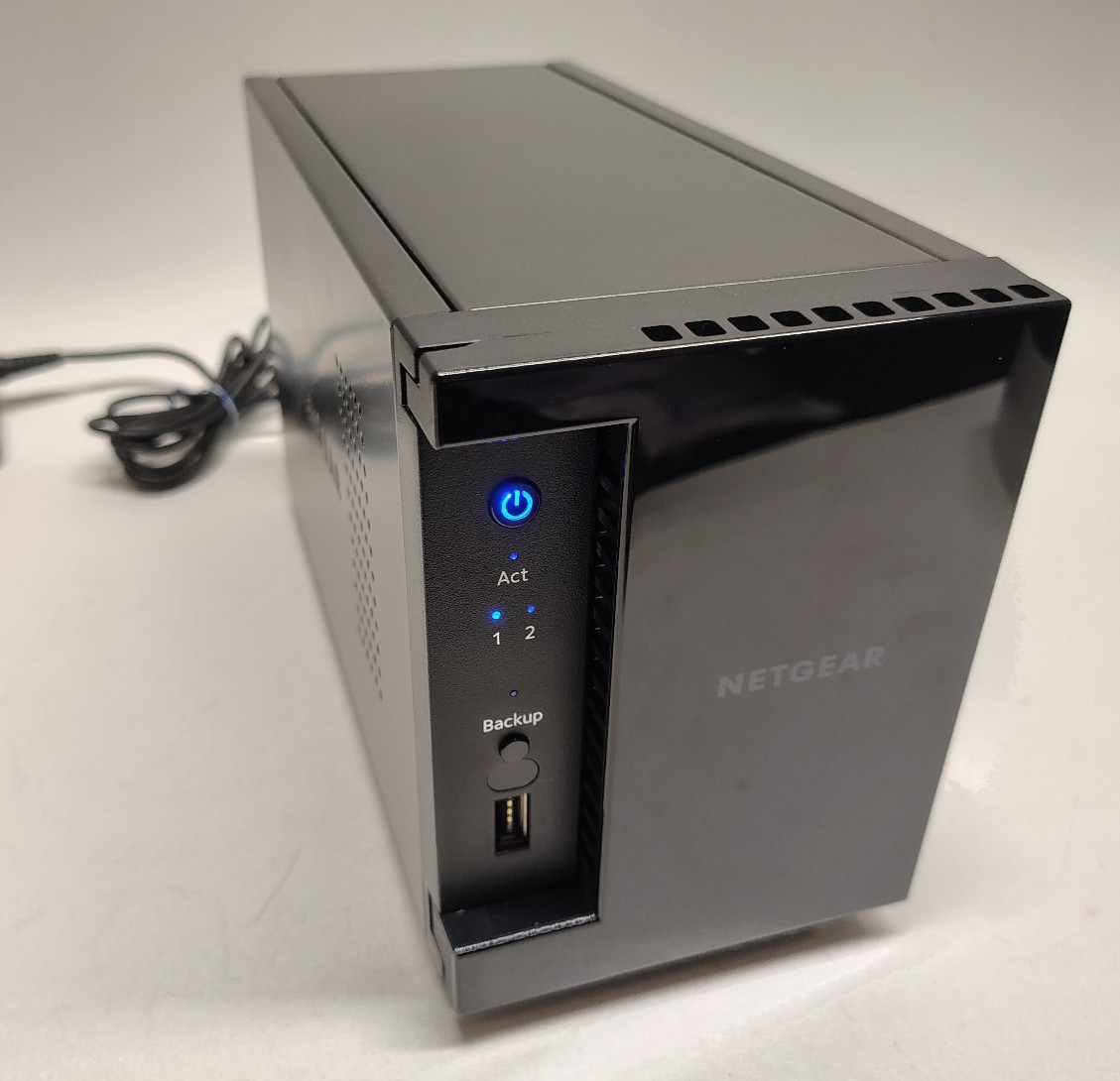
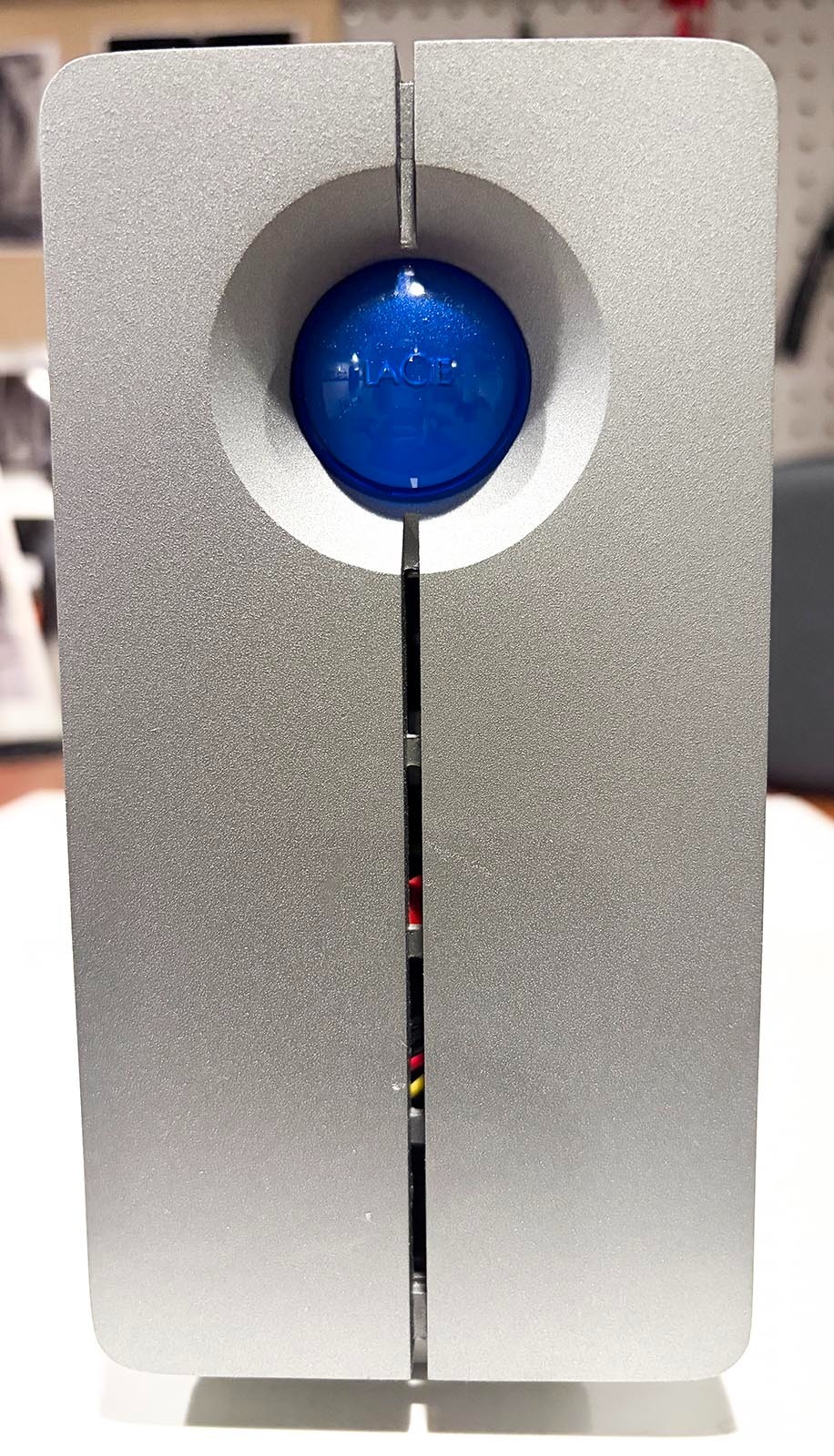
Choosing nas storage & drives comes down to one practical tension: do you want a multi-bay enclosure that gives your setup room for multiple drives, or a more defined single-bay NAS with 2TB storage and clearly listed backup features? These two options take very different approaches, so the right pick depends more on your planned setup than on a universal winner.
Quick verdict
Choose the 5-Bay NAS Enclosure with Drive Trays if five bays, included drive trays, and a lower entry price are the deciding factors. Choose the LinkStation 210 2TB if you want a new, one-bay NAS with a stated 2TB capacity, Windows and macOS compatibility, and backup-oriented features. The listed prices are $170.00 and $254.24, a $84.24 spread.
Compact comparison
| Comparison point | 5-Bay NAS Enclosure with Drive Trays | LinkStation 210 2TB |
|---|---|---|
| Listed price | $170.00 | $254.24 |
| Layout | 5 bays with drive trays | 1-bay form factor |
| Condition | Used | New |
| Storage detail | Network Attached Storage enclosure | 2TB, HDD support |
| Device and system compatibility | Not specified | Desktop and laptop; Windows and macOS |
Where each product wins
5-Bay NAS Enclosure with Drive Trays wins for multi-bay flexibility

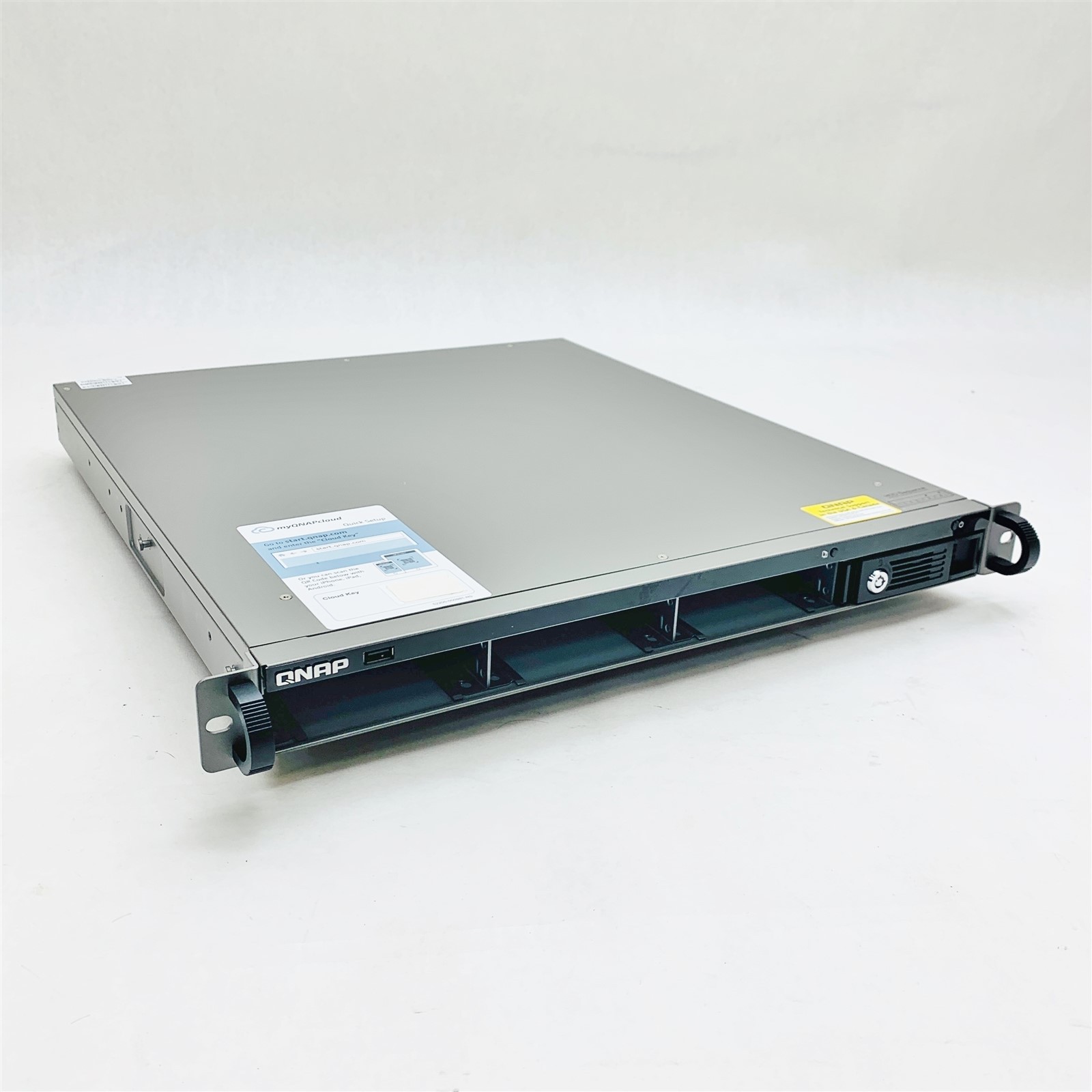
The five-bay layout is the defining advantage here. It is the better match for a shopper who is specifically organizing a multi-drive NAS setup and wants drive trays included in the enclosure. Its stated use for home or small-office file, photo, and video sharing also makes the format relevant for shared household or work files. The $84.24 lower listed price adds a straightforward reason to consider it when the enclosure format is the priority.
LinkStation 210 2TB wins for a defined, feature-led setup
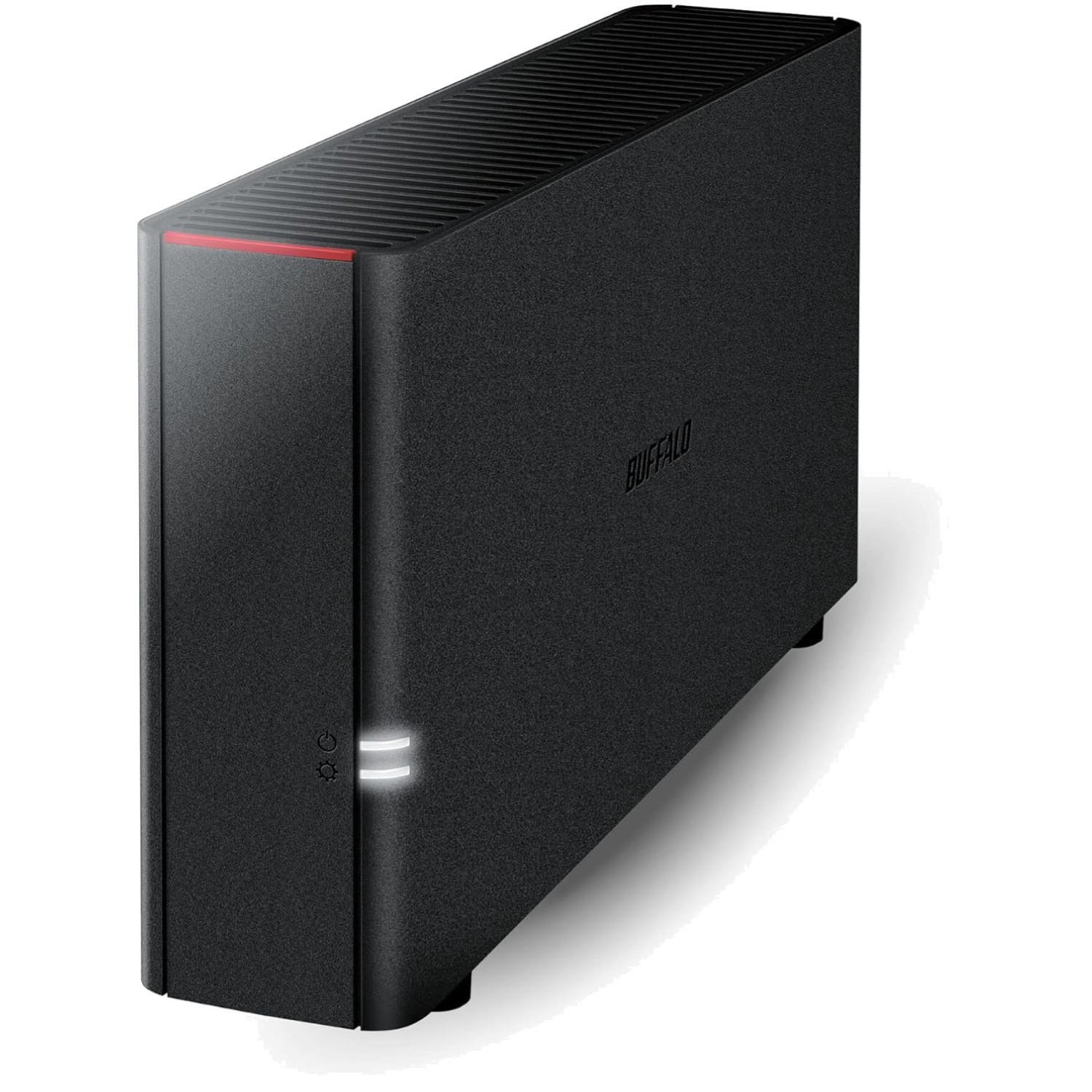
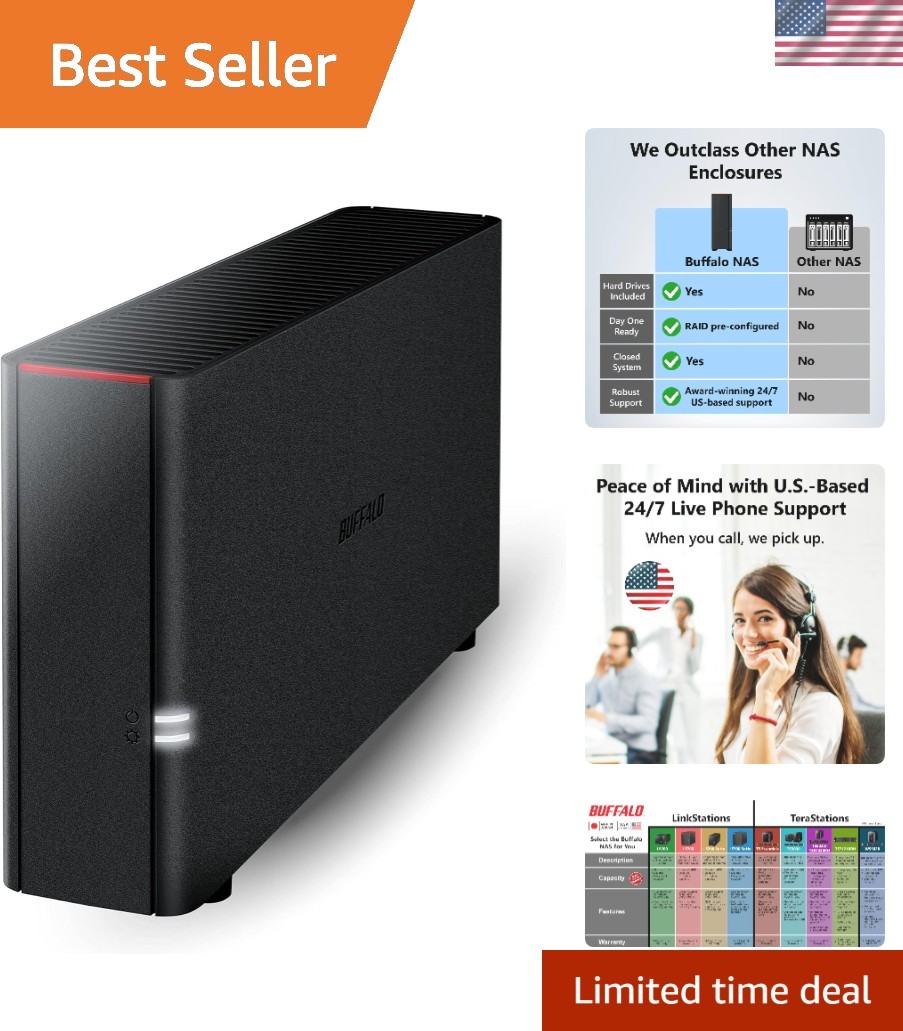
The LinkStation 210 offers a more clearly specified configuration: 2TB of storage in a one-bay form factor, HDD support, and compatibility with desktop and laptop computers running Windows or macOS. Its listed features include centralized storage, data backup, automated backup, file sharing, cloud storage, data security, and encrypted transfer. That combination makes it the more direct choice when you want a stated capacity and named backup functions rather than a larger bay count.
Product notes
5-Bay NAS Enclosure with Drive Trays
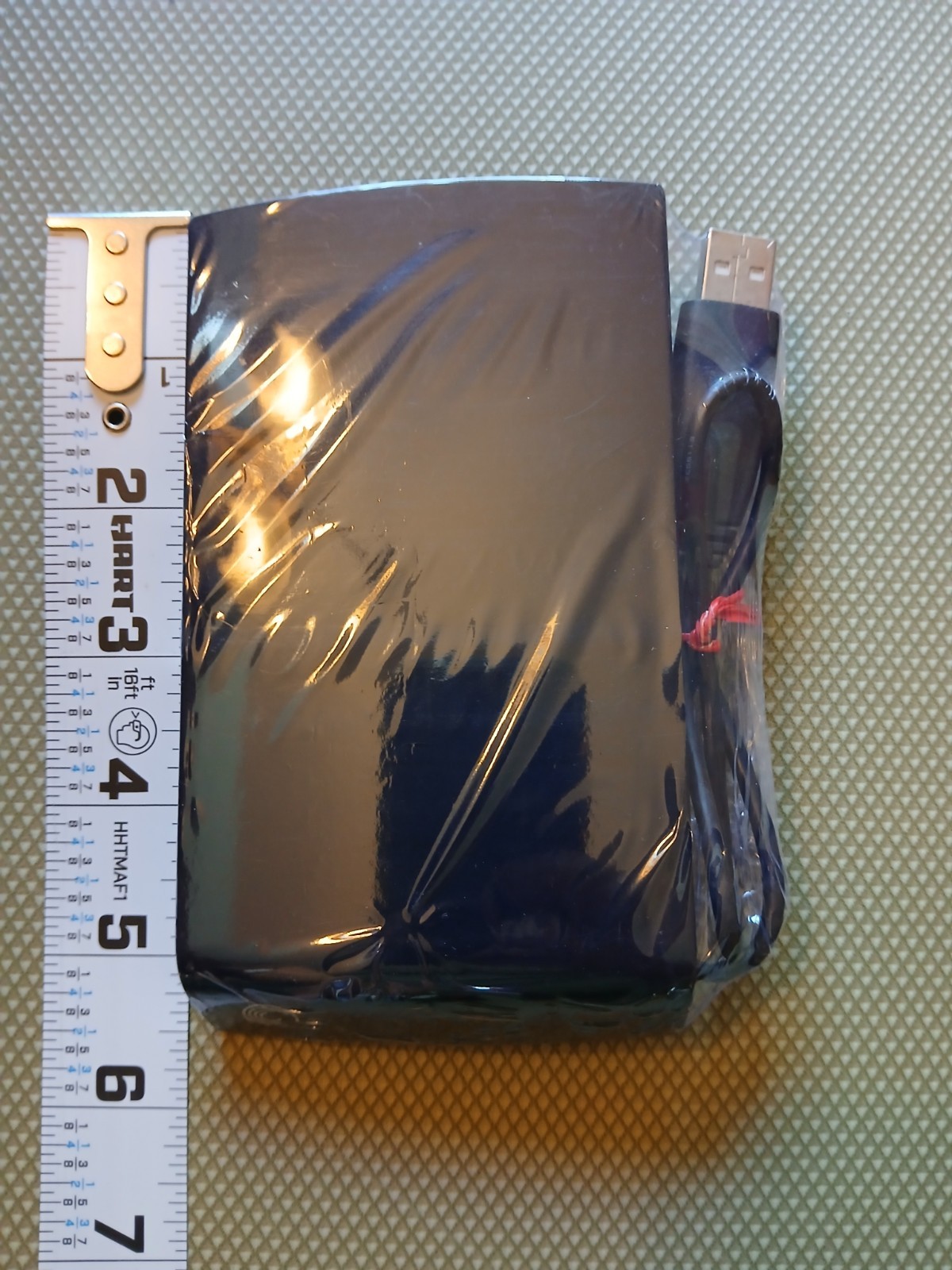
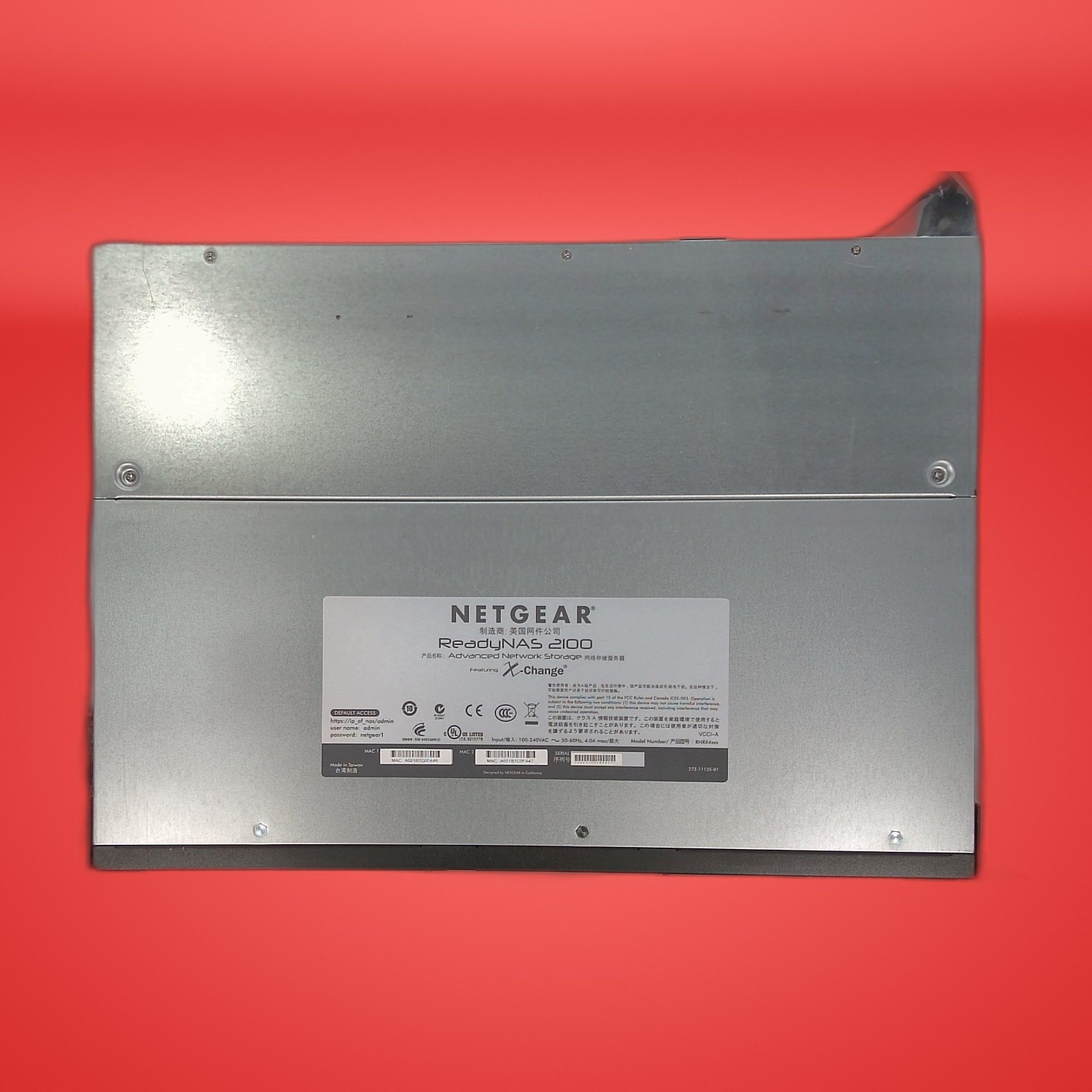
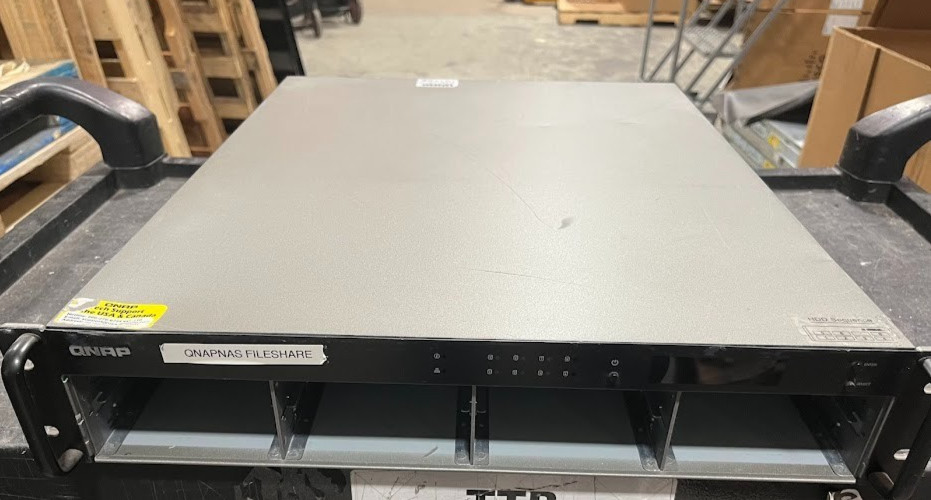
The 5-Bay NAS Enclosure with Drive Trays is the more natural fit when your priority is a multi-bay enclosure for shared files, photos, and videos. Its five bays and included drive trays are the central reasons to choose it, and the black Network Attached Storage enclosure is described for home or small-office use. That gives the decision a clear shape: prioritize the chassis format and bay count rather than a specified capacity or software feature list. The concrete limitation is its condition and test status. It is listed as used; its power indicator turns on, but no additional testing has been done. Choose it when five bays are essential, and avoid making it your first choice if a new condition is essential.
LinkStation 210 2TB

The LinkStation 210 2TB is the clearer match for someone who wants a defined storage amount and a feature set centered on access and backup. The listed 2TB capacity, one-bay form factor, HDD support, and Windows/macOS compatibility make its intended configuration easy to understand. Centralized storage, automated backup, file sharing, cloud storage, data security, and encrypted transfer add concrete reasons to choose it for a connected home setup. Its main limitation is the one-bay design: shoppers specifically seeking a five-bay enclosure will find the layout does not match that requirement. Pick it when the stated 2TB setup and backup features matter more than multi-bay expansion.
Final choice by use case
- Choose the 5-Bay NAS Enclosure with Drive Trays for a five-bay layout, included drive trays, and a home or small-office file-sharing enclosure.
- Choose the LinkStation 210 2TB for a new one-bay NAS with 2TB storage, HDD support, Windows/macOS compatibility, and automated backup features.
The decision is ultimately about architecture: five bays and an enclosure-first approach versus one bay with a more specifically described storage and backup setup.