Need a network-attached storage unit for home file access, or a hard drive for a storage system you already have? These two choices sit at different points in nas storage & drives: the D-Link DNR-326 is a NAS desktop unit with Ethernet, while the Seagate IronWolf Pro NAS HDD is made for NAS and server storage. The useful shortcut is to choose by hardware role first, then compare price and condition.
Quick verdict
If you need the network-attached device itself, D-Link is the clearer fit. Its role is a NAS desktop unit for Ethernet-based access, backing up, and storing files; Seagate is aimed at adding a hard drive to a NAS, server, workstation, or backup system. The listed price difference is $219.99, so this is not a simple price contest: you are comparing a storage unit with a storage drive. Choose D-Link for the network-storage function. Choose Seagate for the high-capacity drive function, especially if SATA and a 3.5-inch format match the system you are building or upgrading.
Compact comparison
| Product | Hardware role | Condition | Price |
|---|---|---|---|
| D-Link DNR-326 | NAS desktop unit | Used | $50.00 |
| Seagate IronWolf Pro NAS HDD | NAS hard drive | Excellent - Refurbished | $269.99 |
Where each product wins
Where D-Link wins
Go with D-Link if your immediate task is adding a network-attached device for backups and file storage in a home or office network. Its Ethernet interface and NAS desktop-unit wording align with that job, while the lower listed price gives it the simpler entry point. It is not competing on the same hardware role as Seagate: the latter is a hard drive, while D-Link is the network-storage device. That makes D-Link the practical pick for someone who needs network access rather than a replacement or additional disk.
Where Seagate wins
Choose Seagate when the goal is adding a drive for a NAS, server, backup system, workstation, or other high-capacity storage role. The 10TB capacity, SATA interface, 3.5-inch form factor, 7200 RPM spindle speed, and 256 MB cache give you a clearly defined drive specification to match against your hardware. The lower-priced D-Link cannot serve as a substitute for that standalone hard-drive role. Seagate is the choice when a high-capacity drive is the priority. Its limitation is the reverse: it is not a NAS desktop unit.
Product notes
D-Link DNR-326 NAS Desktop Unit
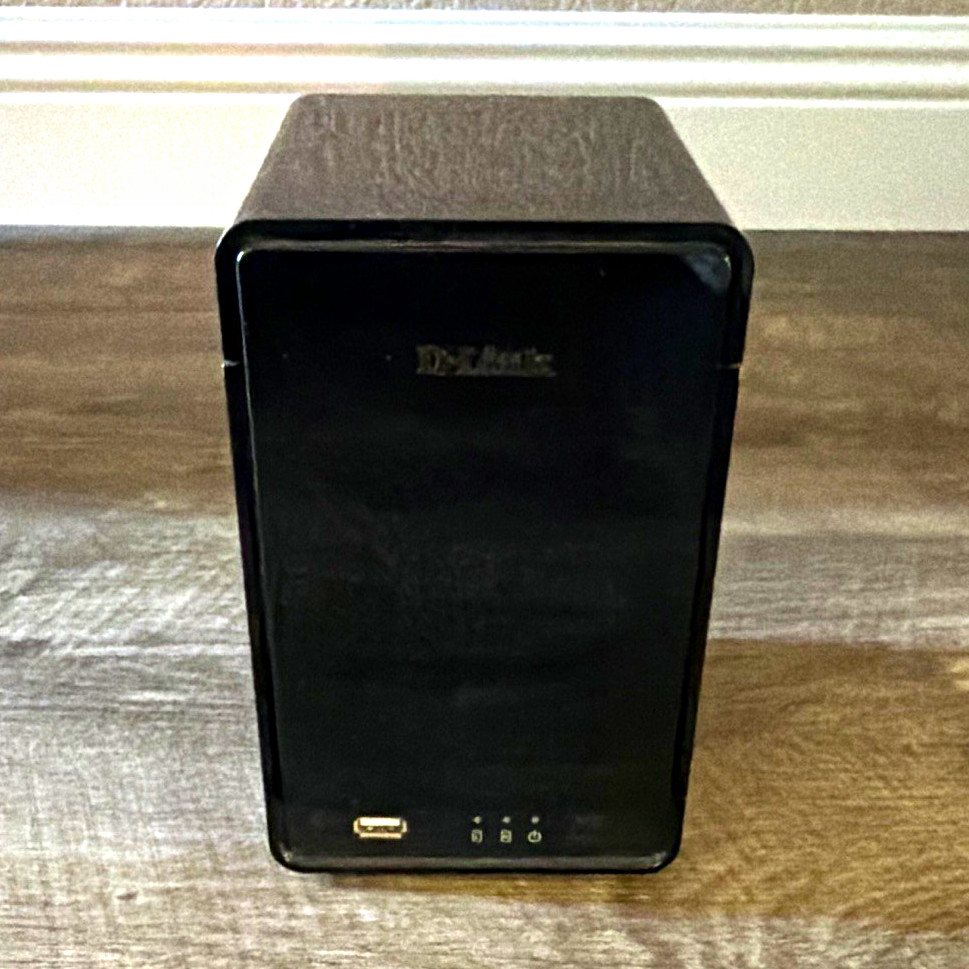
D-Link DNR-326 makes sense for a shopper whose priority is network file storage rather than a bare disk. It is a NAS desktop unit with an Ethernet interface, and its stated use covers backing up and storing data on a home or office network. That concrete role is the reason to choose it: the hardware is aimed at network access. The trade-off is its condition and power requirement. It is marked Used, sold as is, and requires a 12V adapter. Those details may matter more here than extra drive specifications. Choose D-Link when the NAS unit itself is what your setup lacks; its limitation is that it is not the NAS HDD offered by Seagate.
Seagate IronWolf Pro NAS HDD
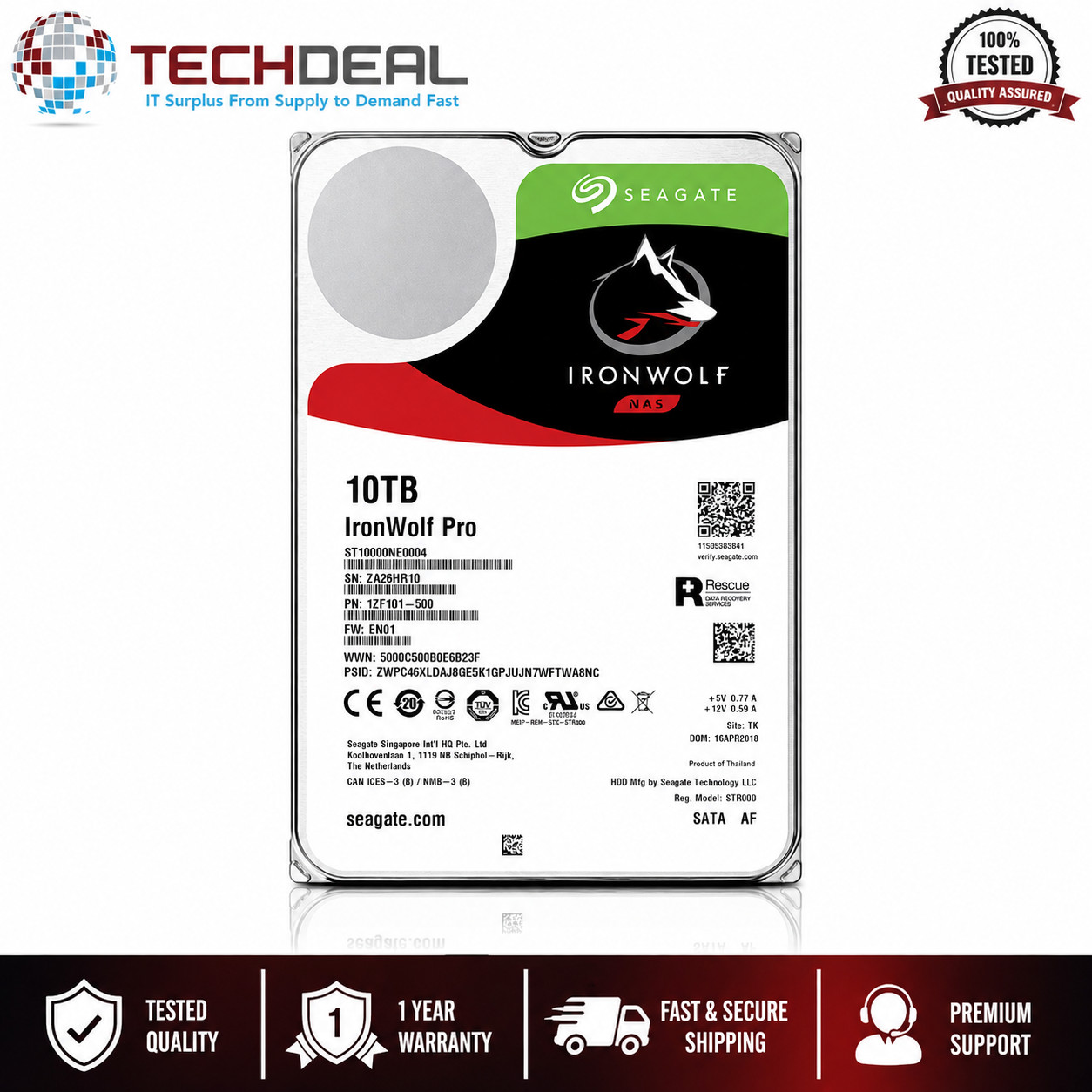
Seagate IronWolf Pro NAS HDD is a clear match for a capacity-focused storage upgrade. It is intended for NAS environments, servers, backup systems, workstations, and high-capacity storage. The SATA interface, 3.5-inch form factor, and 256 MB cache define the drive's specification, while its condition is Excellent - Refurbished. It is professionally tested before shipment. That gives it a concrete reason to choose when a drive rather than a network-attached unit is needed. The limitation is scope: it is a hard drive, not a network-attached desktop unit, so it does not fill the same role as the D-Link. Select Seagate when your storage system needs a NAS drive; choose D-Link instead when you need the network-attached unit itself.
Final choice by use case
- Home or office network backups and file access: choose D-Link DNR-326, whose NAS desktop-unit role is the relevant match.
- Adding a hard drive to a NAS, server, workstation, or backup system: choose Seagate IronWolf Pro for that storage role.
- When the lower listed price is decisive: choose D-Link, provided the 12V adapter requirement and Used, sold-as-is condition fit.
- When the missing piece is a high-capacity drive rather than a network storage unit: choose Seagate.
The decisive question is hardware role, not a universal winner. D-Link addresses network-attached storage as a device; Seagate addresses drive capacity inside a compatible storage system. Start with the missing piece-network unit or NAS hard drive-and the choice becomes straightforward.
