Choosing NAS storage & drives comes down to a clear trade-off: do you want the QNAP TS-809 Pro's 8-bay format and server-oriented design, or the UGREEN DH2300's beginner-friendly home setup? The practical answer is to match the hardware to your storage plan rather than treating the two NAS units as interchangeable.
Quick verdict
The QNAP TS-809 Pro is the better fit when an installed 128GB SSD in bay 1 and the product's iSCSI target-server role matter most. Its missing power cord is the main practical complication.
The UGREEN DH2300 makes more sense for a first-time home NAS buyer who prioritizes an accessible interface, an 8-core CPU, and 4GB LPDDR4X. Its convenience-focused approach comes with a higher listed price and fewer drive bays.
At a glance
| Product | Listed price | Format and condition |
|---|---|---|
| QNAP TS-809 Pro | USD 297.49 | 8-bay; Used |
| UGREEN DH2300 | USD 349.60 | 2-bay; New |
Where each product wins
QNAP wins on drive-bay capacity and server-specific positioning. The 8-bay format is the decisive attribute for someone planning a multi-drive network storage setup, while the title's iSCSI target-server designation gives the unit a more specialized role. Its lower listed price also keeps the comparison focused on storage capacity and server function.
UGREEN wins on approachability for home users. The beginner-friendly UI and included HDMI cable point toward a simpler first NAS experience. The price spread between the two choices is $52.11, so the DH2300 is most compelling when its easier setup path matters more than the QNAP's additional drive positions.
Product notes
QNAP TS-809 Pro
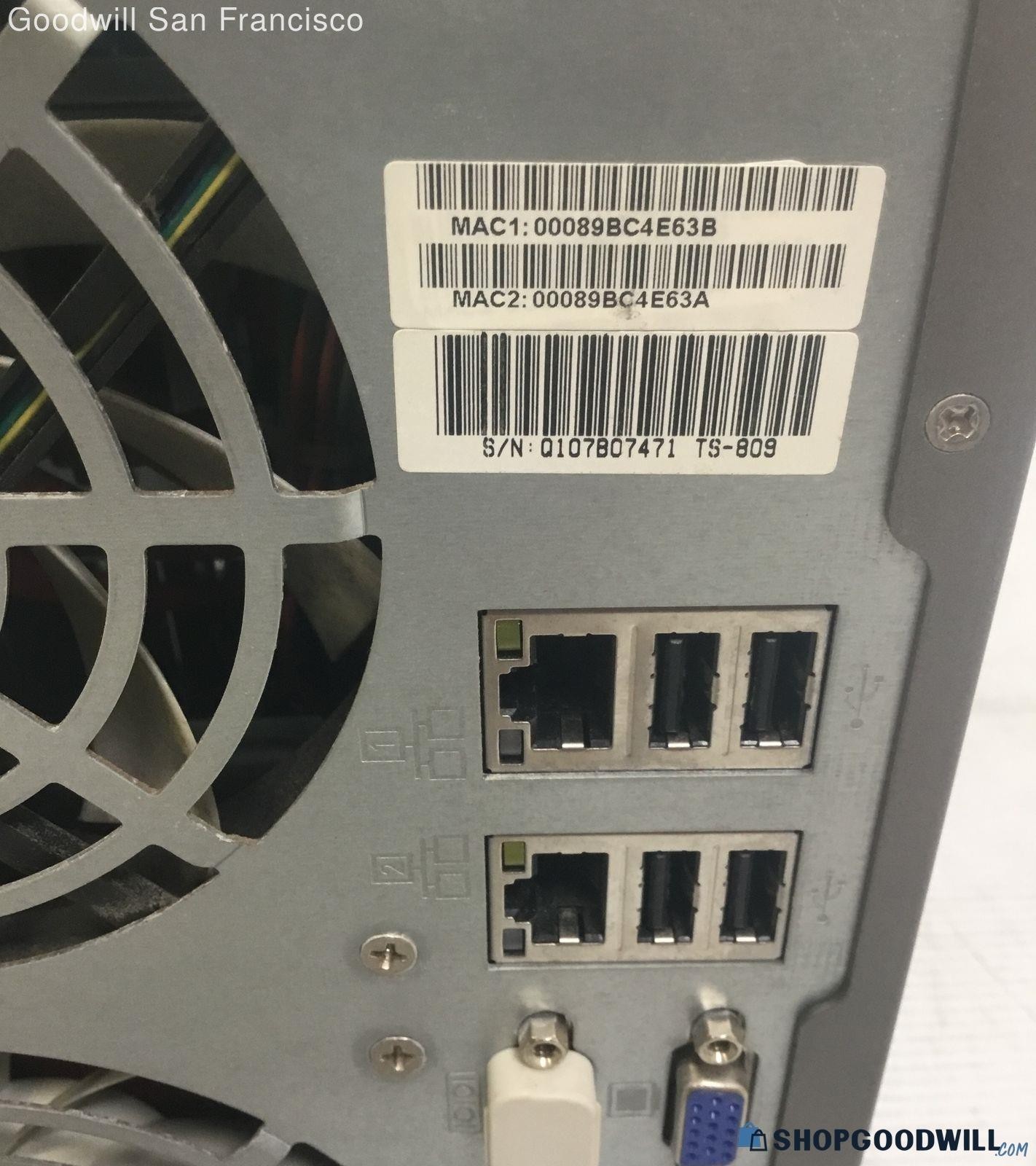
The QNAP TS-809 Pro suits a shopper who wants a specific starting point for network storage: an installed 128GB SSD in bay 1 is called out, and the title identifies an iSCSI target server. Its desktop external HDD type also makes the product's format clear. The limitation is practical rather than abstract. The unit is marked Used, and a power cord is not included; the cord type is described as standard desktop PC type. That omission matters when planning the setup, even though the cable specification is straightforward. Choose the QNAP when the installed SSD and server-oriented design matter more than a bundled accessory. If the missing cord is inconvenient, factor that into the decision before choosing this route.
UGREEN DH2300
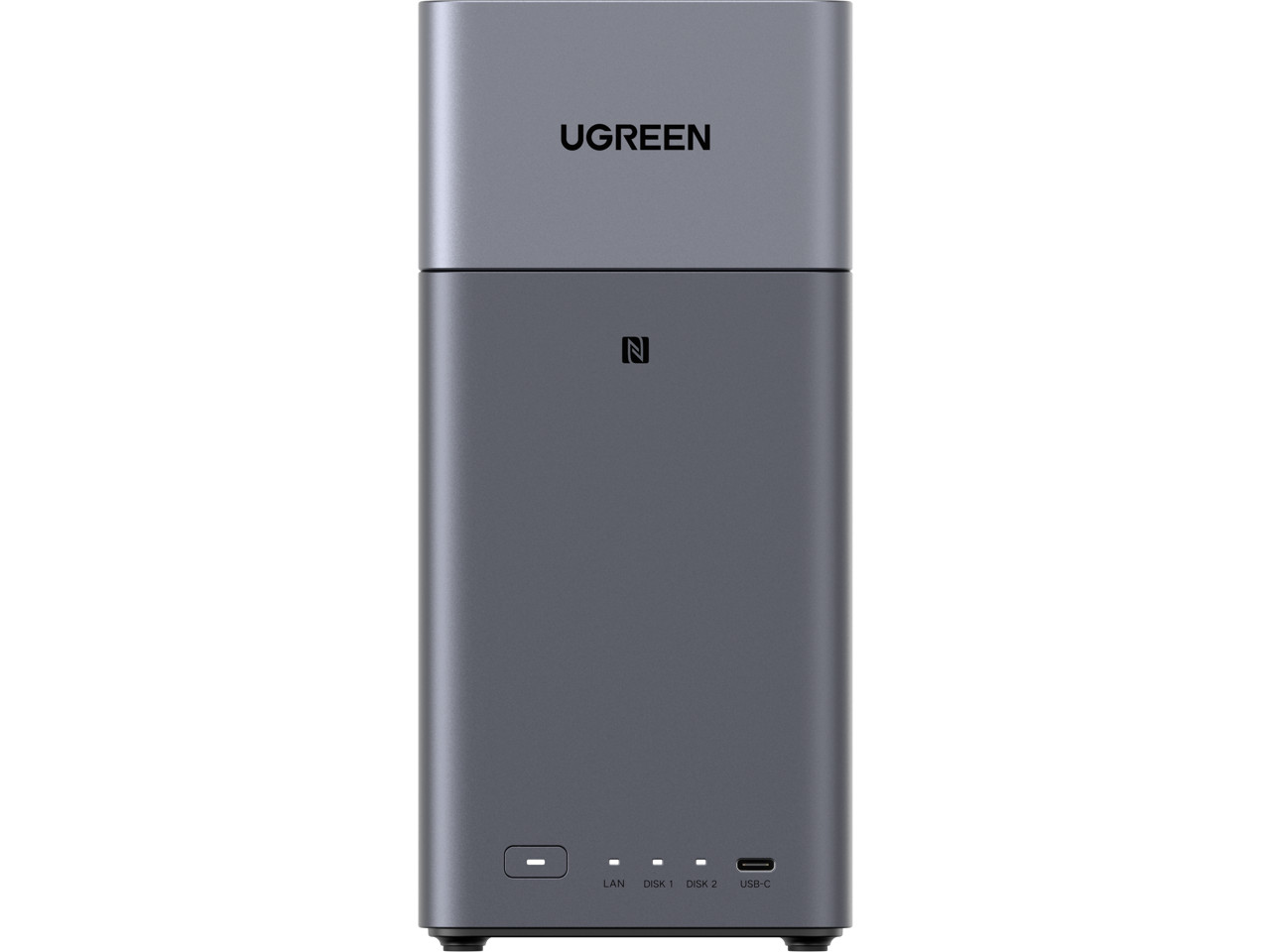
The DH2300 is aimed at a first-time home NAS buyer who wants approachable hardware around a storage hub. Its 8-core CPU and 4GB LPDDR4X are concrete specifications, while the beginner-friendly UI supports a simpler starting point. The main limitation is its price position: at USD 349.60, it sits above the QNAP in this comparison. Its 2-bay format is also the key physical constraint relative to the eight-bay QNAP. Pick the DH2300 if the HDMI-equipped setup and accessible interface matter more than maximum drive positions. The product's New condition reinforces that straightforward purchase path, but shoppers focused on a larger multi-drive plan may find the QNAP's format more relevant.
Final choice by use case
- Choose the QNAP TS-809 Pro for a multi-drive NAS storage plan where the 8-bay format is the deciding attribute.
- Choose the UGREEN DH2300 for first-time home NAS use where its beginner-friendly UI and HDMI-equipped setup are more useful than additional drive positions.
