Choosing NAS storage & drives can look like a specs contest, but the first decision is simpler: do you want a server-style route or a home-focused storage hub? The QNAP TS-809U and UGREEN NASync DH2300 point in different directions, so the right purchase depends on physical format, drive count, condition, and ease of setup. The useful choice is matching those priorities to the job rather than treating either NAS as universally preferable.
Quick verdict
QNAP TS-809U is the clearer fit for a server-style NAS project where an 8-bay, 2U rackmount configuration is central. UGREEN DH2300 is the clearer fit for a home NAS shopper who wants a storage hub and beginner-friendly UI. The tension is physical format versus approachable setup; neither price nor a raw hardware number settles it alone.
Price and feature comparison
| Comparison | QNAP TS-809U | UGREEN DH2300 |
|---|---|---|
| Listed price | USD 270.75 | USD 349.60 |
| Condition | Used | New |
| Hardware cue | 1 GB cache | Rockchip RK3576, 8-core CPU, 4GB LPDDR4X, 1GB |
Where each product wins
Where QNAP wins
QNAP wins when the project specifically calls for the physical format named in its product title: 8-bay, 2U rackmount. That is a clear fit for a multi-drive rack project, without implying that the chassis is universally superior. Remote Access gives QNAP another concrete reason to favor it when that function is part of the brief. The trade-off is the drive setup: No HDDs No Caddies is explicit, so the buyer must plan around that configuration.
Where UGREEN wins
UGREEN wins when New condition is the deciding factor and a storage hub is more appropriate than rack hardware. Its family-and-personal-use focus gives the DH2300 a clear home NAS role, while the HDMI cable is a useful included detail. The choice is still conditional: the two-bay design is not the same physical proposition as QNAP's eight-bay server. Pick UGREEN when that compact hub format matches the intended setup.
Product notes
QNAP TS-809U Rackmount NAS Storage Server
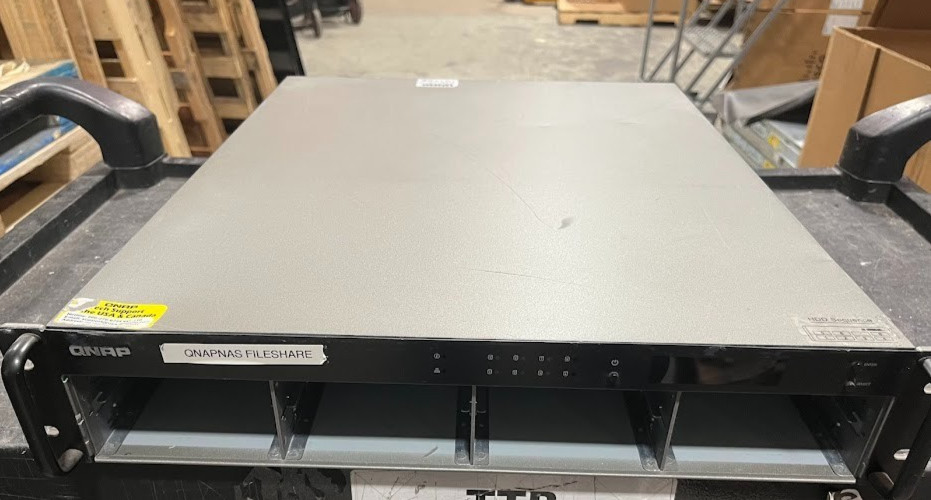
For a project that specifically needs remote access, QNAP has a concrete reason to make the shortlist: Remote Access is a named feature. The bigger practical caveat is the package definition. It is marked Used and has No HDDs No Caddies, so the buyer is taking on the drive-and-caddy portion separately. That limitation matters more than the cache figure for someone seeking a complete, ready-to-populate setup. Choose QNAP when Remote Access is central; its used, drive-less configuration is a poor match for a buyer who wants those parts included.
UGREEN NASync DH2300 Storage Hub
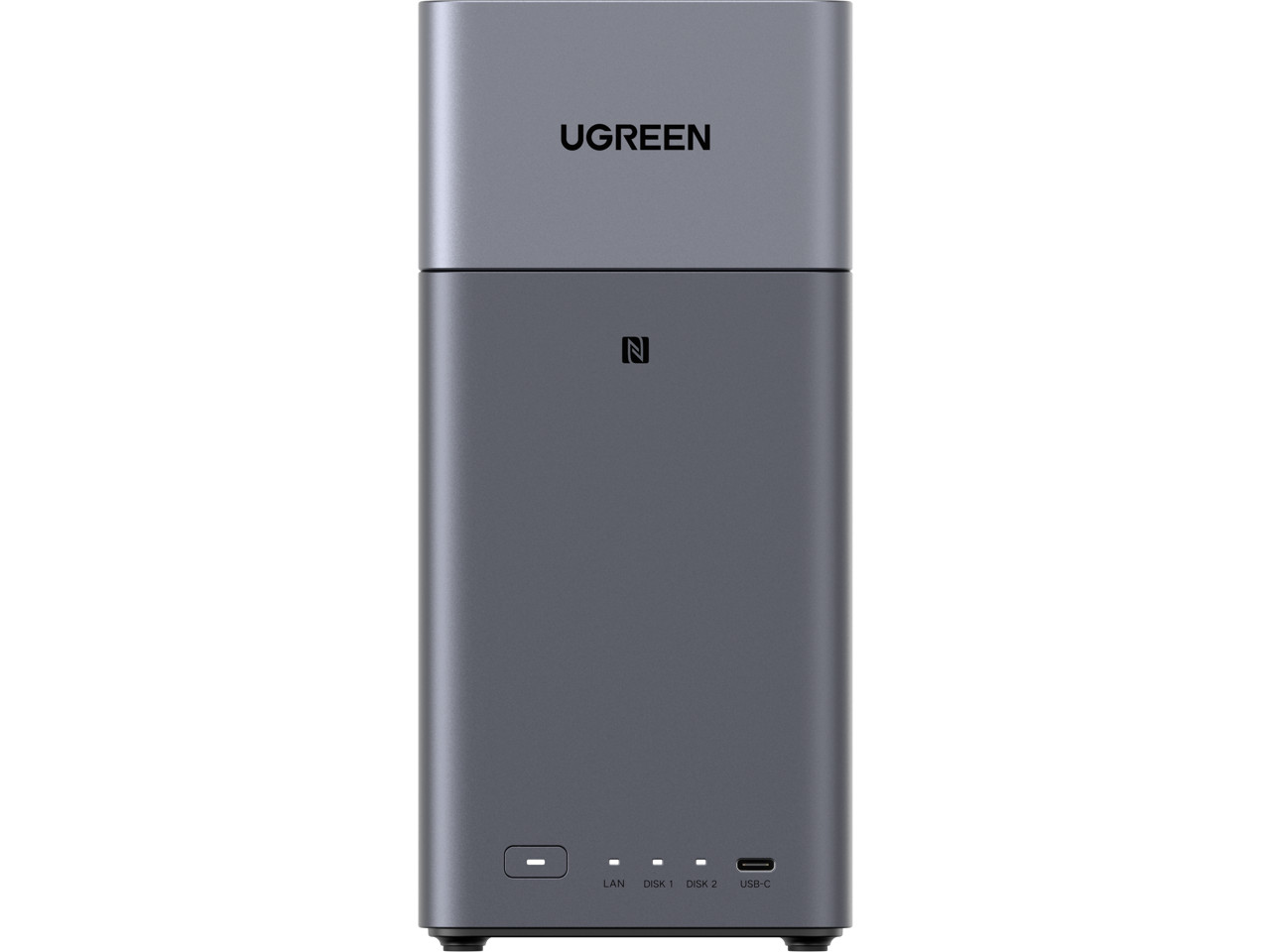
UGREEN NASync DH2300 suits a first-time home NAS shopper who wants approachable setup cues. Beginner-friendly UI is a concrete reason to choose it, while its family-and-personal focus keeps the use case clear. The included HDMI cable adds a direct connection detail, and the Rockchip RK3576 8-core CPU, 4GB LPDDR4X, and 1GB memory identify the hardware configuration without, by themselves, deciding performance. The limitation is the 2-bay layout: it does not answer the same multi-drive rackmount brief as QNAP's server. Choose DH2300 for home-oriented usability and the included cable; its smaller bay count is the key trade-off.
Final choice by use case
- Server-style NAS project: Choose QNAP TS-809U when the server configuration is the central requirement and the drive-less setup fits the plan.
- First-time home NAS: Choose UGREEN NASync DH2300 when an approachable storage hub is the priority.
- Price-led tie-breaker: QNAP is USD 270.75 and UGREEN is USD 349.60, a $78.85 gap. The lower figure points to QNAP, but only if its configuration matches the work.
