Choosing NAS storage & drives starts with a fork: do you need the networked platform for a home cloud, or storage to add to an enclosure you already own? The 2-Bay Network Attached Storage NAS Enclosure and the MDD 24TB NAS Hard Drive fill different roles, so the right pick depends on which part of your setup is missing.
Quick verdict
Choose the 2-Bay enclosure for a new home NAS project; choose the MDD drive when the enclosure already exists and you need its storage component. They are not interchangeable: one supplies the device platform, while the other is the drive that goes inside a platform.
At-a-glance comparison
The clearest difference is role. Prices are shown alongside that distinction rather than treated as interchangeable alternatives.
| Decision point | 2-Bay NAS enclosure | MDD 24TB NAS hard drive |
|---|---|---|
| Listed price | USD 346.97 | USD 509.95 |
| Product role | Two-bay, diskless network storage enclosure | Internal NAS hard drive |
| Listed compatibility | Android | PC |
| Condition | New | Used |
Where each product wins
The 2-Bay NAS enclosure wins for building the system
This is the more relevant route when the goal is a private cloud rather than a replacement disk. Its description centers on file access, backups, and remote viewing through multiple IP cameras, with access from desktop, laptop, Mac, PC, and mobile devices. The tabletop format suits the stated home or small-team setting. Its strength is functional scope: it establishes the enclosure and network-access side of the project in one purchase, while leaving the drive choice open. That is useful when you want to assemble storage around drives selected for your own needs.
The MDD drive wins for adding storage
The MDD option fits an expansion task more directly. Its title specifies 24TB, 7200RPM, 512MB cache, and SATA 6Gbs, while the attributes add a 3.5 in form factor and hot-swap feature. Those details give a buyer concrete matching points for an existing setup. They should be read as specifications, not automatic proof that the drive is faster or better than the enclosure. Its advantage is scope: it addresses the storage-device side of the decision.
Product notes
2-Bay Network Attached Storage NAS Enclosure
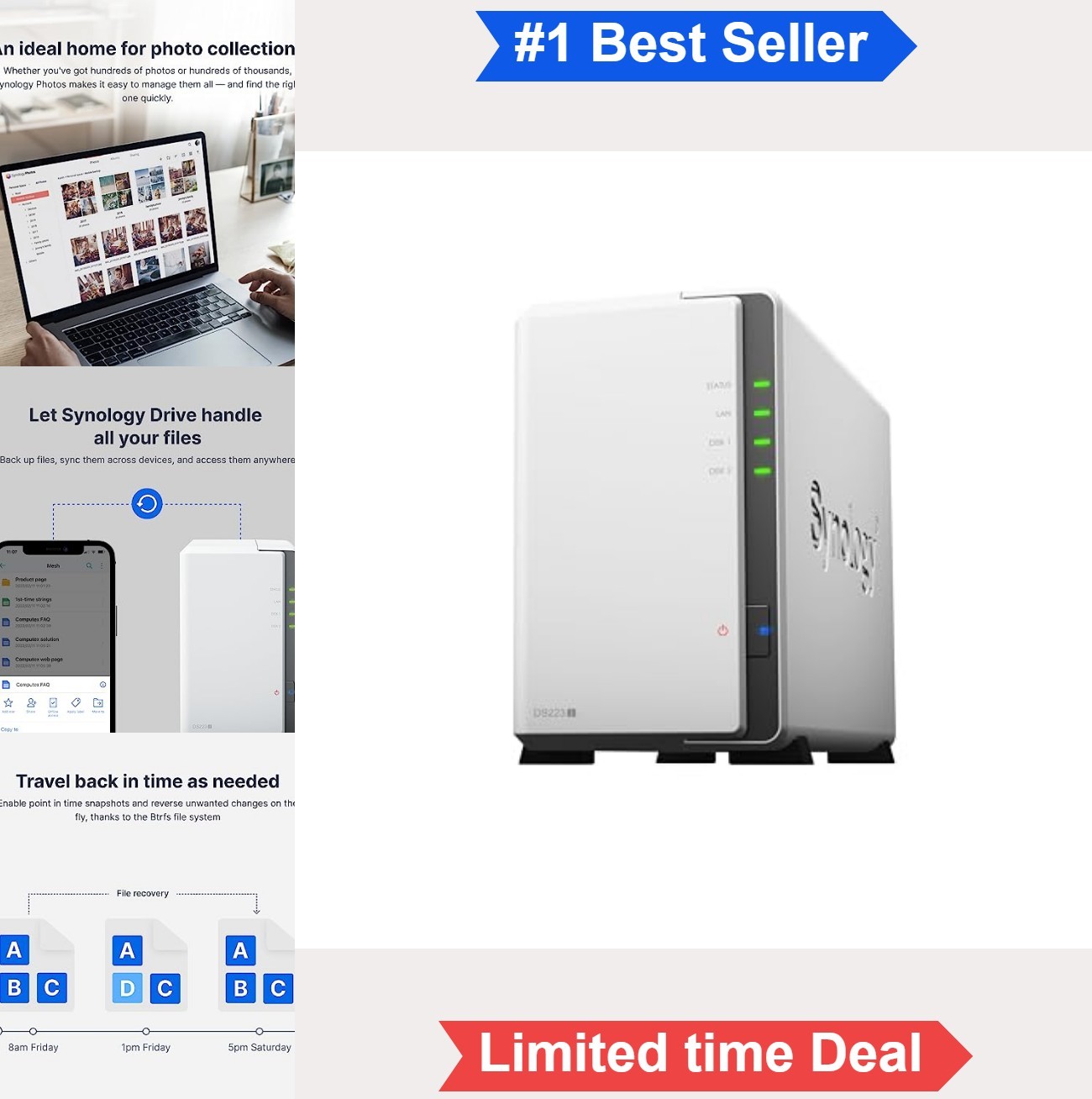
Choose the 2-Bay Network Attached Storage NAS Enclosure when you want the network layer for a private home cloud. The description connects it with file access, backups, and remote viewing, and names desktop, laptop, Mac, PC, and mobile use. The white tabletop format and plastic-and-tempered-glass construction fit the stated home or small-team setting. The limitation is in the title: "Diskless" means the USD 346.97 purchase is an enclosure rather than a ready-filled storage unit, so storage drives remain a separate part of the build. That makes it a sensible starting point for assembling a NAS, but not the answer for someone specifically seeking a single internal drive.
MDD 24TB NAS Hard Drive
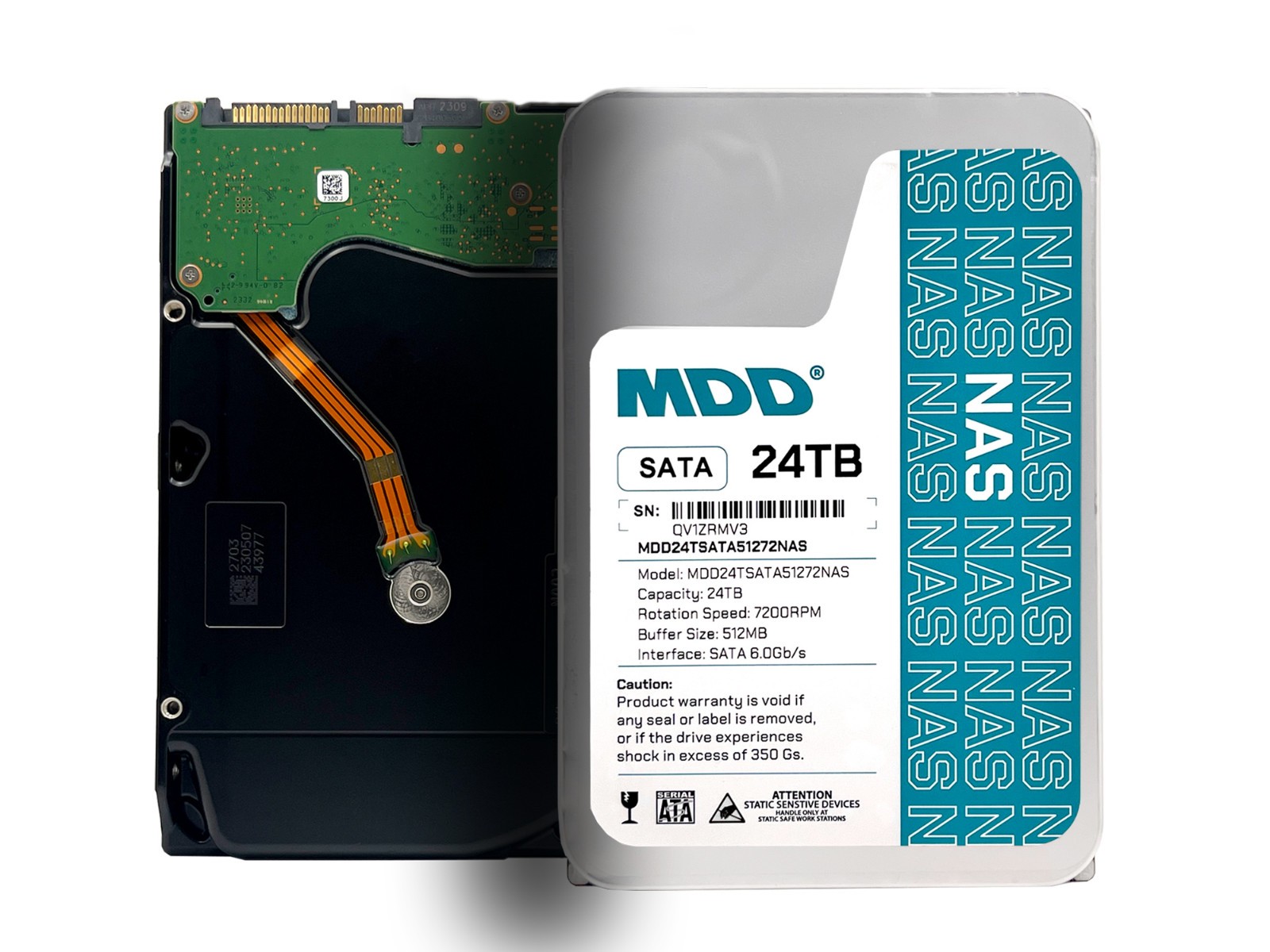
The MDD 24TB 7200RPM NAS Hard Drive makes sense when the missing piece is a drive, not a network enclosure. The listed 3.5 in form factor and hot-swap feature give you concrete matching points for an existing storage setup, while the blue color is specified. Its main limitation is condition: it is listed as used. The USD 509.95 price is attached to a single drive, so this purchase does not provide the private-cloud interface or camera-monitoring role described for the enclosure. Select it for the stated drive characteristics and capacity, not as a shortcut to a complete NAS. That distinction matters when comparing a storage component with a device platform.
Final choice by use case
- Starting a new home NAS or private-cloud build: Choose the 2-Bay NAS enclosure.
- Adding a drive to an enclosure you already own: Choose the MDD NAS hard drive.
- Comparing the two as direct substitutes: Do not; their product roles are different.
The deciding question is simple: are you buying the network-storage platform, or filling one with a drive? Answer that first, and the comparison becomes straightforward.
