Choosing a bootable backup and recovery USB comes down to the recovery details that matter for your computers-not simply the small price gap. Both Rescuezilla options are brand-new USB-format tools with lifetime license categories and titles centered on backup and recovery. The decision is whether the Rescuezilla Disk Imaging USB's stated Clonezilla-image compatibility and minimum system requirements suit your routine, or whether the Rescuezilla System Backup USB's unlimited-device listing and BIOS/UEFI details are more useful.
Quick verdict
Pick the Rescuezilla Disk Imaging & Recovery USB when restoring or working with Clonezilla images is a priority. It also names Linux, Microsoft Windows 10 64-bit, and Mac among its operating-system compatibility details, along with minimum hardware requirements.
Pick the Rescuezilla System Backup & Recovery USB Flash Drive when an unlimited number of devices is central to the plan. Its description also calls out BIOS and UEFI systems plus NTFS, ext4, and HFS+.
The listed prices are just $0.53 apart: USD 14.95 for the System Backup USB and USD 15.48 for the Disk Imaging USB. Focus first on the recovery environment and device-use details.
Compact comparison
| Detail | Rescuezilla Disk Imaging & Recovery USB | Rescuezilla System Backup & Recovery USB Flash Drive |
|---|---|---|
| Listed price | USD 15.48 | USD 14.95 |
| Format and license category | USB; Lifetime | USB; Lifetime |
| Recovery emphasis | Disk imaging, backup, and recovery; Clonezilla-image compatibility stated | System backup and recovery; Rescuezilla ISO preloaded |
| Additional named details | Linux, Windows 10 64-bit, and Mac; 2 GB storage, 1 GHz processor, 1 GB RAM minimums | Unlimited devices; BIOS/UEFI; NTFS, ext4, and HFS+ |
Where each Rescuezilla USB wins
Rescuezilla Disk Imaging & Recovery USB stands out for a Clonezilla-oriented workflow. The explicit statement of Clonezilla-image compatibility gives it a concrete role for restoring, cloning, or migrating systems using those images. Its named minimums-2 GB of hard-drive space, a 1 GHz processor, and 1 GB of RAM-also make the stated operating baseline clear.
Rescuezilla System Backup & Recovery USB Flash Drive is the more fitting choice for someone prioritizing a stated unlimited device count. The BIOS and UEFI wording broadens the set of boot environments named in its description, while the listed NTFS, ext4, and HFS+ formats speak directly to common file-system scenarios.
Product notes
Rescuezilla Disk Imaging & Recovery USB
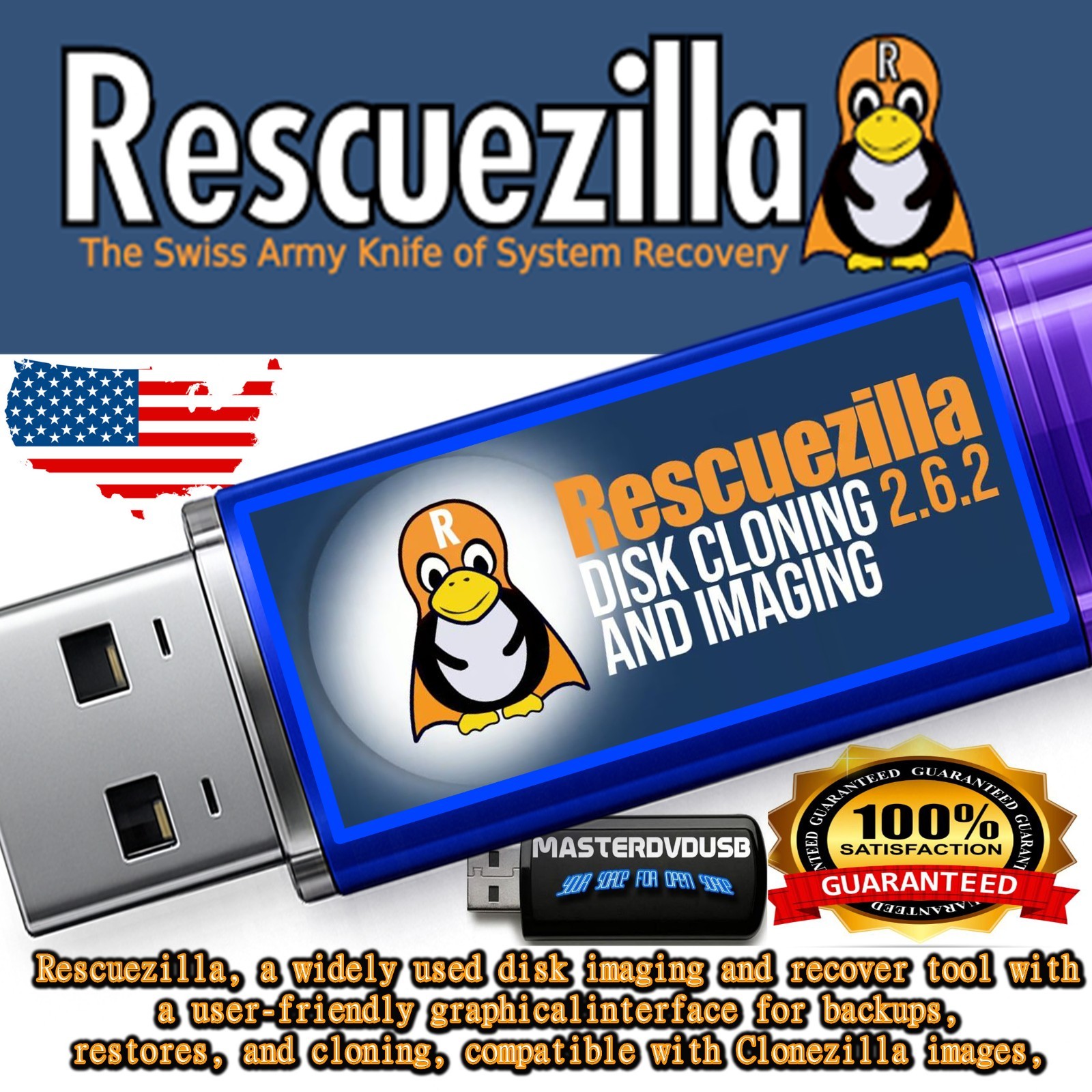
The Rescuezilla Disk Imaging & Recovery USB is the stronger match when Clonezilla images already figure into a backup or restoration routine. Its description specifically identifies Clonezilla-image compatibility, while the title centers disk imaging, backup, and recovery. The listed operating-system details name Linux, Microsoft Windows 10 64-bit, and Mac, and the USB format supports its role as a bootable recovery tool. At USD 15.48, it is the higher-priced option in this comparison. Its concrete limitation is the stated operating baseline: 2 GB of minimum hard-drive space, a 1 GHz minimum processor speed, and 1 GB of minimum RAM need to fit the computer being used.
Rescuezilla System Backup & Recovery USB Flash Drive
The Rescuezilla System Backup & Recovery USB Flash Drive fits shoppers who want the listing's unlimited number-of-devices detail to guide their choice. It is a brand-new USB option with a lifetime license category, and its description identifies a Rescuezilla ISO on the flash drive. BIOS and UEFI support are named, as are NTFS, ext4, and HFS+, giving it a specific backup-and-recovery profile. Its limitation is also its focus: the USB is presented around Rescuezilla, so the appeal is strongest for someone intentionally choosing a Rescuezilla-based recovery setup. The USD 14.95 listed price places it at the lower end of this two-item comparison.
Final choice by use case
Choose the Rescuezilla Disk Imaging & Recovery USB for Clonezilla-image compatibility, named Linux/Windows 10 64-bit/Mac support, and clearly stated minimum hardware requirements. Choose the Rescuezilla System Backup & Recovery USB Flash Drive for the unlimited-device listing, BIOS/UEFI wording, and named NTFS, ext4, and HFS+ support. With only $0.53 between the listed prices, those usage details are the more meaningful deciding factors.
