When your PC won't boot and you need to recover files or restore a backup, the right bootable USB drive can turn a frustrating situation into a straightforward repair. You're choosing between two ready-made boot drives: the TrueNAS 25.20 USB Installer Flash Drive and the DLC Boot 2022 Flash Drive. Both are ready-made USB media that let you plug in and boot without creating your own installer. The real question is whether you want a focused storage-server installer or a broader repair toolkit.
Quick verdict
If your goal is to set up or reinstall TrueNAS-powered storage and a home cloud server, the TrueNAS drive is the direct route. If you want a multi-purpose utility drive for system repair and recovery, the DLC Boot 2022 pack is the more versatile pick.
Price comparison
| Product | Listed Price | Price Bar | Focus |
|---|---|---|---|
| TrueNAS 25.20 USB Installer Flash Drive | USD 15.48 | Storage OS installer | |
| DLC Boot 2022 Flash Drive | USD 18.00 | System repair toolkit |
The listed price difference is $2.52, which is small compared with the time you might save by starting with a bootable USB instead of building one from scratch.
Where each product wins
Choose the TrueNAS 25.20 USB Installer Flash Drive when you want a dedicated, multilingual installer for TrueNAS storage. It lists compatibility with Linux, Mac, and Windows systems and is positioned for building a home cloud server.
Choose the DLC Boot 2022 Flash Drive when you need a general repair toolkit. Its feature set points to data recovery, partition management, password reset, and backup utilities, and the open-source license category fits a DIY workflow.
Product notes
TrueNAS 25.20 USB Installer Flash Drive - Build a Rock-Solid Home Cloud Server
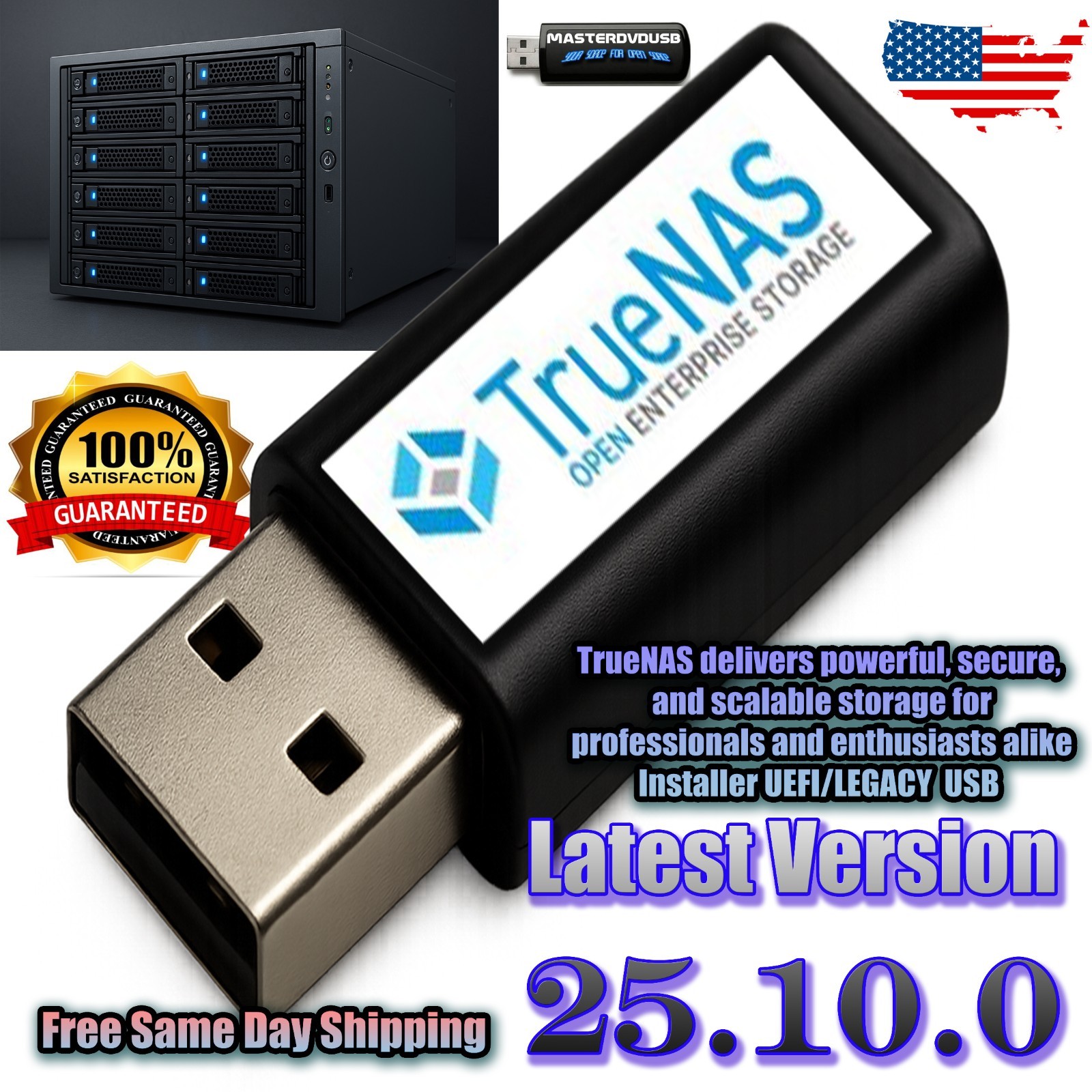
This flash drive is a straightforward way to bring TrueNAS onto a 64-bit PC or server. The drive is prepared to boot, so you can skip the download-and-burn step when you're setting up network-attached storage. It also carries a multilingual label and works across Linux, Mac, and Windows environments, which fits a mixed-device home lab.
It does have a narrow mission: it's an installer for TrueNAS rather than a general repair suite. If your immediate task is recovering files from a broken Windows PC, you'll need a separate toolkit or another bootable drive. The setup needs a 4 GB minimum RAM and a 500GB×500GB hard-drive footprint, so this is more about building storage than quickly patching a failing desktop.
DLC Boot 2022 Flash Drive Live Ultimate Bootable Tools for System Repair
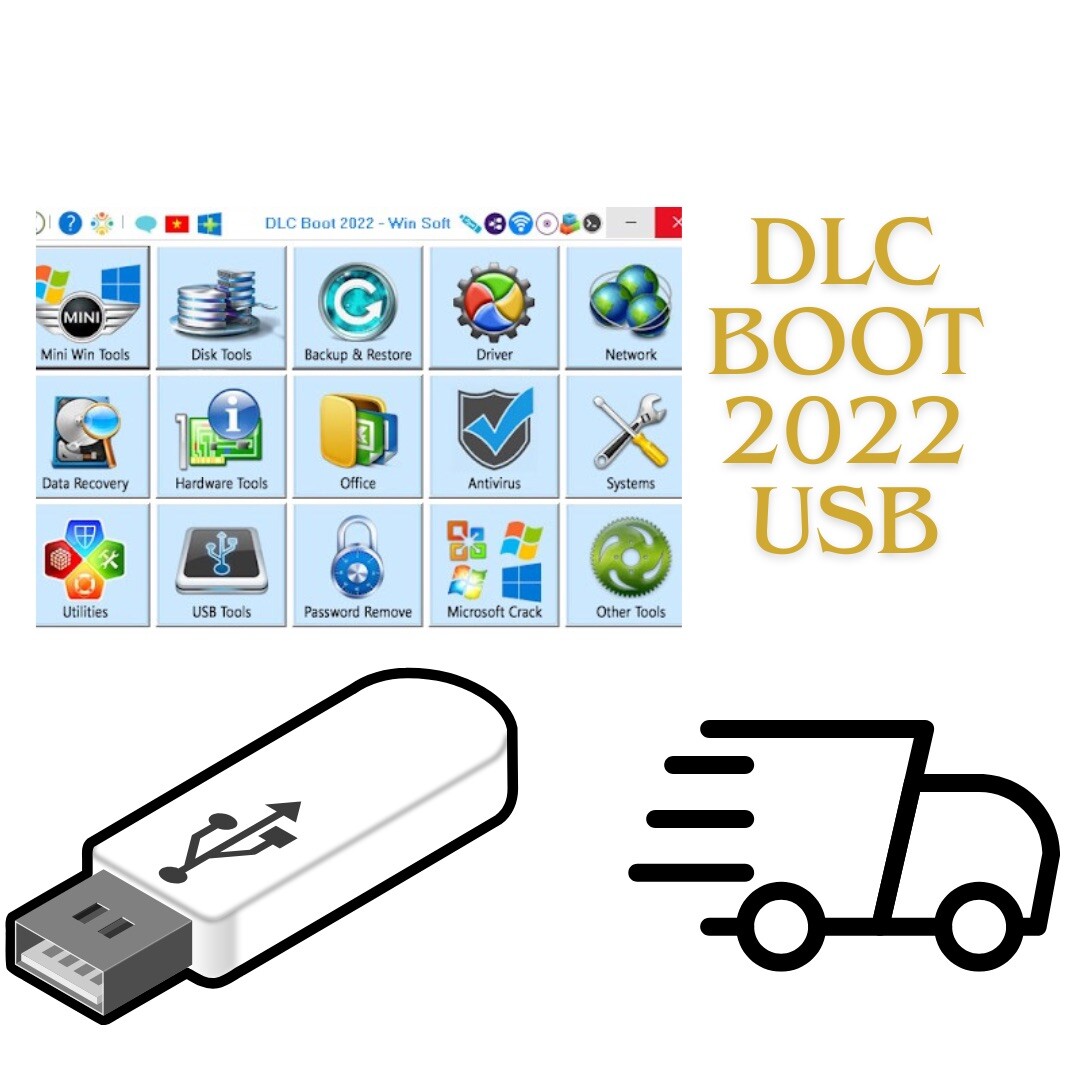
This USB drive positions itself as a repair companion for system rescue. The included tools point to data recovery, partition management, password reset, and backup, making it a useful thing to keep in a tech bag. It comes as a brand-new USB flash drive with unlimited device coverage, and the 2022 model name labels this collection of bootable utilities.
The trade-off is that it's a general-purpose repair drive rather than a storage OS installer. If you need to build a TrueNAS server, the TrueNAS drive is more direct. The utility set has an open-source license rather than a specific vendor, which fits a DIY repair workflow. It is effectively a ready-made repair disk rather than a storage OS installer.
Final choice by use case
Build a home cloud server or TrueNAS system: Choose the TrueNAS 25.20 USB Installer Flash Drive. It's the lower-priced option at USD 15.48 and includes the storage-OS focus you need.
Rescue a failing PC or perform general system maintenance: Choose the DLC Boot 2022 Flash Drive for its collection of repair and recovery tools, despite the slightly higher listed price of USD 18.00.
