When your PC won't boot, the recovery medium you reach for can mean the difference between restoring your files in minutes and rebuilding everything from scratch. In utilities backup data recovery, two prepackaged imaging tools face off: the Redorescue-branded rescue disk and the Rescuezilla bootable DVD. Both are built to back up, restore, and recover a hard drive, but the format and feature mix differ enough that the right pick depends on your hardware and workflow.
Quick Verdict
For most users, the Rescuezilla DVD is the easier recommendation because it pairs a Clonezilla-compatible GUI with a simple imaging and restore workflow. The Redorescue rescue disk is the stronger pick when you want a bootable disk with broader operating-system coverage.
At a Glance
| Feature | Redorescue Rescue Disk | Rescuezilla Bootable DVD |
|---|---|---|
| Listed price | USD 15.97 | USD 14.99 |
| Boot format | USB | DVD |
| Operating systems | Linux, Windows 10, Windows 8.1, Windows 8, Windows 7, Windows Vista, Windows XP, macOS | Linux, Microsoft Windows 10, Microsoft Windows 10 64-bit |
| Language | English, Multilingual | English |
| License category | Lifetime | Lifetime |
| Minimum hard drive space | 1 GB | 1 GB |
| Minimum RAM | 1 GB | 1 GB |
| Minimum processor speed | 1 GHz | 1 GHz |
Where Each Product Wins
- Redorescue wins on portability. A USB boot drive is easier to keep with your laptop than an optical disc, and the supported OS range includes older Windows versions and macOS.
- Rescuezilla wins on workflow. The Clonezilla-compatible GUI gives you a visual way to create and restore disk images, which helps when you want to watch the backup state at a glance.
Product Notes
Disk Cloning Software Imaging Backup and Restore Hard Drive Tools Rescue Disk
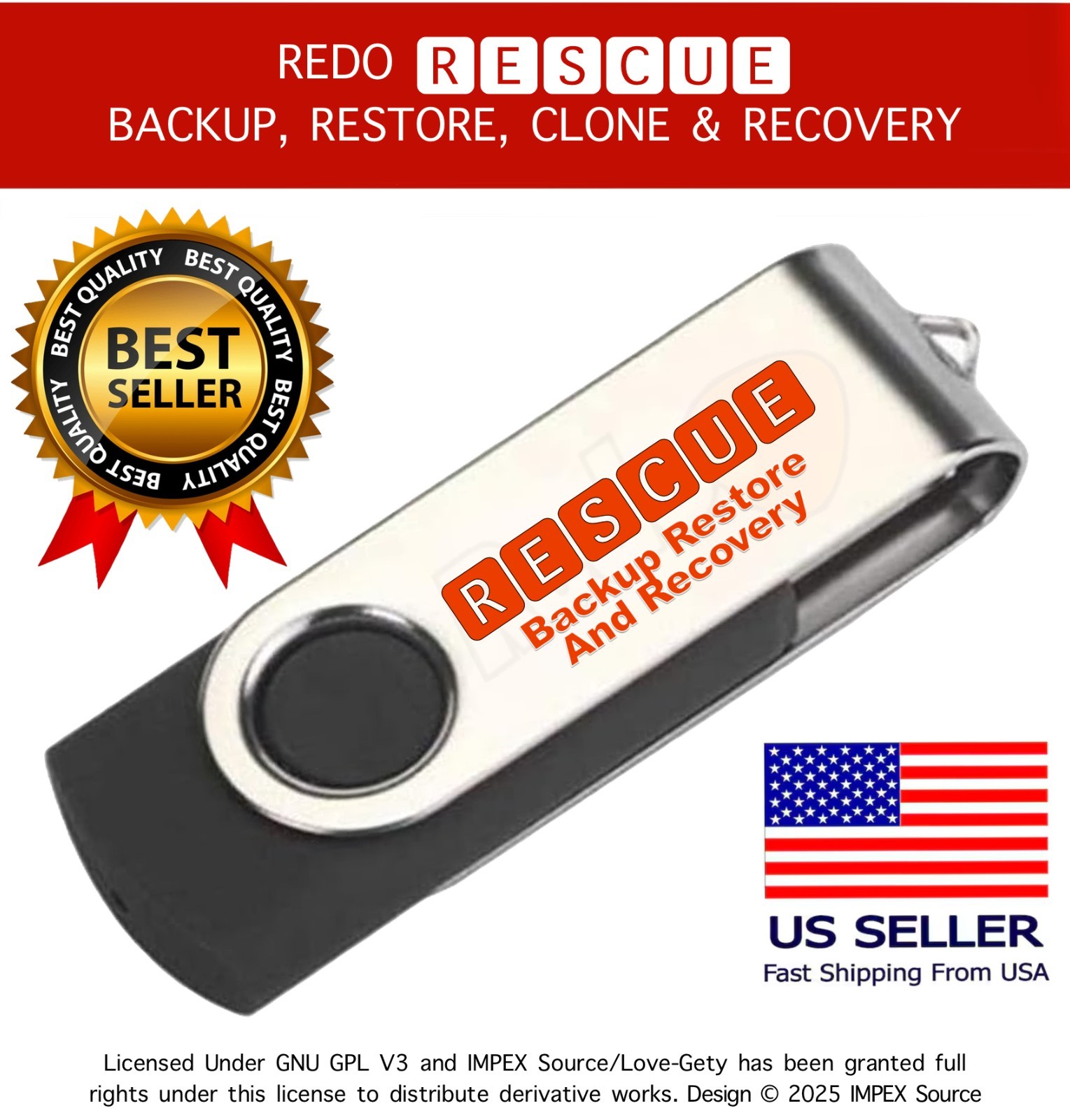
At USD 15.97, this rescue disk from the Redorescue brand is built around Redo Backup and Restore, a bare-metal recovery approach: boot directly from the USB drive and you can restore the hard drive after damage, malware, deletion, or a failed boot. Supported operating systems include Linux, Windows 10, Windows 8.1, Windows 8, Windows 7, Windows Vista, Windows XP, and macOS, and it includes English plus multilingual language options under a lifetime license. One important caveat is that Windows cannot read the USB file system directly, so you may see only an EFI folder (or nothing else) when you view the drive inside Windows; this is normal, and the software is meant to be launched by booting from the USB rather than installed as a Windows application. Choose it for a USB-based recovery kit that spans a wide range of systems.
Rescuezilla Bootable DVD | Clonezilla GUI | Disk Imaging | Backup/Restore
At USD 14.99, this DVD edition is an open-source disk imaging app that is fully compatible with Clonezilla and describes itself as the Clonezilla GUI many users look for. It creates a backup of the hard drive as files managed on an external drive, so if the drive fails or the system cannot boot, you can restore the disk image and bring documents and settings back to the state of the last snapshot. The format is DVD, with English language support, a lifetime license, and system requirements of 1 GB hard drive space, 1 GB RAM, and a 1 GHz processor. Supported operating systems are Linux and Microsoft Windows 10, including the 64-bit version. The limitation is the medium itself: recovery depends on having an optical drive available, and the OS range is narrower than the USB rescue disk's support. Choose it when a Clonezilla-style GUI on DVD matches your recovery setup.
Final Choice by Use Case
- Choose the Redorescue rescue disk when your recovery toolkit needs to span several Windows generations and macOS, and when booting from USB fits your machines.
- Choose the Rescuezilla DVD when you prefer a Clonezilla-compatible graphical interface and have a DVD drive ready for the imaging and restore workflow.
