If you are shopping for backup and recovery utilities, the real decision usually isn't whether to back up-it's which style of tool fits your hardware and your workflow. Do you need a bootable rescue USB that can image a hard drive? An installed application with a perpetual license for multiple computers? Or a dedicated package for a single Windows PC or a Windows Server? This comparison walks through four products that take very different approaches, so you can match the tool to your environment.
Quick take: For an installed backup application that covers up to three Windows or Mac computers, the Acronis True Image 2018 perpetual license is the most conventional choice. If you prefer a no-install bootable utility for Windows and Linux, the Clonezilla USB drive is the most portable. The two DCPBACKUP options split the difference: one is aimed at a single Windows PC and the other at a Windows Server environment.
Listed price comparison
| Product | Listed Price | Price Bar | Target Environment |
|---|---|---|---|
| Clonezilla Bootable USB Drive | $18.99 | Bootable USB for Windows/Linux | |
| Acronis True Image 2018 | $79.99 | Installed app for up to 3 Windows/Mac computers | |
| DCPBACKUP Windows PC | $199.00 | Single Windows PC with external secure backup | |
| DCPBACKUP Windows Server | $649.00 | Windows Server with secure backup |
Decision matrix
| If you need… | Recommended option | Why |
|---|---|---|
| A portable rescue drive that boots on Windows or Linux | Clonezilla Bootable USB Drive | Runs from a USB stick, no installation, handles disk imaging, restore, and cloning |
| An installed app for up to three Windows or Mac computers | Acronis True Image 2018 | Perpetual license, local backup, recovery, disk cloning, and mobile-device backup |
| External secure backup for a single Windows PC | DCPBACKUP Windows PC | Single-device design with DcCare coverage |
| A backup package for a Windows Server | DCPBACKUP Windows Server | Server-oriented design with DcCare coverage |
Clonezilla Bootable USB Drive
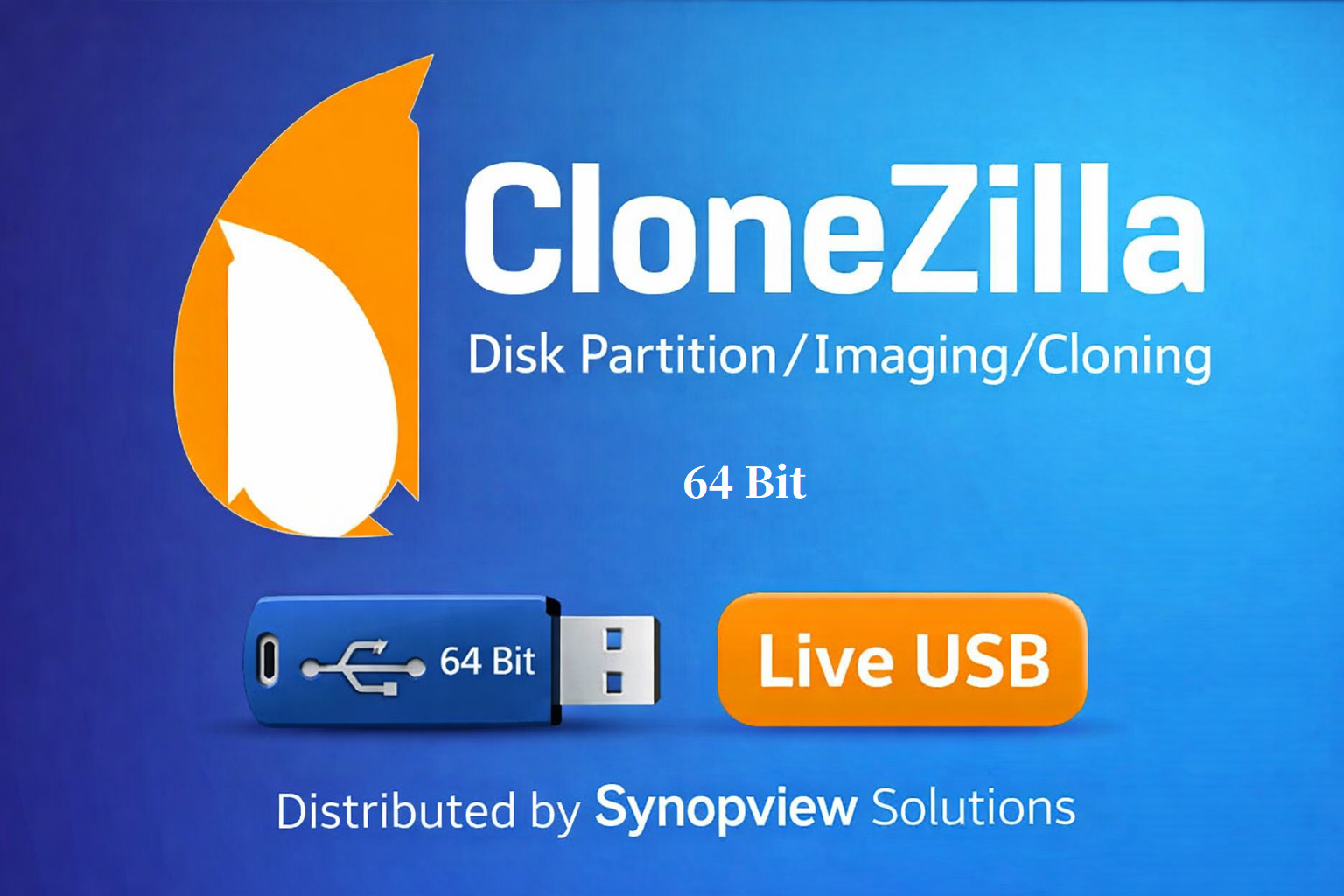
This is the most direct bootable option in this group. The USB drive is preloaded with the 64-bit Clonezilla Live tool and boots without installing anything, making it a practical way to image, restore, or clone disks on Windows or Linux systems. It supports NTFS, FAT32, ext3, and ext4 filesystems, so it can handle a range of drives. The trade-off is that it is a bootable utility rather than an installed application, which means your backup workflow will involve starting the machine from the USB rather than launching a program from the desktop. The listing also shows an unlimited device count, so the same USB can move between machines.
Acronis True Image 2018
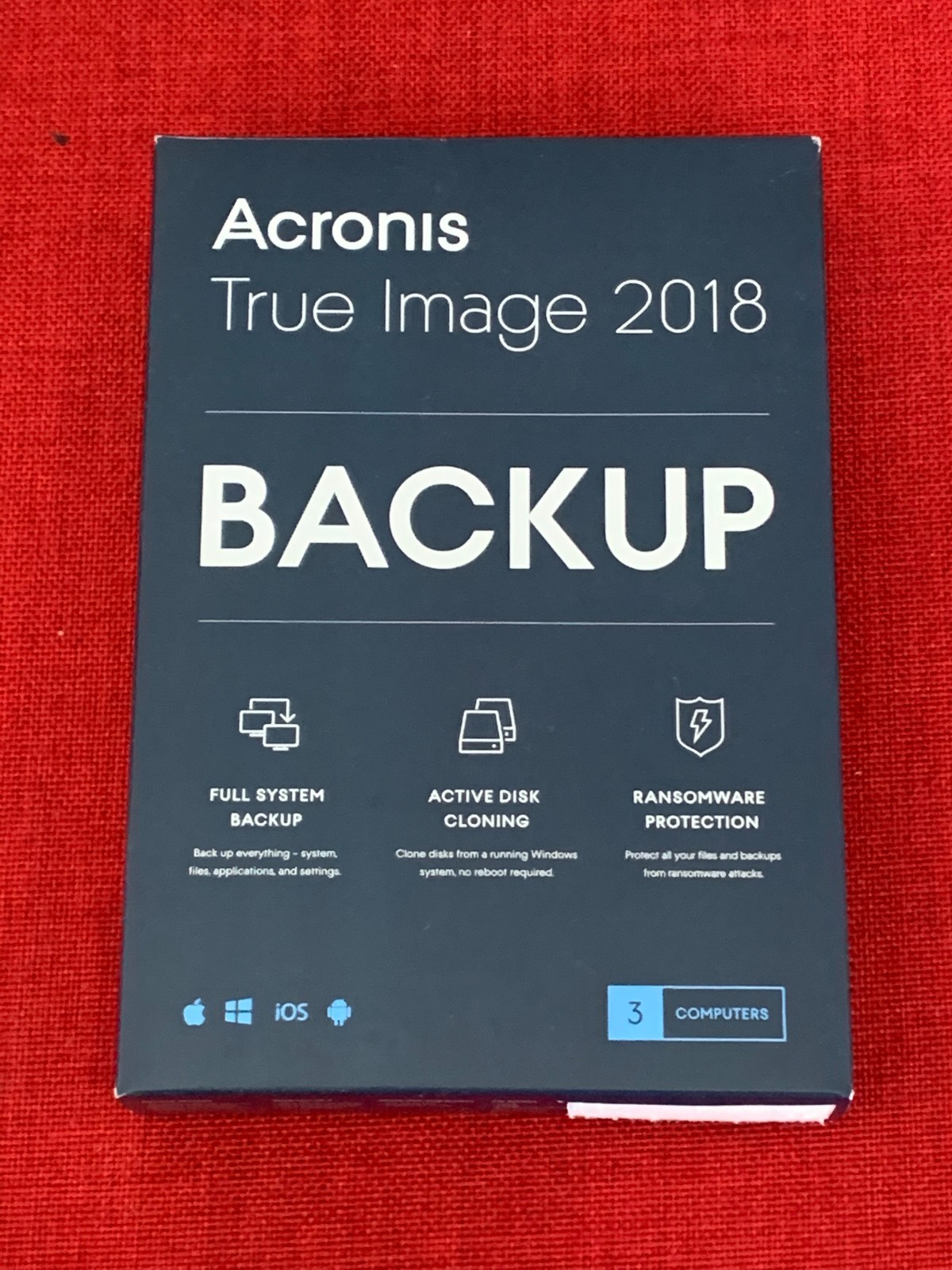
This is the option to reach for when you want a familiar, installed backup application with a perpetual license for up to three Windows or Mac computers. The retail box is listed as brand new and factory sealed, and the standard perpetual edition covers local backup, system recovery, disk cloning, and mobile-device backup. It is not an annual subscription, which appeals to anyone who dislikes recurring costs. The trade-off is that activation requires an internet connection, and the exterior barcode has been removed from the box even though the product is sealed. The listed minimum RAM is 1 GB and hard drive space is 1.5 GB, so it will run on fairly modest machines.
DCPBACKUP for Windows PC
This product is designed for a single Windows PC and the title highlights external secure backup as well as two years of free DcCare. It is listed as brand new, supports English, and fits a one-device setup where you want a dedicated backup utility without worrying about renewing a subscription. The main limitation is right in the title and specifications: the license covers one device, so if you protect more than one computer you will need additional licenses or a different product. If you like the sound of DcCare coverage and you have exactly one Windows PC, this package puts that in one place.
DCPBACKUP for Windows Server
This is the product to look at when you are managing a Windows Server and want a lifetime license with two years of DcCare included. It is listed as brand new, for Windows, in English, and the title includes a 1TB reference, which is useful to note when comparing server-oriented backup products. The license covers one server, so an environment with multiple servers would need separate licenses. If your priority is getting a server backed up without an annual subscription, this lifetime-license package gives you that structure. The server-oriented name and the 1TB mention in the title separate it from the consumer-level tools in this roundup.
Final recommendation by use case
- Home users with up to three Windows or Mac machines: Acronis True Image 2018 is the most complete installed application in this group.
- DIY techs who want a bootable disk tool: Clonezilla Bootable USB Drive gives you a portable Windows/Linux rescue medium with no install.
- Single PC owners who prefer a dedicated backup package: DCPBACKUP Windows PC includes external secure backup and two years of DcCare.
- Server administrators: DCPBACKUP Windows Server is the only option here that mentions Windows Server directly in the title, with DcCare coverage included.