When your PC won't boot into Windows, a bootable USB recovery toolkit gives you a way in without the OS. These four drives include password reset, data recovery, disk diagnostics, cloning, and startup repair tools. They differ in storage, boot media, and the types of repair jobs they're built for.
Quick Take
All four toolkits are brand-new, Windows-oriented, English-language bootable media. The $17.85 MediCat USB has the lowest listed price in the set. The $29.99 TRS Tools Utility Toolkit has the highest listed price. The two $24.99 options are a 64GB MediCat USB and a TRS Tools USB that also includes a bootable DVD.
Listed Price Comparison
| Product | Listed Price | Price Bar |
|---|---|---|
| MediCat USB - The Ultimate Bootable Toolkit | $17.85 | |
| 64GB USB 3.0 MediCat Bootable PC Repair Recovery Toolkit | $24.99 | |
| Bootable PC Repair USB & DVD | $24.99 | |
| Computer Repair Bootable USB Utility Toolkit | $29.99 |
Decision Matrix
| Product | Boot Media | Notable Details |
|---|---|---|
| MediCat USB - The Ultimate Bootable Toolkit | USB | 32GB USB 3.0 drive, portable Windows and Linux recovery environments |
| 64GB USB 3.0 MediCat Bootable PC Repair Recovery Toolkit | USB | 64GB capacity, USB 3.0, bonus offline drivers |
| Bootable PC Repair USB & DVD | USB + DVD | Bootable DVD included, offline driver installer |
| Computer Repair Bootable USB Utility Toolkit | USB | 64GB USB 3.0, UEFI/legacy BIOS, unlimited devices |
Product Notes
MediCat USB - The Ultimate Bootable Toolkit
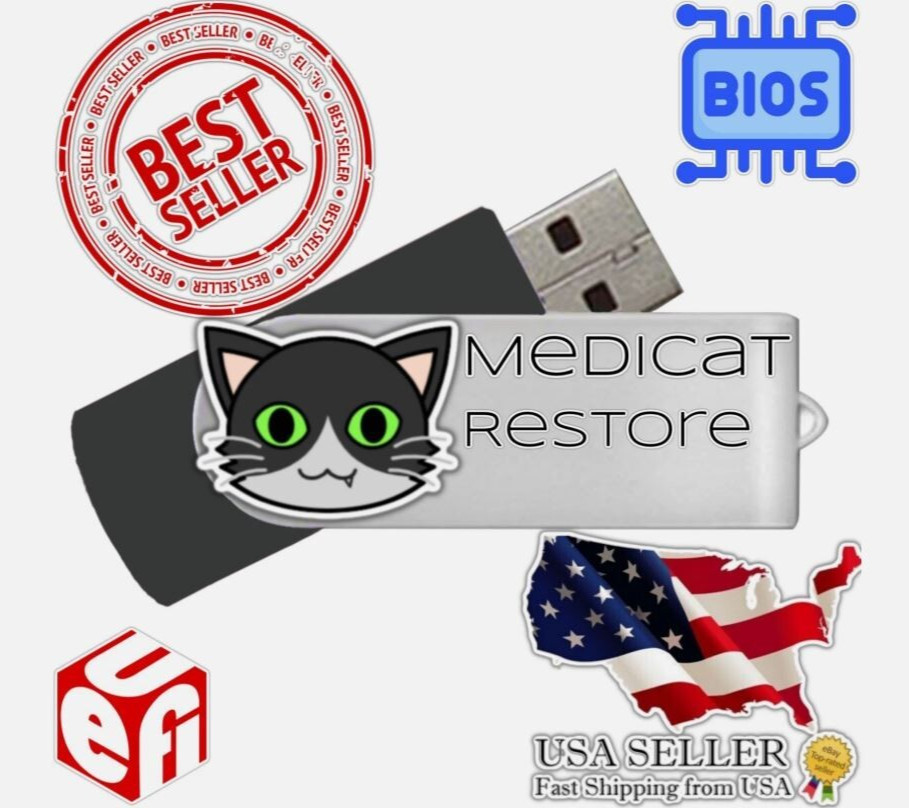
The drive is preloaded with tools to reset or clear Windows passwords, recover data, test memory, benchmark hard drives, and clone drives to another drive or image file. It also packs a portable Windows recovery environment and a full portable Linux distribution, giving you two bootable system options in one stick. Both UEFI and legacy BIOS systems are supported. The drive has a 32GB capacity, which is smaller than the 64GB alternatives. For a single repair job, that can be enough, but if you want to carry extra tools or files, a larger stick may be a better fit.
64GB USB 3.0 MediCat Bootable PC Repair Recovery Toolkit
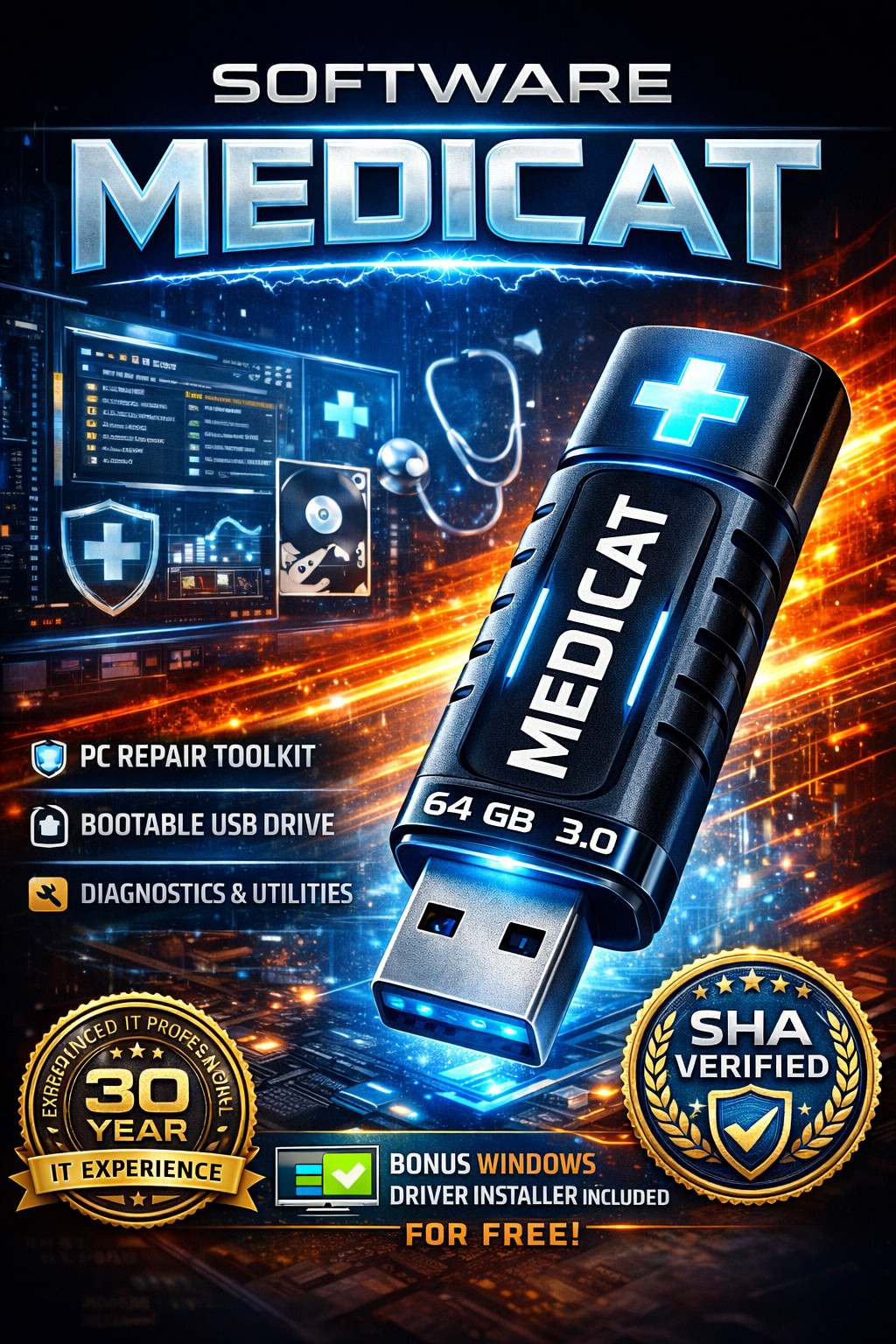
This is the roomier MediCat version, with a 64GB USB 3.0 drive. It comes configured by a 30-year IT professional and includes bonus offline drivers. The kit is SHA-256 verified and quality assured. If you regularly work on multiple PCs, the extra storage and offline drivers make it a one-stop stick. It boots from USB only, so there is no DVD fallback. That's fine if you always boot from USB, but it won't help in a system that can't start from USB.
Bootable PC Repair USB & DVD
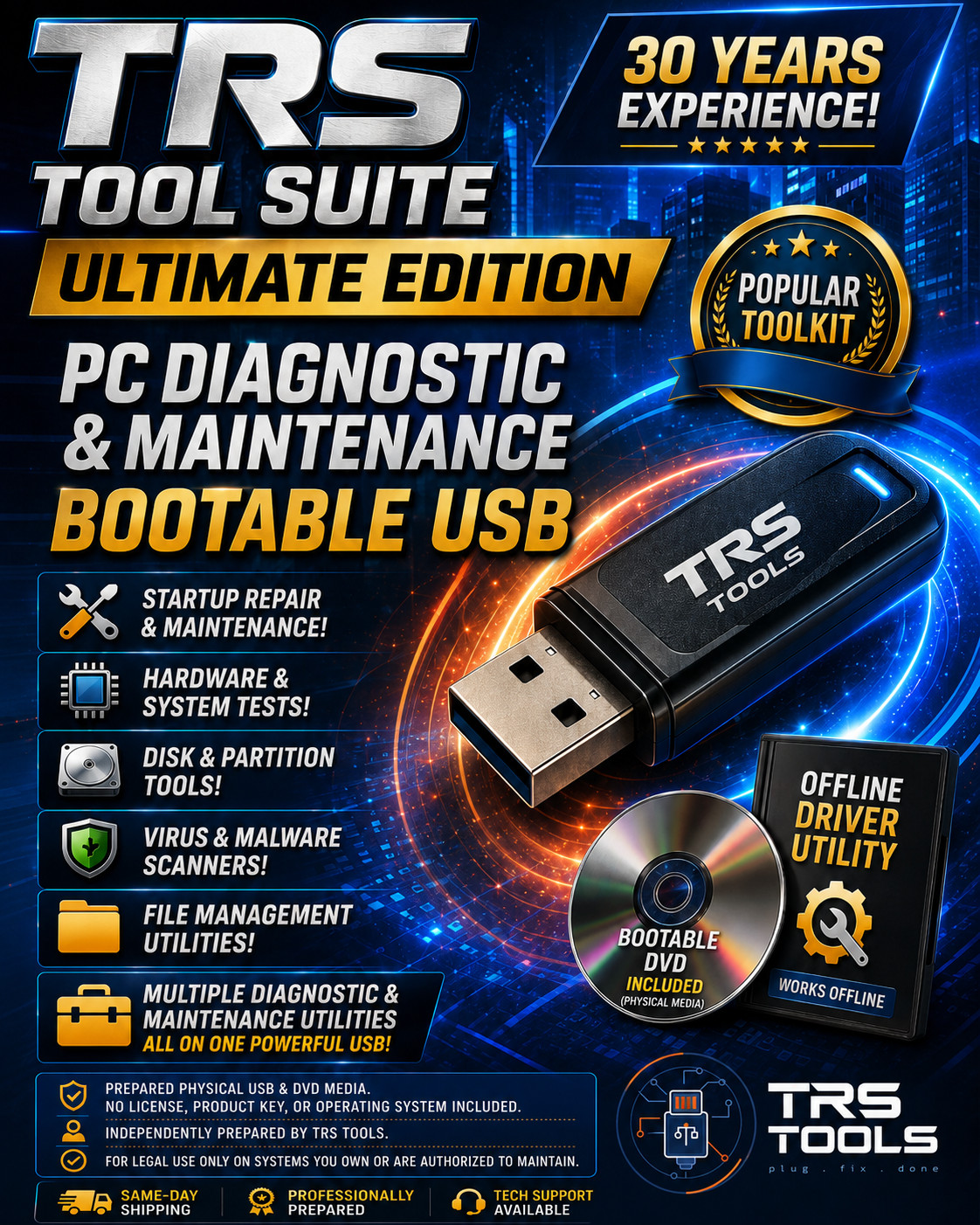
This TRS Tools bundle includes a bootable USB flash drive plus a bonus bootable DVD. It comes with a curated collection of diagnostic and recovery utilities and an offline driver installer for Windows. The DVD gives you a second boot path for machines with optical drives or as backup. That dual-media approach can be handy, but it also means handling two discs. If you only need USB booting, the DVD may just sit in a drawer. For older systems that boot from optical media first, the DVD extends the drive's usefulness.
Computer Repair Bootable USB Utility Toolkit
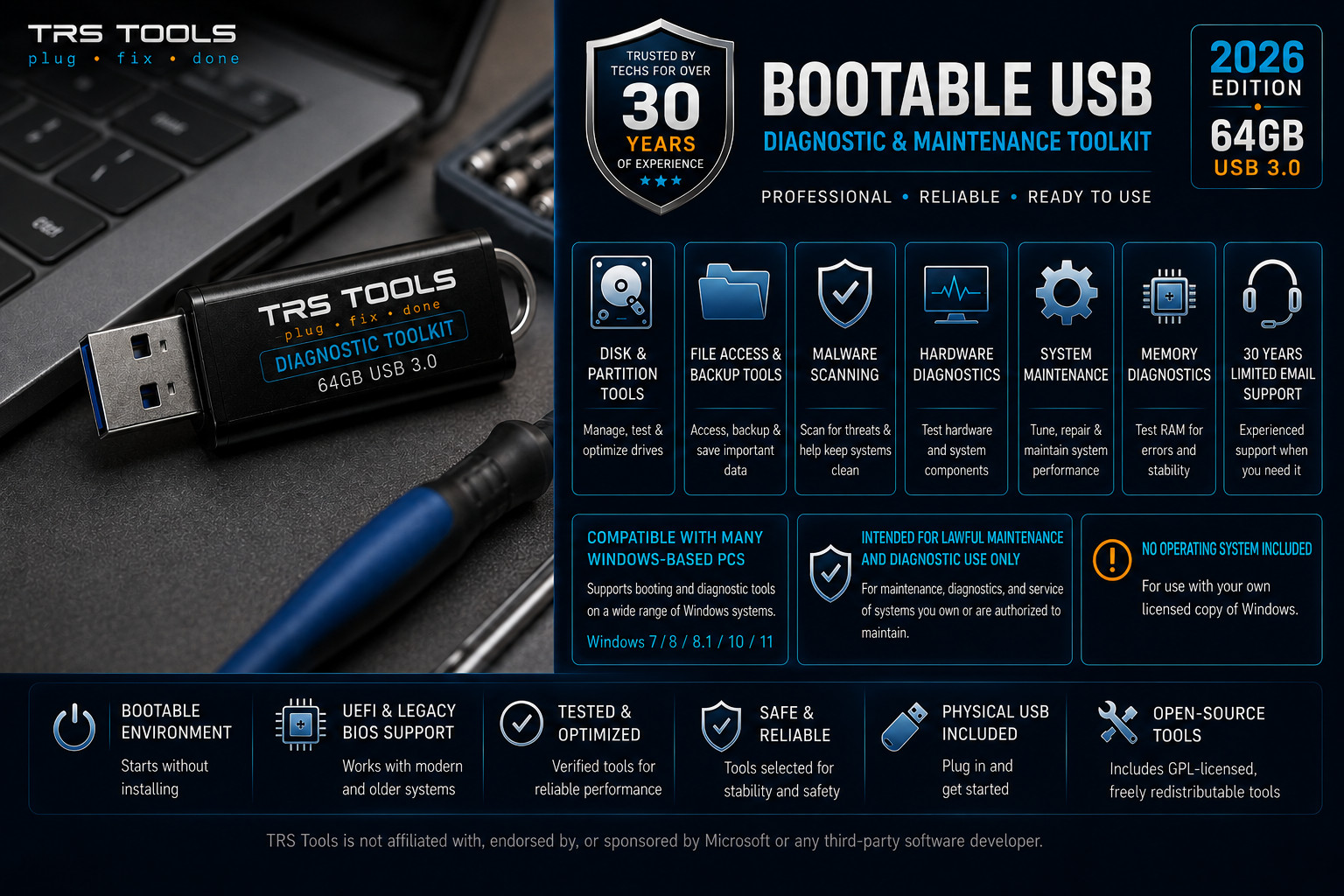
The TRS Tools Utility Toolkit ships on a 64GB USB 3.0 drive and is the 2026 Edition. It is prepared for both modern UEFI and legacy BIOS systems, and it includes an offline driver utility. The number of supported devices is unlimited, which makes it a sensible choice for a technician who services many machines. The unlimited-device support is more than a home user needs, and if you only maintain one or two PCs, a simpler drive will work.
Which Should You Pick?
- For a single rescue drive with the essentials, start with the MediCat USB - The Ultimate Bootable Toolkit.
- If you want a roomier MediCat stick with offline drivers, go for the 64GB USB 3.0 MediCat Bootable PC Repair Recovery Toolkit.
- If you need both USB and DVD boot paths, the Bootable PC Repair USB & DVD is the dual-media option.
- If you service many PCs and want a single toolkit that lists unlimited devices, the Computer Repair Bootable USB Utility Toolkit is the one.
