Choosing NAS storage and drives comes down to a clear fork: do you need a six-bay network attached storage unit at a lower listed price, or a New two-bay enclosure built around private-cloud backups and home monitoring? NETGEAR ReadyNAS RND-6A RNDU6000-100NAS and the 2-Bay Network Attached Storage NAS Enclosure are not interchangeable purchases. One emphasizes bay count and physical connections; the other emphasizes a defined home workflow and device access.
Quick verdict
Pick the NETGEAR when the six-bay format and lower listed price outweigh Used condition and the need to source drives and cables separately. Pick the 2-Bay enclosure when New condition, private cloud, camera monitoring, and mobile access justify a $216.98 higher listed price. The first is a hardware-led choice; the second is a use-case-led choice.
Compact comparison
| Decision point | NETGEAR ReadyNAS 6-Bay | 2-Bay NAS Enclosure |
|---|---|---|
| Listed price | $129.99 | $346.97 |
| Condition | Used | New |
| Storage setup | 6-bay NAS; hard drives not included | 2-bay diskless enclosure |
| Distinctive focus | RJ-45 and USB-A connectivity | Private cloud, backups, and monitoring |
Where each wins
NETGEAR ReadyNAS 6-Bay
The NETGEAR is the clearer fit when six bays are central to the plan and RJ-45 or USB-A are the connection points you need. The lower price also makes the initial hardware purchase easier to frame, provided Used condition and separate drive and cable sourcing are acceptable.
2-Bay NAS Enclosure
The 2-Bay enclosure fits better when the goal is a New white tabletop unit with private file access, backups, and property monitoring in one stated use case. Android compatibility, access from computers and mobile devices, and multiple IP camera support give it a more specifically described home-cloud role.
Product notes
NETGEAR ReadyNAS RND-6A RNDU6000-100NAS 6-Bay Network Attached Storage
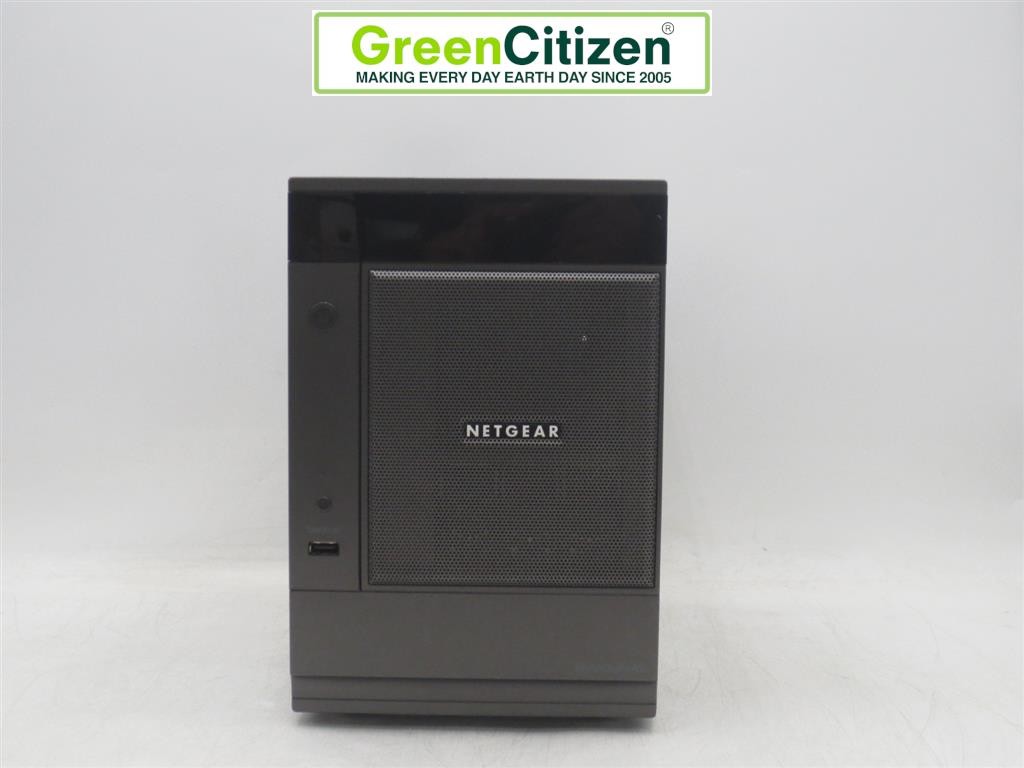
The NETGEAR ReadyNAS suits a setup where bay count and straightforward physical connectivity come first. RJ-45 and USB-A give the unit clearly named connection options, while the six-bay configuration is the key distinction from its rival. The practical limitation is preparation: the unit is Used, and hard drives plus cables are not included. That keeps the purchase focused on the NAS hardware rather than a complete, populated setup. Choose NETGEAR when you have a plan for the missing drives and cables or specifically need six bays. Its case is weaker when New condition, Android access, or an explicitly described private-cloud and camera-monitoring workflow is the priority.
2-Bay Network Attached Storage NAS Enclosure Diskless White Home Cloud Backup
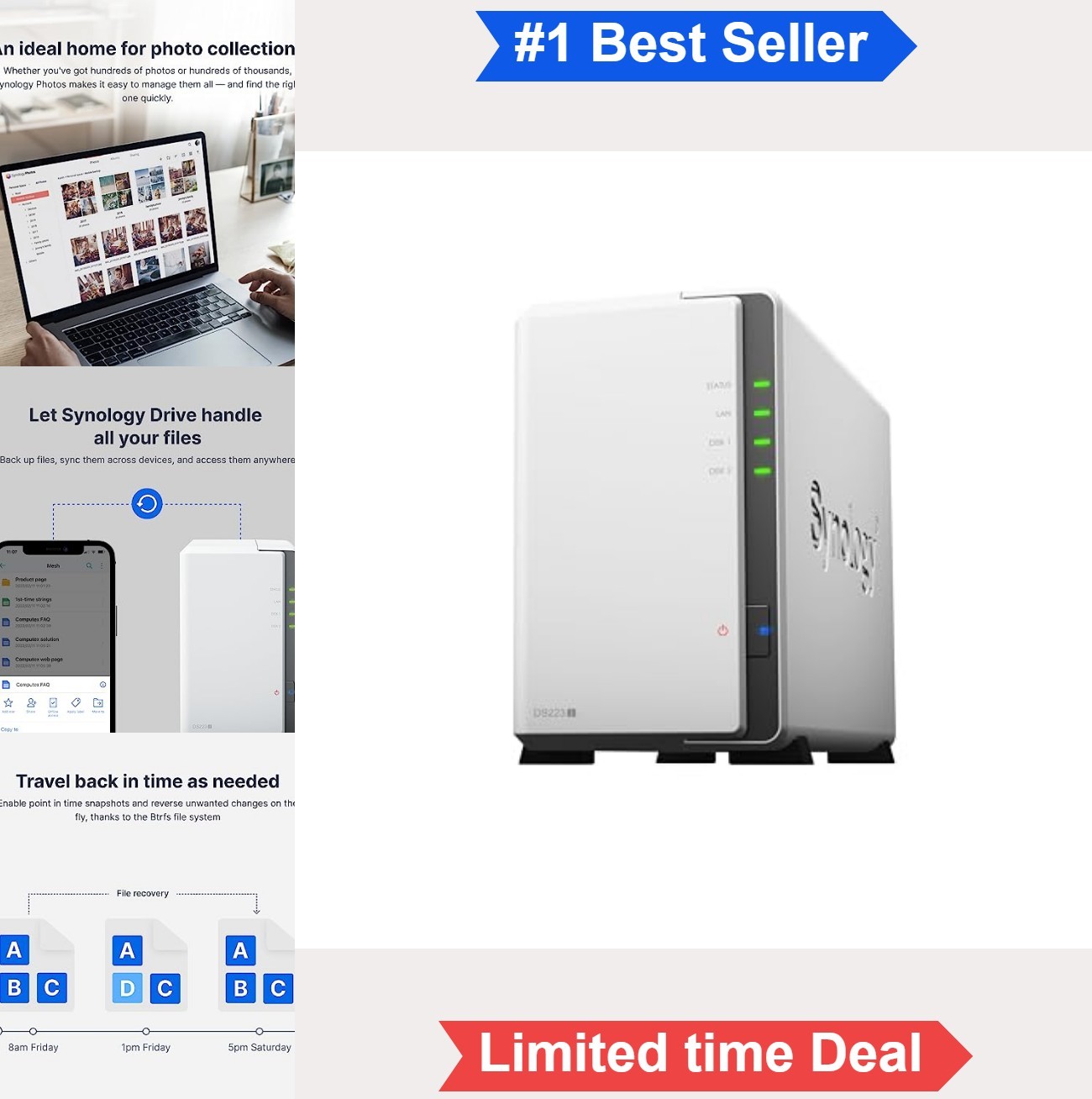
The 2-Bay Network Attached Storage NAS Enclosure fits a home or small-team setup centered on private file access, backups, and property monitoring. The enclosure is New, White, and tabletop, with quiet, low-power operation and a plastic-and-tempered-glass build. Android compatibility is explicit, and access extends to desktop, laptop, Mac, PC, and mobile devices. Its limitation is the diskless two-bay configuration: drives are not part of the setup, so storage hardware still needs to be added. Choose it for the described home-cloud workflow; choose NETGEAR instead when six bays and RJ-45 or USB-A matter more.
Final choice by use case
- Choose NETGEAR ReadyNAS for a six-bay NAS plan, RJ-45 or USB-A connectivity, and the lower listed price. Account for Used condition plus separate drives and cables.
- Choose the 2-Bay NAS Enclosure for a New white tabletop unit focused on private-cloud access, backups, Android use, and home monitoring.
- For camera monitoring, the 2-Bay enclosure is the direct match because multiple IP cameras and remote viewing are part of its stated role.
- For drive-inclusive storage, neither configuration includes hard drives, and the NETGEAR also excludes cables. That setup detail should decide whether either enclosure fits your buying plan.
