A PC that refuses to boot or a drive that won't mount can turn a routine day into a data-recovery scramble. A bootable USB loaded with diagnostic and repair utilities is the portable safety net many people keep in a drawer. If you're choosing between two MediCat rescue drives, the real question is what you plan to store on them and how much extra driver support you want for the price. Both are designed for Windows-based troubleshooting, and both come as brand-new USB sticks ready to boot.
Quick verdict
With only $7.14 between the two prices, neither choice will break a repair budget. The smaller MediCat USB is the more economical option for common tasks like password resets, memory checks, and drive cloning. The larger version is the better grab-and-go kit if you want extra headroom and offline drivers on hand.
At a glance
| Product | Format | Capacity | Price | Price bar |
|---|---|---|---|---|
| MediCat USB (32GB) | USB 3.0 | 32GB | USD 17.85 | |
| 64GB USB 3.0 MediCat | USB 3.0 | 64GB | USD 24.99 |
Where each product wins
- MediCat USB toolkit wins if you prefer a spelled-out repair toolkit and a lower price.
- Larger MediCat version wins if you want more storage and bundled driver support.
What both drives share
Both are branded Medicat, ship as brand-new USB sticks, support Windows systems, are in English, and are designed for a single device. Both are classified as backup and recovery tools and list a 3 GB minimum RAM requirement. The main differences are the bundled driver pack and the available capacity.
MediCat USB - The Ultimate Bootable Toolkit for PC Repair and Recovery
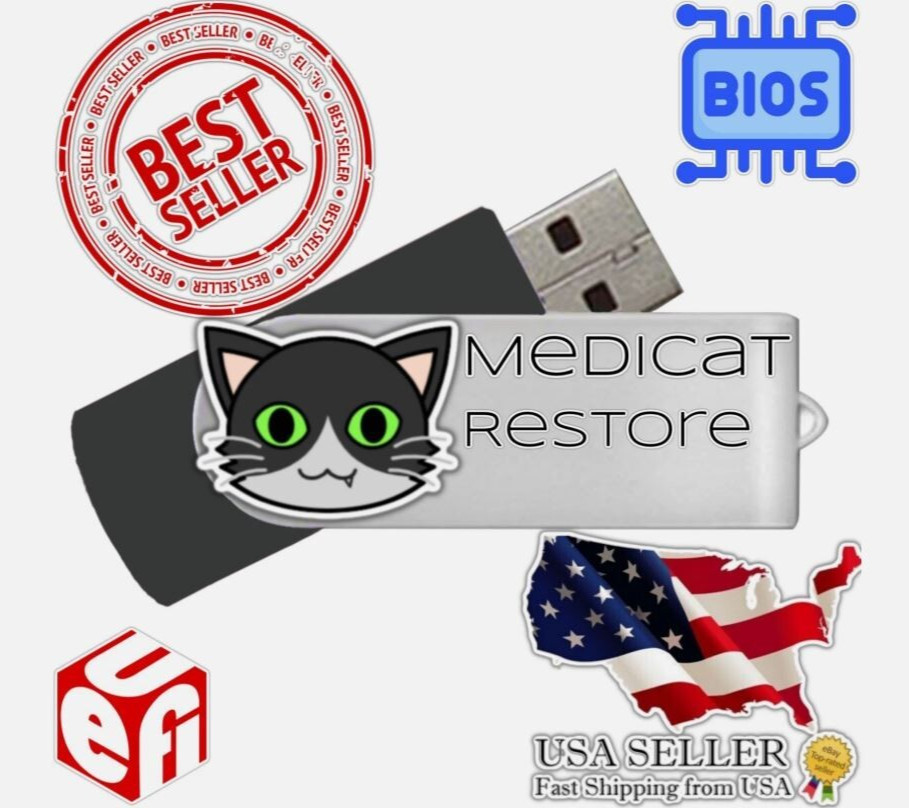
This bootable drive bundles the classic MediCat toolset, with core repair tasks that include password reset/clear, data recovery, memory testing, hard-drive testing and benchmarking, drive cloning, a portable Windows Recovery Environment, and a full Linux distribution. The minimum RAM requirement is 3 GB, so older machines can often run it. Choose it when you want a clear, ready-to-name set of repair tools in a compact stick. The limitation is the size ceiling: there is less room to add your own utilities or keep personal backups on the same drive.
64GB USB 3.0 MediCat Bootable PC Repair Recovery Toolkit \| System Rescue Boot Dr
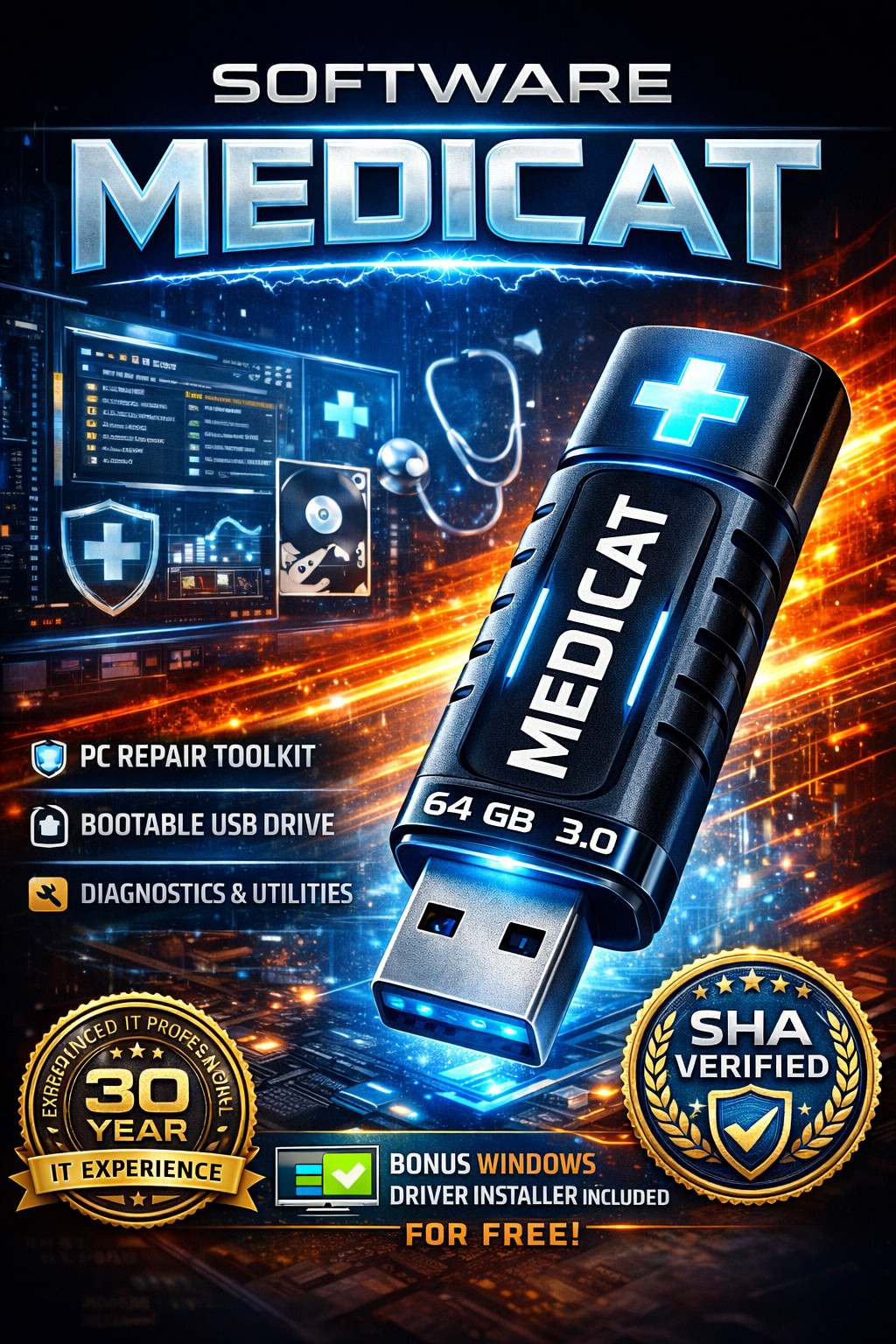
This version doubles the available space, which is enough to keep the full MediCat environment and still have room for personal files, additional tools, or offline drivers. The included bonus offline driver pack can help when a repaired PC lacks network or storage drivers. It also comes pre-configured, with SHA-256 verification included. Choose it when you want a more self-contained rescue kit with room to grow. The trade-off is that the extra space is only useful if you actually fill it; for occasional repairs, the smaller drive may already cover your needs without the extra bulk.
Final choice by use case
If your goal is a quick, economical route to a bootable repair drive for occasional rescues, choose the smaller MediCat USB stick. If you want a more complete travel kit with extra room and offline drivers, pick the larger version.
