Losing access to files can be a stressful moment. You might have deleted something accidentally, watched a drive fail, or need to move your OS to a new disk. The utilities here approach that problem from different angles: two are recovery tools, one specializes in disk cloning, and one is a Windows-compatible data recovery software. The listed prices range from $34.18 to $79.99, so the right choice depends less on budget alone and more on the kind of data rescue you actually need.
Quick Take
Between the two EaseUS options, the Data Recovery Wizard is built for pulling back deleted, formatted, or lost files from a range of devices, including hard drives, memory cards, USB drives, and digital cameras. It is the only one listed with a bootable DVD/USB format and unlimited device coverage. The Disk Copy Pro, also from EaseUS, is not a recovery tool; it focuses on cloning an entire disk or partition, with one-click OS migration and sector-by-sector copy. The Lionsea USB Data Recovery Pro targets photos, video, and multimedia files on memory cards. The Markt + Technik Data Recovery software explicitly supports Windows 11, 10, 8.1, and 7.
Listed Price Comparison
| Product | Listed Price | Price Bar |
|---|---|---|
| EaseUS Data Recovery Wizard Bootable DVD/USB | USD 79.99 | |
| EaseUS Disk Copy Pro Bootable DVD/USB | USD 34.99 | |
| USB Data Recovery Pro Recover Data software | USD 39.74 | |
| Data Recovery software compatible with Windows 11, 10, 8.1, 7 - recover delet | USD 34.18 |
Decision Matrix
| Use case | Pick | Why |
|---|---|---|
| Recover deleted or formatted files from a PC, laptop, or removable media | EaseUS Data Recovery Wizard Bootable DVD/USB | Its description covers recovery from hard drives, memory cards, USB, digital cameras, and other storage media. |
| Boot into recovery when your OS won't start | EaseUS Data Recovery Wizard Bootable DVD/USB | It is the only recovery-focused tool with a bootable DVD/USB format. |
| Clone a disk, migrate the OS, or make a sector-by-sector copy | EaseUS Disk Copy Pro Bootable DVD/USB | The description specifically mentions 1-click OS migration, sector-by-sector copy, and cloning to a new SSD. |
| Recover photos, video, or multimedia files from a memory card | USB Data Recovery Pro Recover Data software | The description focuses on photos, video, and multimedia files from memory cards and removable storage. |
| Straightforward Windows recovery with explicit OS version support | Data Recovery software compatible with Windows 11, 10, 8.1, 7 - recover delet | It is the only option that explicitly names Windows 11, 10, 8.1, and 7 in the product title. |
Product Notes
EaseUS Data Recovery Wizard Bootable DVD/USB
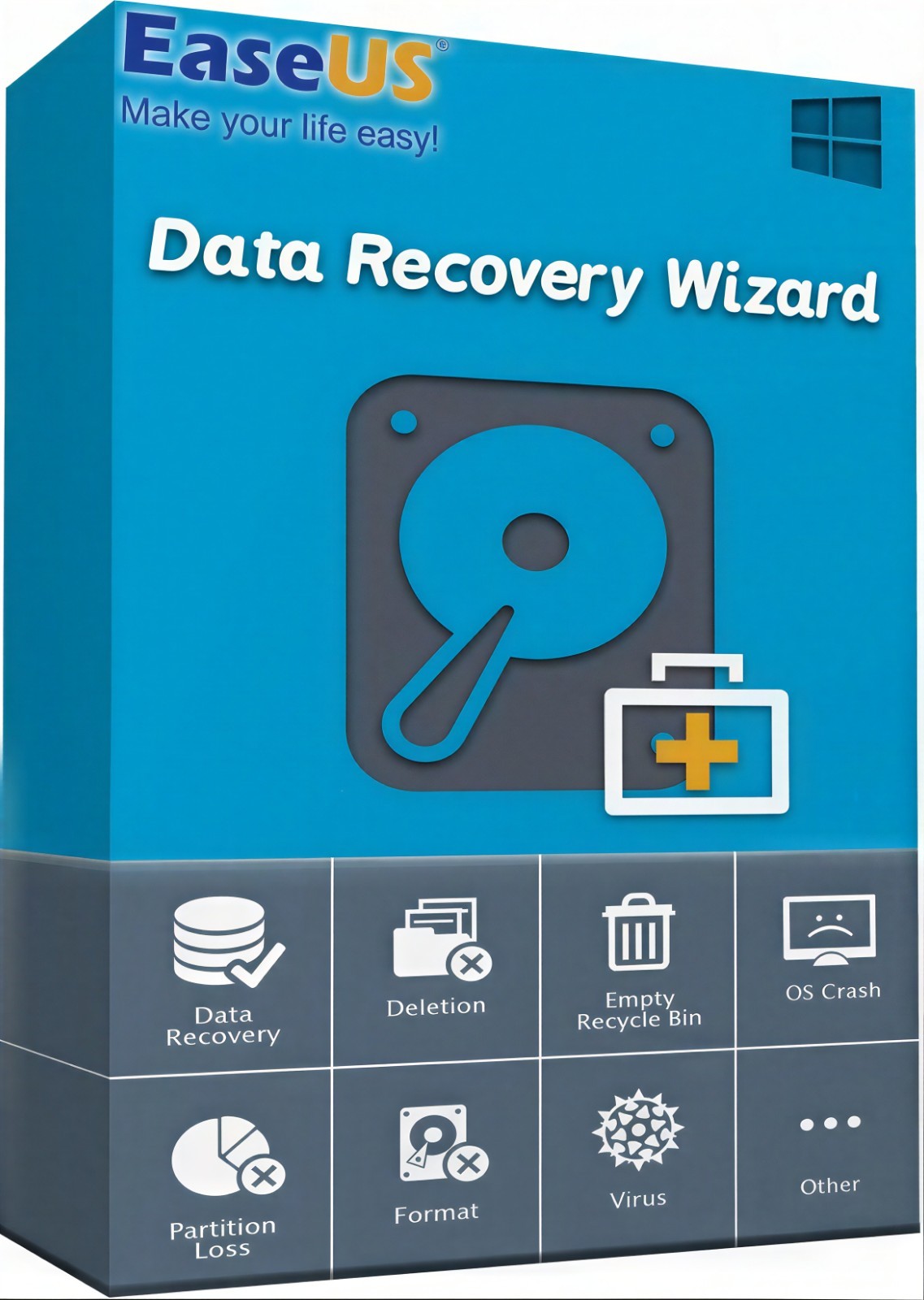
This is a thorough recovery option in the group. The description covers deleted, formatted, or lost data from PCs, laptops, and removable devices, with all file types from Office documents to photos and emails. The bootable DVD/USB format is a concrete advantage when your operating system will not load. It also lists unlimited device coverage, so you can use it across multiple machines. The trade-off is that it focuses purely on recovery and does not describe any disk cloning or migration capabilities. If your main task is to duplicate a drive, one of the other products is built for that. This one is for situations where you need to get lost files back from a wide range of storage media.
EaseUS Disk Copy Pro Bootable DVD/USB
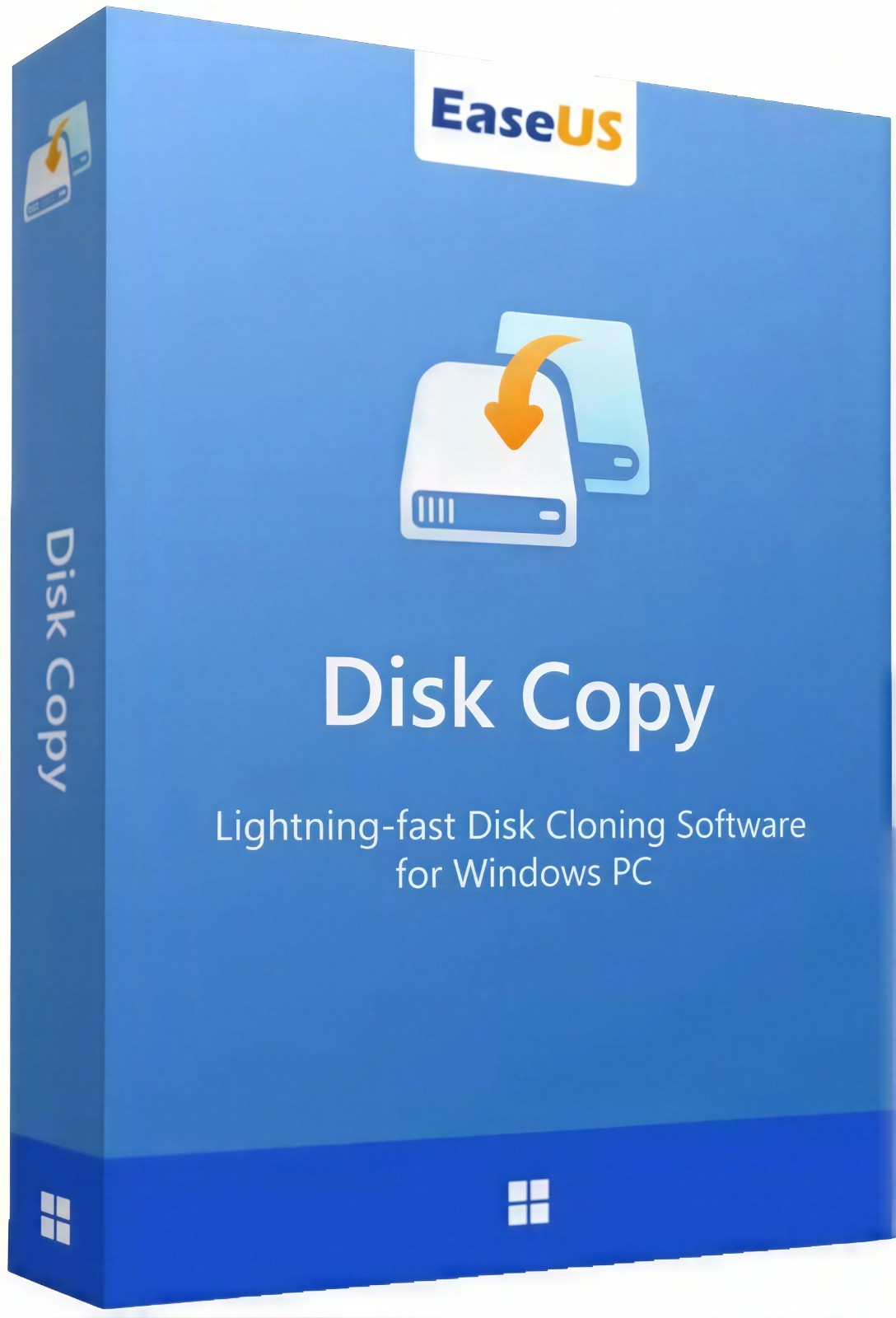
The title says exactly what it does: disk copy. The description explains that it clones data, applications, and settings from one hard disk to another, with a copy that is 100% identical to the original. It also calls out 1-click OS migration, sector-by-sector copying, and moving data from a large drive to a smaller SSD, or upgrading a small disk to a larger one. This makes it a good fit for hard-drive upgrades or moving your system to a new disk. The limitation is that it is not a data recovery tool for deleted files. If you have already lost files and need them back, you would want one of the recovery-focused products in this comparison. It also sticks to the DVD/USB format for booting, which fits the cloning workflow.
USB Data Recovery Pro Recover Data software
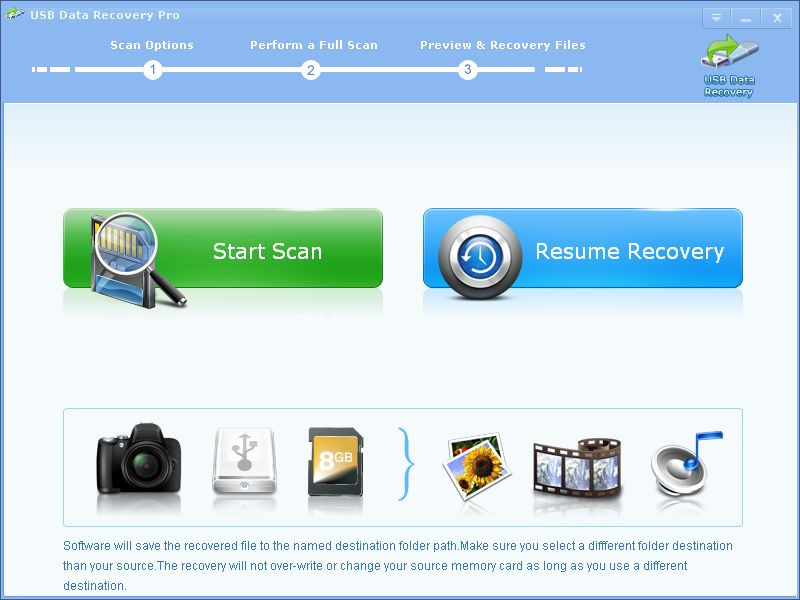
The description makes this one easy to understand: it recovers photos, video, and multimedia files from memory cards. It uses three steps: connect the device, scan, select files, and recover. The attribute lists it under utility suites, and the platform is Windows. That makes it a straightforward choice if your immediate issue is lost media on a card. The trade-off is that it does not mention hard drive cloning, bootable recovery, or Windows-version coverage. It also only mentions media file types, so if you need to recover documents or email, you would look at one of the broader tools in this group.
Data Recovery software compatible with Windows 11, 10, 8.1, 7 - recover delet
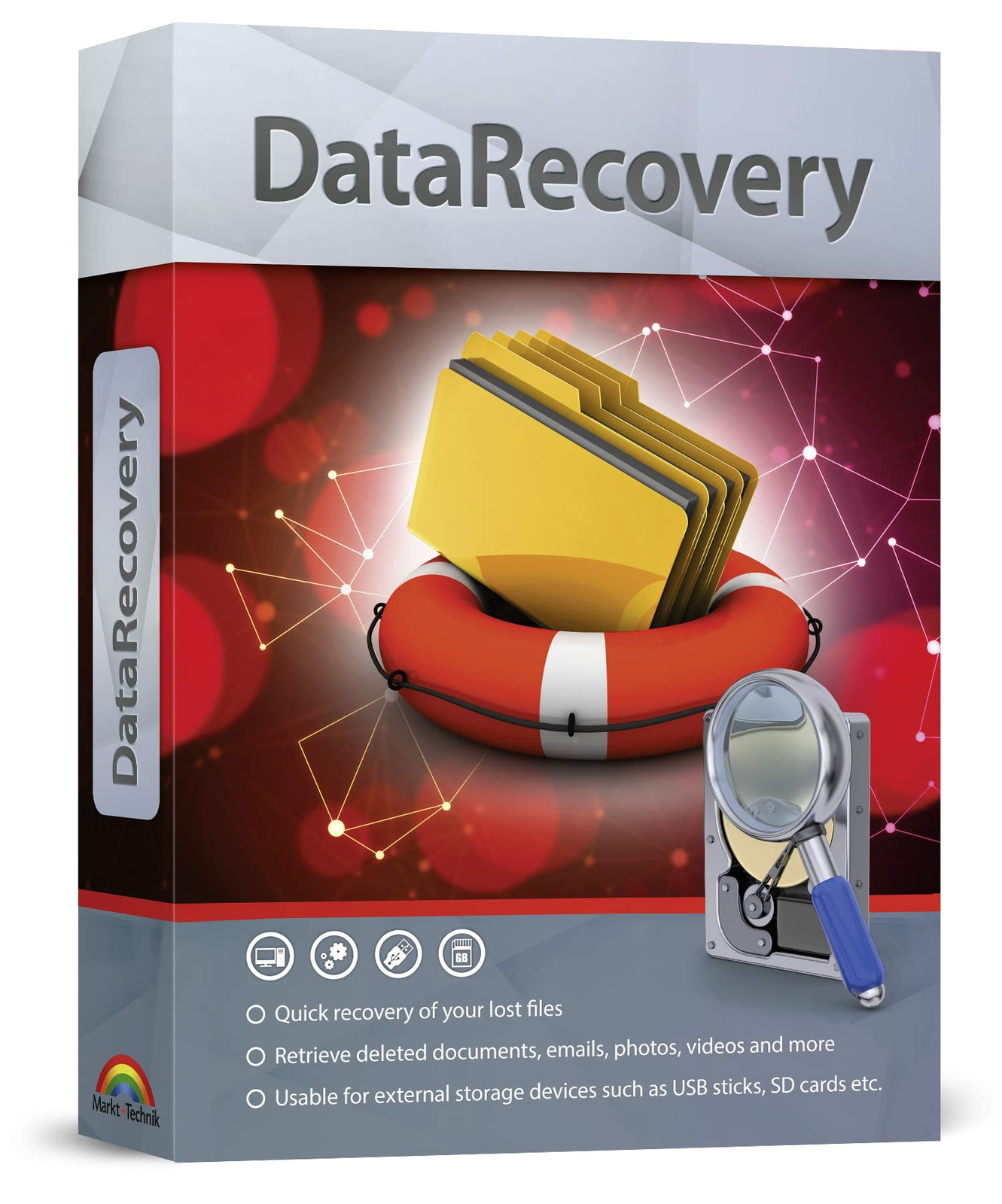
This is the only product that names its OS compatibility directly in the title: Windows 11, 10, 8.1, and 7. The description says it can retrieve documents, audios, videos, photos, images, and e-mails, and rescue data from the recycling bin. It also mentions preparing for a virus attack. That makes it a Windows-focused recovery tool. The main limit is that it does not describe a bootable format or disk cloning. If your goal is to recover files from a Windows machine, it is a direct match.
Final Recommendation
If you want one tool that can handle a wide range of recovery scenarios, including booting from a disc or USB, the EaseUS Data Recovery Wizard Bootable DVD/USB is the one with that coverage. For disk cloning and OS migration, the EaseUS Disk Copy Pro Bootable DVD/USB is the dedicated choice. For photos and videos from a memory card, the USB Data Recovery Pro Recover Data software is the specialized option. If you just need a Windows-compatible recovery program that identifies its supported OS versions, the Data Recovery software compatible with Windows 11, 10, 8.1, 7 is the one to start with.
