Quick take
Choosing a bootable backup and recovery utility comes down to how your machines boot and which operating systems you need to rescue. The four options here span USB and DVD media, from a Clonezilla Live USB at the top of the price range to a Rescuezilla DVD at the bottom. Prices go from $14.99 to $18.99, and the biggest practical differences are OS coverage, boot media, and how close you want to stay to Clonezilla-style imaging.
Listed-price comparison
| Product | Boot media | Listed price | Price bar |
|---|---|---|---|
| Clonezilla Bootable USB Drive Image, Restore, Backup, Clone - For Windows/Linux | USB | USD 18.99 | |
| Clonezilla Bootable USB Drive Image, Restore, Backup, Clone - For Windows/Linux | USB | USD 15.97 | |
| Rescuezilla Bootable DVD | Clonezilla GUI | Disk Imaging | Backup/Restore | DVD | USD 14.99 | |
| Disk Cloning Software Imaging Backup and Restore Hard Drive Tools Rescue Disk | USB | USD 15.97 |
Decision matrix
| Use case | Product | Why |
|---|---|---|
| DVD-based imaging with Clonezilla compatibility | Rescuezilla Bootable DVD | Open-source Rescuezilla described as a Clonezilla GUI; lowest price in the range |
| Preloaded Clonezilla Live on USB | Clonezilla Bootable USB (higher price) | Description calls out 64-bit Clonezilla Live; lifetime license; unlimited devices |
| Broad OS coverage across Windows and macOS | Rescue Disk (Redo Rescue) | Lists Linux, Windows XP through 10, and macOS; multilingual |
| Clonezilla USB at a lower price | Clonezilla Bootable USB (lower price) | Matches the higher-priced Clonezilla title in format and core attributes |
Product notes
Clonezilla Bootable USB Drive (higher price)
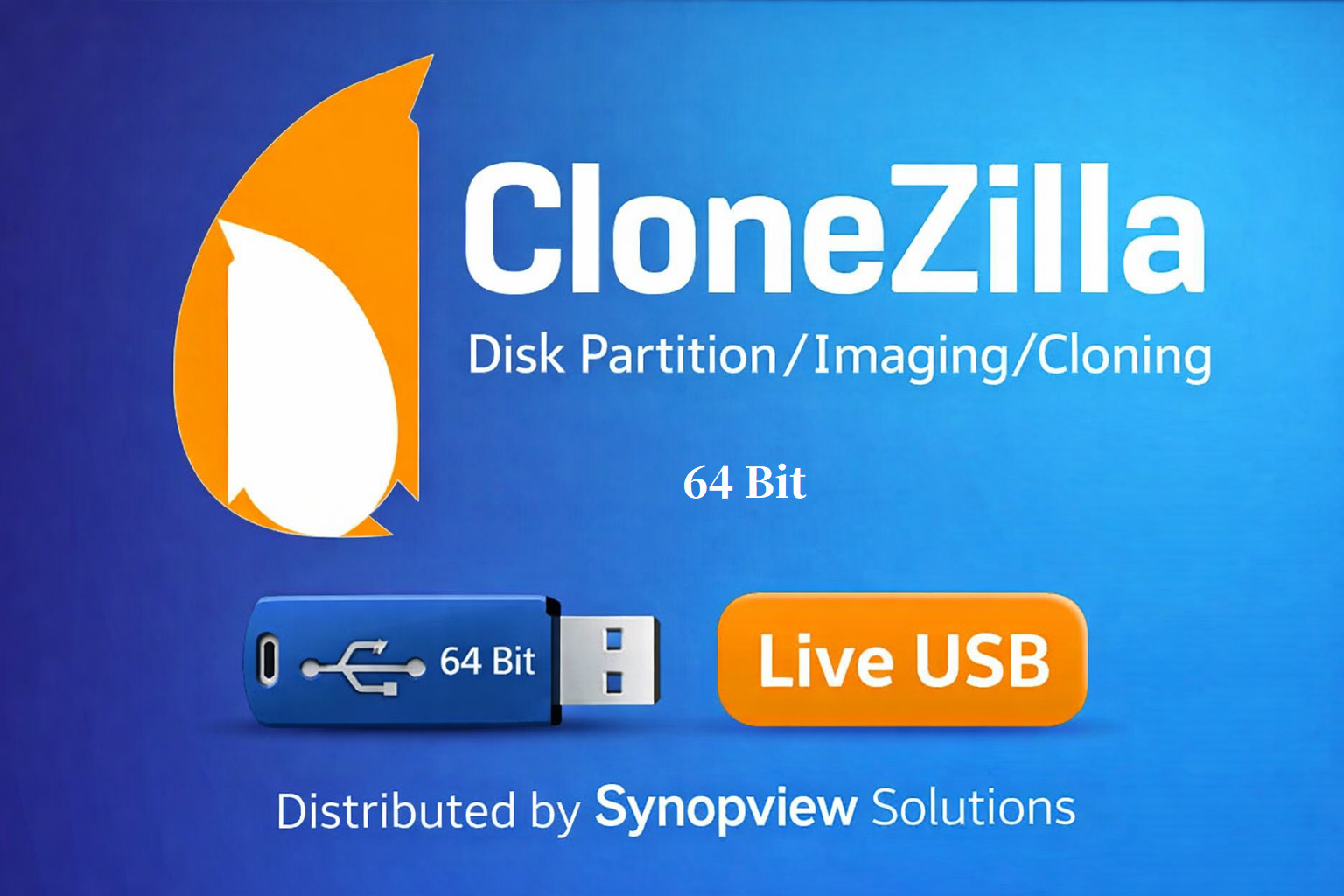
This option is a bootable USB drive preloaded with Clonezilla Live, and the description specifically calls out the 64-bit version. It supports Windows and Linux, lists a lifetime license and unlimited devices, and requires at least 2 GB of RAM. It's the highest-priced product in this comparison, so you're paying for the top of the range plus the explicit 64-bit detail. The boot media is USB, which is convenient for modern systems, though you'll need to boot from the USB rather than a disc. If your priority is a ready-to-run Clonezilla Live USB with no build step, this product's description matches that need directly. For anyone who already uses Clonezilla's workflow, this removes the need to create your own bootable drive.
Clonezilla Bootable USB Drive (lower price)
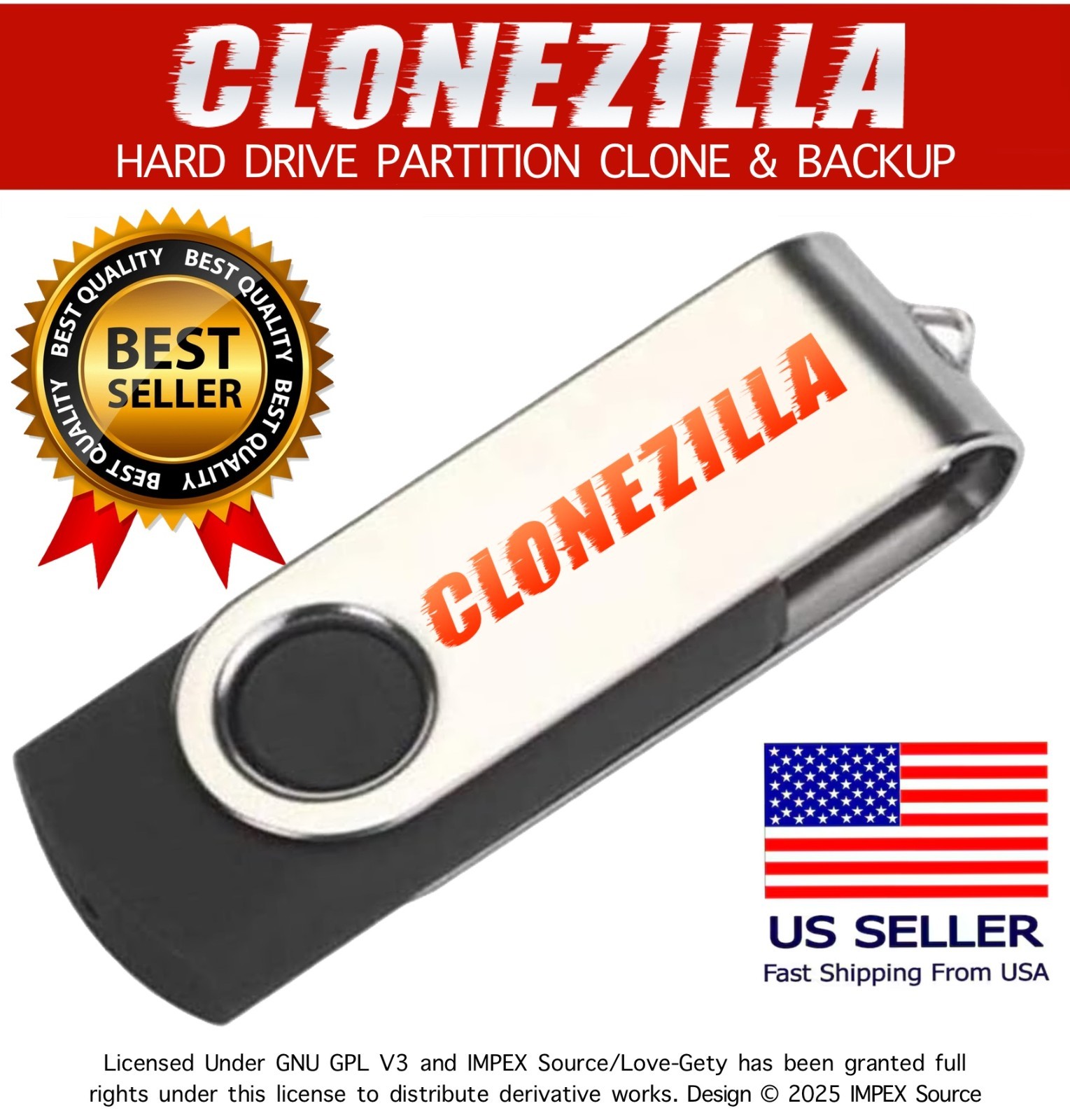
This second option shares the same product title as the higher-priced Clonezilla USB, comes on a bootable USB, and is built for Windows and Linux. It also lists a lifetime license and unlimited devices, with a 2 GB RAM requirement. You get the same title-level Clonezilla workflow for a lower price than the other Clonezilla USB. The description presents it as a ready-to-use Clonezilla Live USB, which is the main feature you'd expect from this kind of boot disk. If you like Clonezilla and don't need the extra 64-bit wording in the higher-priced description, this is the lower-priced way into the same format. It still requires booting from USB, just like any bootable utility.
Rescuezilla Bootable DVD
This is the only DVD-based option in this comparison, and it sits at the bottom of the price range. Rescuezilla is described as an open-source disk imaging tool that is fully compatible with Clonezilla, essentially serving as a Clonezilla GUI. The supported systems listed are Linux, Windows 10, and Windows 10 64-bit, with a 1 GB minimum RAM and a 1 GHz processor requirement. If you have an optical drive and want a bootable disc for imaging tasks, this DVD removes the need for a spare USB stick. The narrower OS list means it's aimed at Linux and modern Windows 10 machines, so if you cover many older Windows versions, a USB option with broader coverage would be the more suitable route. For simple Clonezilla-compatible imaging on a DVD, this is the direct choice.
Rescue Disk (Redo Rescue)
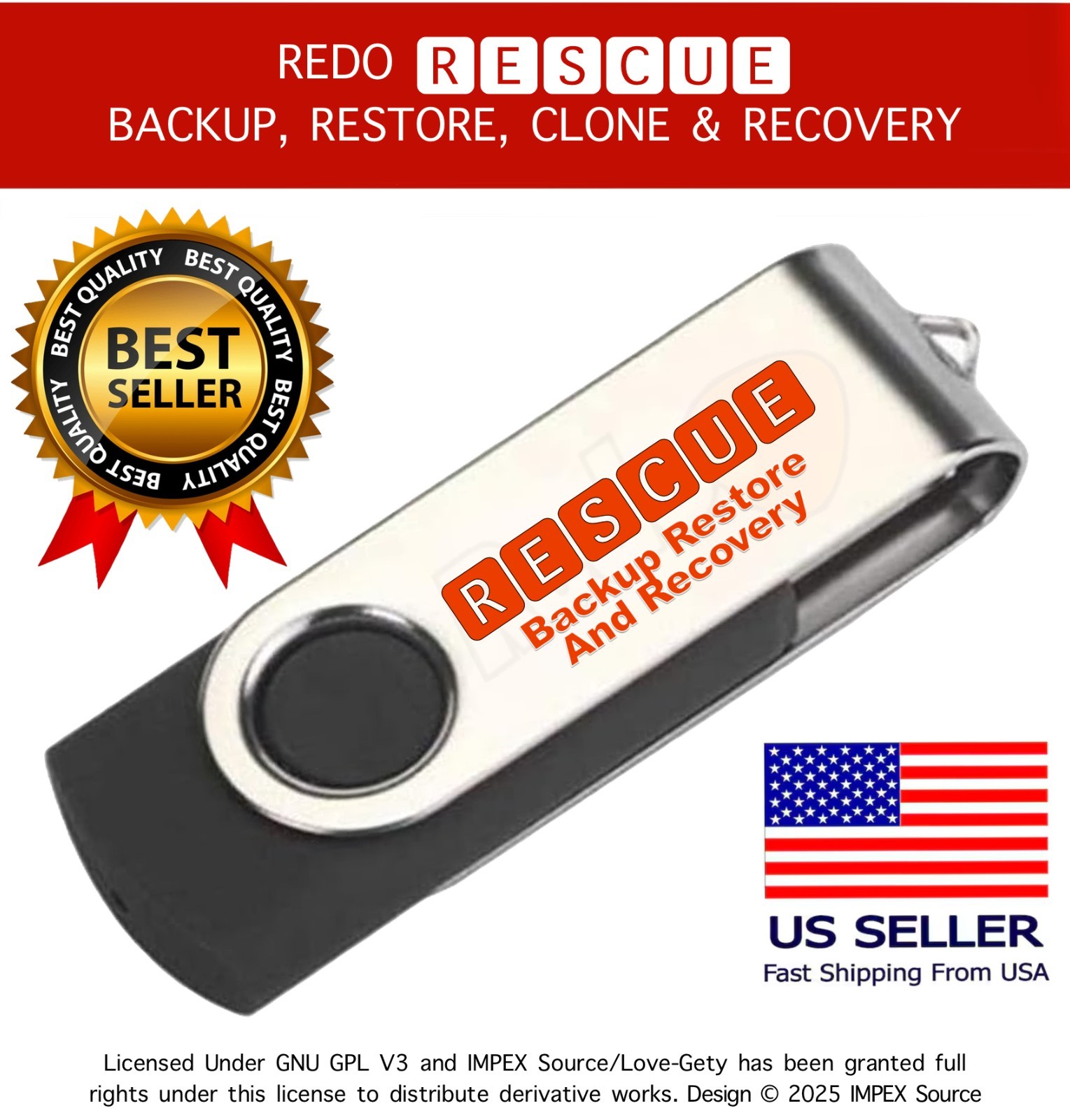
This Redo Rescue-based USB option matches the lower Clonezilla USB in price but stands out for OS coverage: Linux, Windows 10, 8.1, 8, 7, Vista, XP, and macOS. It also lists an English and multilingual interface, making it a flexible rescue disk for mixed environments. The description explains that you boot directly from the USB drive into Redo Backup to make a complete bare-metal backup, which is exactly the use case for a recovery utility. Minimum requirements are listed at 1 GB RAM and a 1 GHz processor. If your machines include older Windows versions or Macs alongside Linux, this option's compatibility list covers far more ground than the two Clonezilla USB options. The trade-off is that it follows the Redo Backup approach rather than the Clonezilla interface, so there's a slightly different recovery workflow to learn.
Final recommendation by use case
- For a DVD-based, low-priced imaging tool built around Clonezilla compatibility, pick the Rescuezilla Bootable DVD.
- For a USB utility with a broad OS list, pick the Rescue Disk (Redo Rescue).
- For a preloaded Clonezilla Live USB with explicit 64-bit wording, pick the higher-priced Clonezilla USB.
- For a lower-priced Clonezilla USB with the same core title, pick the lower-priced Clonezilla USB.
