If you're shopping for bootable utilities for backup and data recovery, the first decision is whether you need a dedicated recovery drive or a broader PC repair toolkit. The four USB drives here cover both: two are focused Rescuezilla backup-and-recovery sticks, while TRS Tools and MediCat include diagnostics like password reset and hardware testing. Listed prices span from $14.95 to $29.99, so the right pick depends on whether you plan to restore an image or actually fix a broken system.
Quick Take
For pure disk imaging, backup, and cloning, the Rescuezilla drives are the most specialised. For troubleshooting a machine that won't boot, the TRS Tools and MediCat USB toolkits offer more utilities under one boot menu. The two Rescuezilla options share a lifetime license, but differ in OS listing and device count. The TRS Tools drive is the most expensive of the group, while MediCat slots in at a middle price with a 32 GB stick. If you only need to recover or clone a system, a focused recovery drive will do the job; if you also need to reset passwords or test hardware, a multi-tool drive is worth the extra utilities.
Listed Price Comparison
| Product | Listed Price | Price Bar |
|---|---|---|
| Computer Repair Bootable USB Utility Toolkit | $29.99 | |
| Rescuezilla 2.6.2 Bootable USB | $15.48 | |
| Rescuezilla 2.6 System Backup & Recovery USB Flash Drive | $14.95 | |
| MediCat USB - The Ultimate Bootable Toolkit for PC Repair and Recovery | $17.85 |
Decision Matrix
| If you need... | The natural fit is... |
|---|---|
| Disk imaging and system recovery for Windows, Linux, and Mac | Rescuezilla 2.6.2 Bootable USB |
| The lowest listed price and unlimited-device licensing | Rescuezilla 2.6 System Backup & Recovery USB Flash Drive |
| Password reset, data recovery, and hardware testing in one boot menu | MediCat USB |
| A 64 GB Windows-focused toolkit with an offline driver resource | Computer Repair Bootable USB Utility Toolkit |
Product Notes
Computer Repair Bootable USB Utility Toolkit
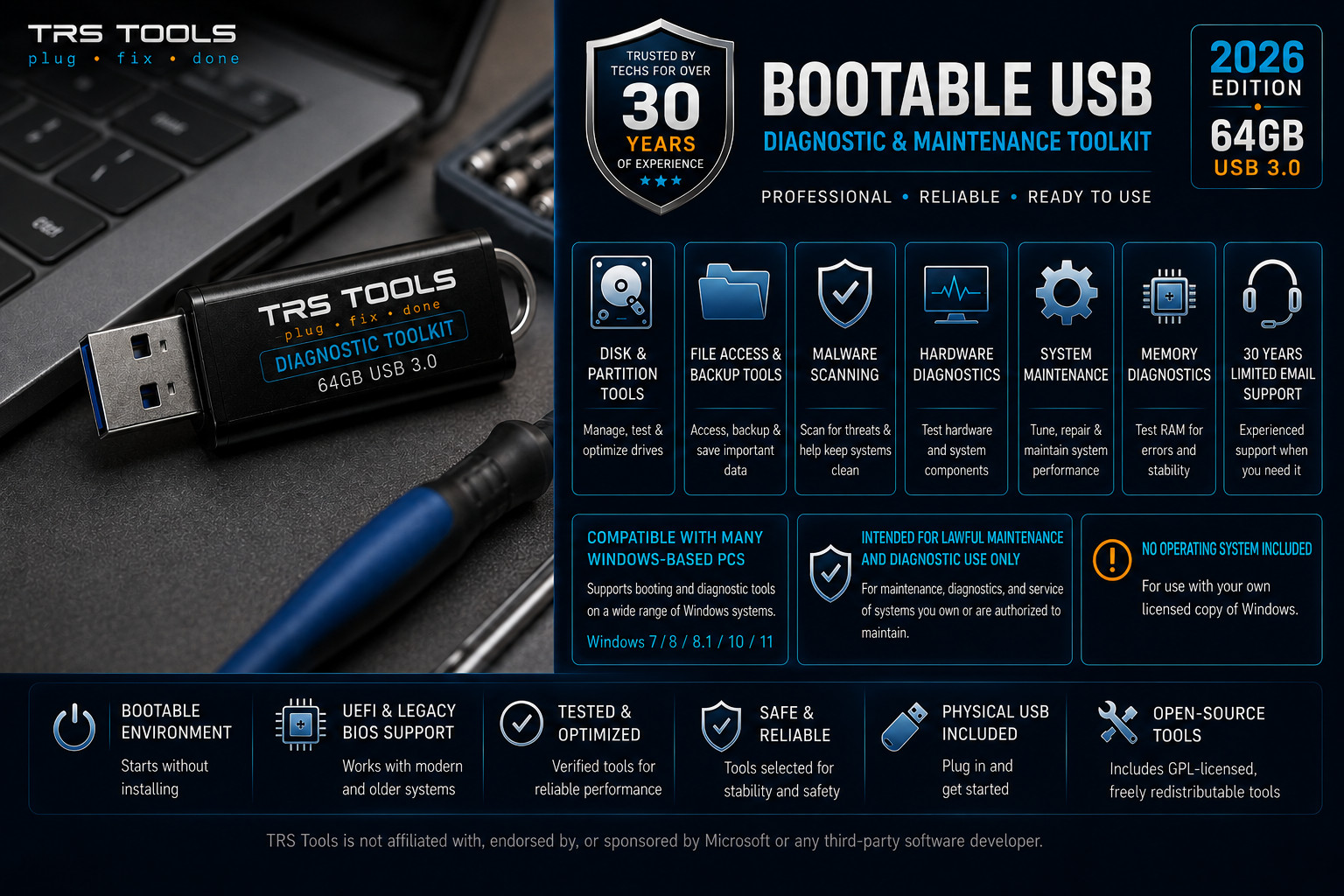
At $29.99, this is the most expensive drive in the comparison, but it's also the only one with a 64 GB USB 3.0 capacity. The toolkit is organised for modern UEFI and legacy BIOS systems and includes an offline driver utility resource. It is built for Windows systems, so if you need macOS or Linux recovery, this isn't the match. The standard license and unlimited-device count make it a practical option for a repair shop that services multiple Windows PCs and wants to carry one well-equipped stick.
Rescuezilla 2.6.2 Bootable USB
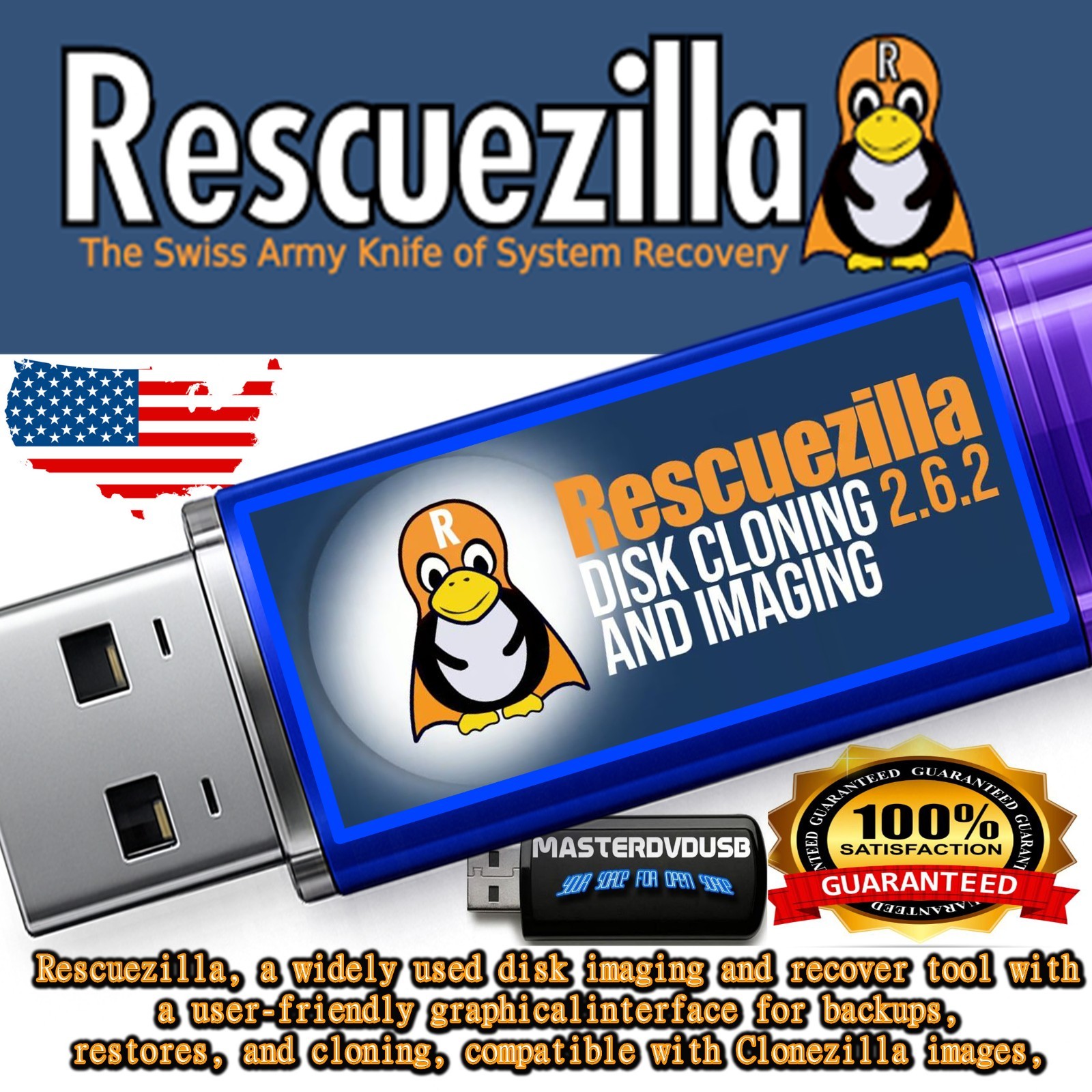
The Rescuezilla 2.6.2 drive is priced at $15.48 and carries a lifetime license. It supports Linux, Microsoft Windows 10 64-bit, and macOS, which is the broadest OS support in the comparison. The tool offers a user-friendly graphical interface and compatibility with Clonezilla images, making it a strong fit for disk imaging and backup. The trade-off is system requirements: it asks for a 1 GHz processor, 1 GB RAM, and 2 GB hard-drive space minimums, so older or very low-spec machines may not meet the bar. For most home and small-office recovery jobs, this gives you the easiest path from bootable USB to restored system.
Rescuezilla 2.6 System Backup & Recovery USB Flash Drive
At $14.95, this is the lowest listed price in the group, and the license is lifetime with unlimited devices. It boots on BIOS and UEFI systems and is compatible with NTFS, ext4, HFS+, and similar filesystems, so it's clearly built for whole-drive backup and recovery. The limitation is its focus: it's built for whole-drive backup and recovery, so the toolset is narrower than the diagnostic-heavy MediCat and TRS drives. If you want a dependable recovery stick for a family of PCs and don't need the extra repair utilities, this is the most direct low-price pick.
MediCat USB
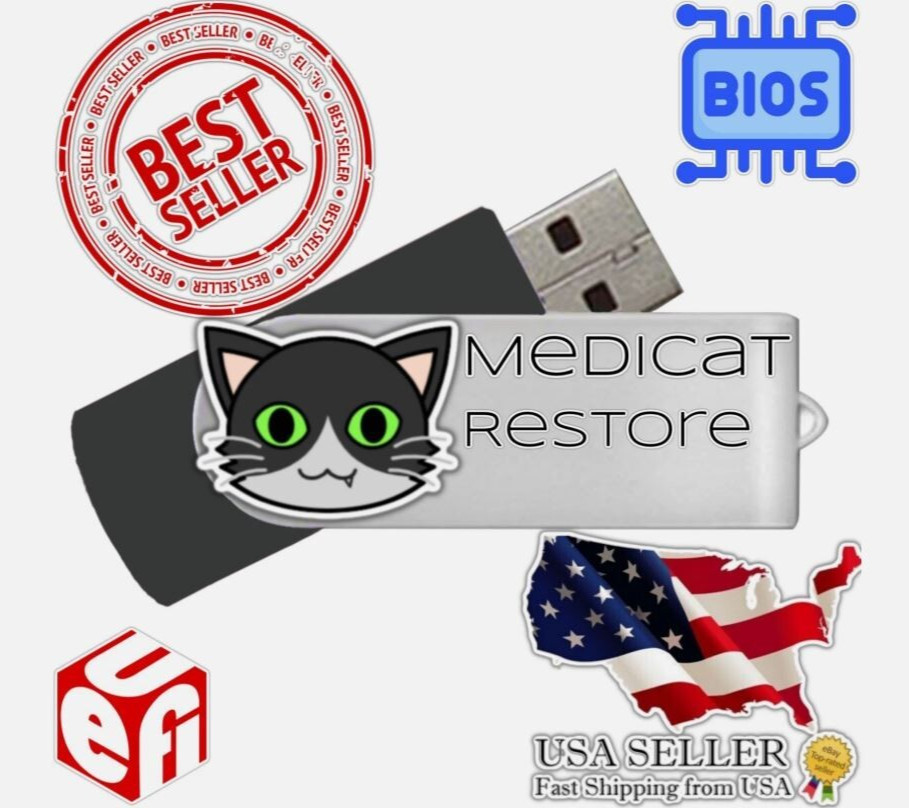
MediCat USB is listed at $17.85 and comes on a 32 GB USB 3.0 stick with over 30 GB of tools. It includes resetting or clearing Windows passwords, data recovery, memory testing, hard-drive testing and benchmarking, drive cloning, a portable Windows recovery environment, and a full portable Linux distribution, plus compatibility with 32-bit and 64-bit systems and UEFI and legacy BIOS. It requires 3 GB of RAM and is licensed for one device, so it's not the cheapest or the most device-flexible option, but it packs the widest range of repair utilities into a single boot menu for the price.
Final Recommendation by Use Case
For a focused recovery drive, the Rescuezilla 2.6 System Backup & Recovery USB Flash Drive is the straightforward pick for the lowest listed price and unlimited devices, while the Rescuezilla 2.6.2 Bootable USB adds explicit multi-OS support and listed system requirements for a few cents more. If you need to do more than recover an image, the MediCat USB tool drive gives you password reset, hardware testing, and cloning utilities on a 32 GB stick without jumping to the top of the price range. The Computer Repair Bootable USB Utility Toolkit makes sense when you specifically want a 64 GB Windows-centric diagnostic drive with an offline driver resource and are comfortable with the higher listed price.
