Bootable backup and recovery utilities solve a messy problem: your main operating system won't start, but you still need to back up or recover the data on that drive. The hard part is choosing between a disk-imaging tool that restores your whole system, a cloning tool that copies a drive to another disk, and a recovery wizard that digs out deleted or formatted files. The four options here cover all three approaches at listed prices from $14.99 to $79.99.
What kind of recovery do you actually need?
Before jumping to a product, think about the failure. If your hard drive is failing and you want a full snapshot you can restore later, disk imaging is the fit. If you are moving to a new drive and want the new disk to be identical to the old one, disk cloning is the fit. If you already deleted or formatted files and need them back, data recovery is the fit. Each utility below is built around one of these jobs, though some overlap.
Quick take
Rescuezilla is the lowest-priced imaging utility and pairs a Clonezilla-compatible GUI with a lifetime license. Redo Rescue is a USB-based rescue disk that lists support for more operating systems, including macOS. EaseUS Disk Copy Pro focuses on cloning and OS migration for drive replacements. EaseUS Data Recovery Wizard is the dedicated file-rescue option with unlimited device support.
Listed price comparison
The listed price spread runs from $14.99 to $79.99. The table below shows the supplied prices and relative bars.
| Product | Listed Price | Price Bar |
|---|---|---|
| Rescuezilla Bootable DVD | Clonezilla GUI | Disk Imaging | Backup/Restore | USD 14.99 | |
| Disk Cloning Software Imaging Backup and Restore Hard Drive Tools Rescue Disk | USD 15.97 | |
| EaseUS Disk Copy Pro Bootable DVD/USB | USD 34.99 | |
| EaseUS Data Recovery Wizard Bootable DVD/USB | USD 79.99 |
Decision matrix
- Whole-system failure: Rescuezilla or Redo Rescue can create a full disk image from a bootable DVD or USB and restore it later.
- Moving to a new drive: EaseUS Disk Copy Pro clones your disk so the new drive is identical.
- Deleted or corrupted files: EaseUS Data Recovery Wizard is designed to recover lost data from hard drives, memory cards, USB drives, and other storage media.
- Multi-OS households: Redo Rescue lists Windows XP through 10, Linux, and macOS support; Rescuezilla lists Linux, Windows 10, and Windows 10 64-bit.
Product notes
Rescuezilla Bootable DVD
At $14.99, Rescuezilla is the lowest-priced utility here and comes on DVD. Its description highlights an open-source, easy-to-use disk imaging app that is fully compatible with Clonezilla and offers a graphical user interface. The listed operating system support is Linux, Microsoft Windows 10, and Windows 10 64-bit, and the license is lifetime. This makes it a straightforward choice if you want a Clonezilla-compatible imaging tool without a higher price tag. The main limitation is the DVD format, so you need a bootable DVD drive rather than a USB stick. It also lists minimum requirements of 1 GB RAM, 1 GB hard drive space, and a 1 GHz processor.
Redo Rescue Rescue Disk
This USB rescue disk is listed at $15.97 and uses the Redo Backup Restore Recovery approach. It supports Linux, Windows Vista through 10, and macOS, with English and multilingual language options. The description emphasizes bare-metal backup and restore that can bring a PC back after damage, malware, deletion, hackers, and mistakes. The USB format is handy if your system lacks a DVD drive. The trade-off is that the USB drive's file system is not readable directly in Windows, so you'll boot into the rescue environment to use the software. For a low-priced, multi-OS rescue disk, this is the broader compatibility pick.
EaseUS Disk Copy Pro Bootable DVD/USB
EaseUS Disk Copy Pro is listed at $34.99 and comes on DVD, with USB mentioned in the product title. Its focus is cloning: it can copy data, applications, and settings from one hard disk to another so the new disk is 100% identical. The description mentions one-click OS migration, sector-by-sector copying, cloning a large drive to a smaller SSD, and upgrading a small disk to a larger one. That makes it a better fit for drive replacement than for simple file recovery. If your goal is to swap in a new disk and keep everything exactly as it was, this is the tool aimed at that job.
EaseUS Data Recovery Wizard Bootable DVD/USB
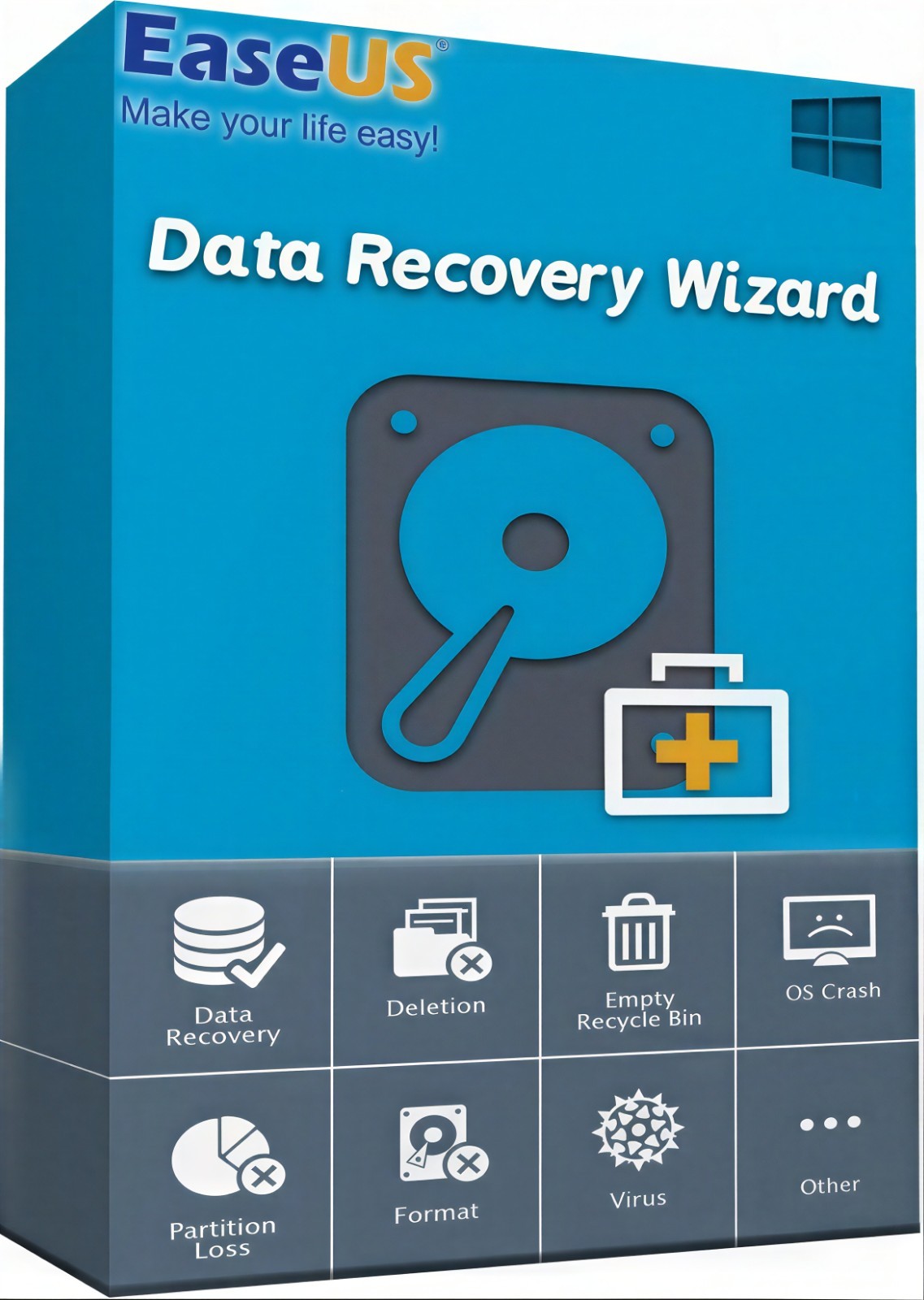
The highest-priced option at $79.99, EaseUS Data Recovery Wizard is described as a bootable DVD/USB that recovers deleted, formatted, or lost data from PCs, laptops, and removable devices. It lists unlimited device support and can retrieve files like Office documents, photos, videos, and emails from hard drives, memory cards, USB drives, digital cameras, and mobile devices. If you need to recover lost files rather than image or clone a full drive, this is the tool aimed at that job. The main trade-off is the higher listed price, so it fits a dedicated file-rescue budget.
Final recommendation by use case
Choose Rescuezilla if you want a low-priced Clonezilla-compatible imaging DVD and your systems are Windows 10 or Linux. Choose Redo Rescue if you prefer a USB bootable rescue disk and need broader Windows plus macOS support. Choose EaseUS Disk Copy Pro for disk cloning and OS migration when replacing or upgrading a drive. Choose EaseUS Data Recovery Wizard when the job is recovering deleted or lost files across many devices.
