Choosing between two Windows 11 Pro licenses comes down to format and condition. One arrives on a bootable USB flash drive; the other on a DVD for system builders.
Quick verdict
If you want a ready-to-use USB with a license key, pick the Windows 11 Pro 64-Bit USB Flash Drive License Key. If you are assembling a PC and prefer a physical DVD package, the Windows 11 Pro OEM System Builder DVD 64-Bit Genuine License is the alternative. The two are priced within about $2 of each other, so media type and condition should drive your choice.
Comparison at a glance
| Product | Listed price | Price indicator | Format | Condition |
|---|---|---|---|---|
| Microsoft Windows 11 Pro 64-Bit USB Flash Drive License Key READ DESCRIPTION | $29.99 | USB flash drive | Brand New | |
| Microsoft Windows 11 Pro OEM System Builder DVD 64-Bit Genuine License New Seale | $28.00 | DVD | Open box |
Where each product wins
Where the USB license wins
The USB version is a bootable flash drive that can activate the OS. It comes with minimum specs of 4 GB RAM, 1 GHz processor, and 64 GB hard drive space. Because it is a USB drive, it works on machines that lack an optical drive. The compact format also makes it easy to carry or store.
Where the OEM DVD wins
The OEM System Builder DVD is listed at $28.00, the lower listed price of the pair. It is described as a genuine retail package aimed at PC builders, system integrators, and professional users. The description highlights remote desktop capability, BitLocker drive encryption support, professional networking tools, and enhanced productivity.
Product notes
Microsoft Windows 11 Pro 64-Bit USB Flash Drive License Key READ DESCRIPTION
This is a USB flash drive with a license key for Windows 11 Pro. It is listed as Brand New and in English. The description notes that a box is not included, so the USB drive is the delivery media. Minimum hardware requirements are 4 GB RAM, a 1 GHz processor, and 64 GB of hard drive space. Choose this if you want an install medium that does not require a disc drive. The listing title includes "READ DESCRIPTION," which signals that you should read the full listing before purchasing. This is a straightforward, no-frills way to get Windows 11 Pro onto a machine.
Microsoft Windows 11 Pro OEM System Builder DVD 64-Bit Genuine License New Seale
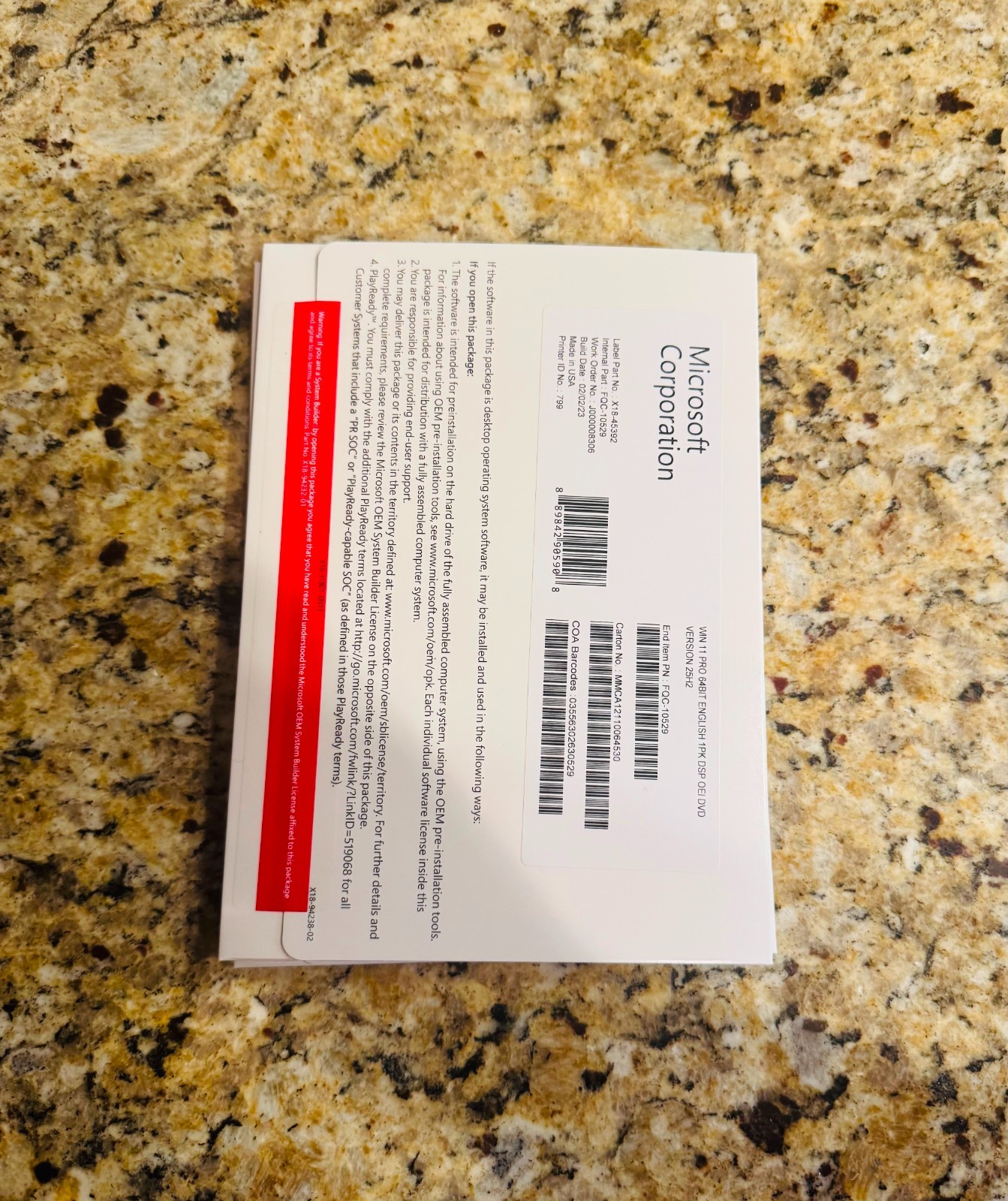
This is an OEM System Builder package described as a genuine retail package for custom PC builds and upgrades. It is listed in English and as Open box. The description emphasizes remote desktop, BitLocker drive encryption, professional networking tools, and enhanced productivity. It is aimed at PC builders, IT professionals, and business computers. Choose this if you prefer a physical DVD and are comfortable assembling or upgrading a system yourself. The open-box condition is the key trade-off to weigh, and the package is intended for system builder workflows rather than casual consumers.
Final choice by use case
For a fresh build with a disc drive and the lower price, the OEM System Builder DVD is a natural fit. For a compact, brand-new install stick that works on machines without an optical drive, the USB Flash Drive License Key is the straightforward pick. Both deliver 64-bit Windows 11 Pro, so your decision really rests on which physical medium suits your setup.
