Quick Verdict
Both are Windows 11 Pro 64-bit operating systems in English, listed as brand new. The USB flash drive version is listed at $29.99, and the DVD version is listed at $24.99, a $5.00 price difference. The USB option uses a flash drive as the medium, while the DVD option uses a disc. Choose the USB if you want a drive-based format; choose the DVD if you prefer a physical disc.
At a Glance
| Specification | Windows 11 Pro USB Flash Drive | Windows 11 Pro DVD and Key |
|---|---|---|
| Listed price | USD 29.99 | USD 24.99 |
| Price bar | ||
| Media | Bootable USB flash drive | DVD disc |
| Language | English | English |
| Condition | Brand New | Brand New |
| Key included | Yes | Yes |
| Number of devices | 1 | 1 |
Where Each Option Wins
- USB flash drive: Pick the USB version if you want a bootable drive that you can plug directly into a system. The bootable USB format comes with minimum system requirements of 4GB RAM, a 1GHz processor, and 64GB of hard drive space, so compatibility is easy to check.
- DVD and key: Choose the DVD if your computer or tablet has a disc drive. This package is OEM software made in the United States, and it includes a lifetime manufacturer warranty. The physical disc and the warranty are the main draws here.
Product Notes
Microsoft Windows 11 Pro 64-Bit USB Flash Drive License Key
This version comes on a bootable USB flash drive, which makes it convenient for systems where you want to install the operating system without relying on a disc drive. The system requirements are 4GB RAM, a 1GHz processor, and 64GB of available hard drive space, so you can check those numbers against your current hardware before getting started. The box is not included, meaning you get the USB drive without the retail box. If you're comfortable with a no-box package and prefer a USB-based installation, this version gives you the operating system on a portable medium.
Microsoft Windows 11 Pro 64 bit DVD and Key OEM USA
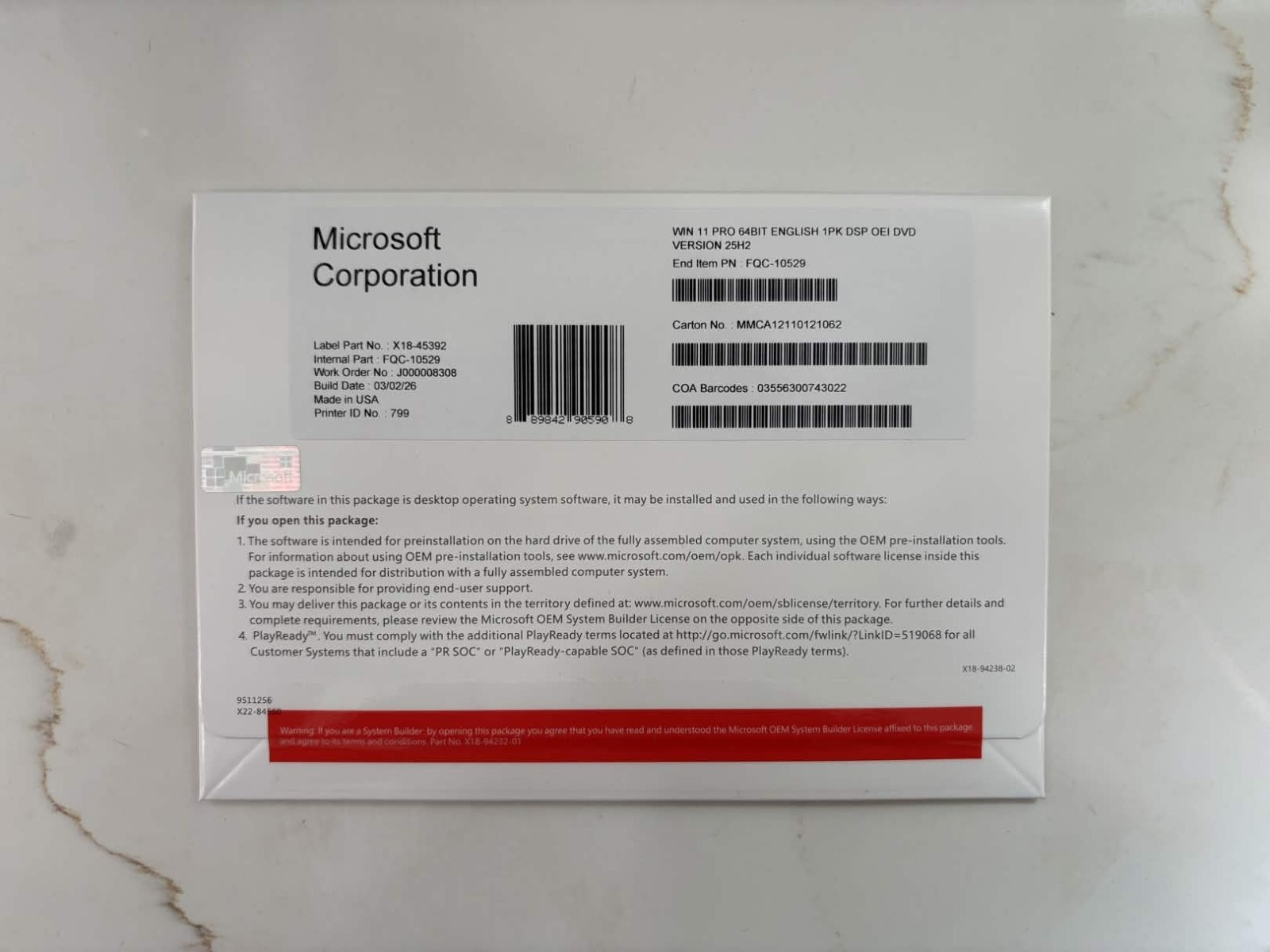
This package arrives on a DVD disc, and it is OEM software made in the United States. It also includes a lifetime manufacturer warranty, so you have a warranty point to reference if needed. The DVD format is easy to use on a computer or tablet that has a built-in disc drive, but systems without an optical drive will need an external DVD drive to read the disc. That dependency on a disc drive is the main limitation to weigh. If you already have a DVD drive and want a physical disc, this version is the more traditional installation route.
Final Choice
If you want a bootable USB drive and are comfortable with the package arriving without a box, the Windows 11 Pro USB flash drive is the more portable option. If you still have a DVD drive and want a physical disc with an OEM label and a lifetime warranty, the Windows 11 Pro DVD and key is the one to pick. Between the two, the right choice comes down to the medium your system can handle and whether you prefer a USB drive or a DVD disc.
