Choosing between two Windows software collections at the same listed price can feel like a coin flip. The Ultimate IT Technician Pack packages professional software tools aimed at hardware monitoring, system management, and troubleshooting. The Ultimate Windows Toolkit bundles utilities focused on customization, privacy, and performance tweaks. Both are physical license media hardware keys and both run on Windows. The right pick depends on whether you're repairing PCs or reshaping how Windows behaves every day.
Quick Verdict
Choose the Ultimate IT Technician Pack if your main tasks are diagnostics, system analysis, and keeping hardware in check. Choose the Ultimate Windows Toolkit if you want broader day-to-day control over Windows appearance, privacy, and optimization.
Comparison
| Compare | Ultimate IT Technician Pack | Ultimate Windows Toolkit |
|---|---|---|
| Listed price | USD 14.98 | USD 14.98 |
| Tool count | 130+ | 450+ |
| Focus | Hardware monitoring, management, troubleshooting | Customization, privacy, performance tweaks |
| License style | Lifetime | Lifetime |
| Number of devices | Unlimited | Unlimited |
| Minimum drive space | 2.7 GB | 2.78 GB |
| Price bar |
Where Each Collection Wins
The Ultimate IT Technician Pack is the stronger option when you're working on hardware-level problems. It includes hardware monitoring utilities such as CPU-Z, GPU-Z, and HWiNFO, and it groups professional software tools for system administrators and power users who need to diagnose and manage multiple machines.
The Ultimate Windows Toolkit is the stronger option when you want to adjust Windows to your liking after it's running. It includes Microsoft PowerToys and utilities for advanced pasting, keeping windows on top, and managing wake behavior, plus a larger set of customization and privacy tools.
Product Notes
Ultimate IT Technician Pack (130+ Professional Software Tools) (USB or DVD
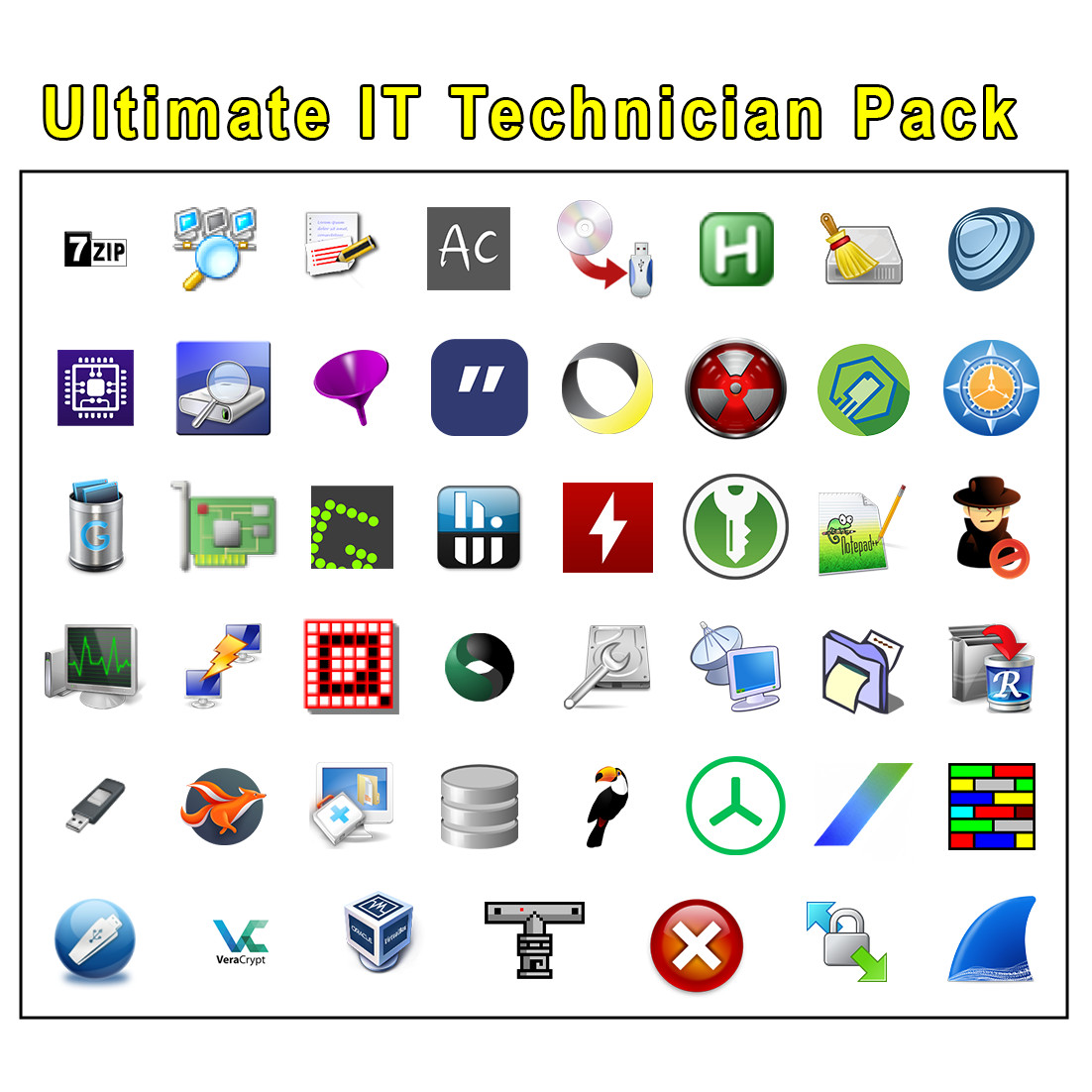
If your goal is system repair and hardware analysis, this is the more targeted collection. It gathers over 130 tools for monitoring CPUs, GPUs, RAM, and motherboards, and its listed utilities for hardware sensing make it a practical companion for IT work. The lifetime license and unlimited-device allowance mean you can keep it on hand for any Windows machine you service. Its limitation is scope: this is a technician-focused bundle, and the Windows Toolkit covers more ground in customization and privacy. So someone who mainly wants visual tweaks or privacy cleanup may find the other collection more useful.
Ultimate Windows Toolkit (450+ Customization & Privacy Utilities) (USB or DVD
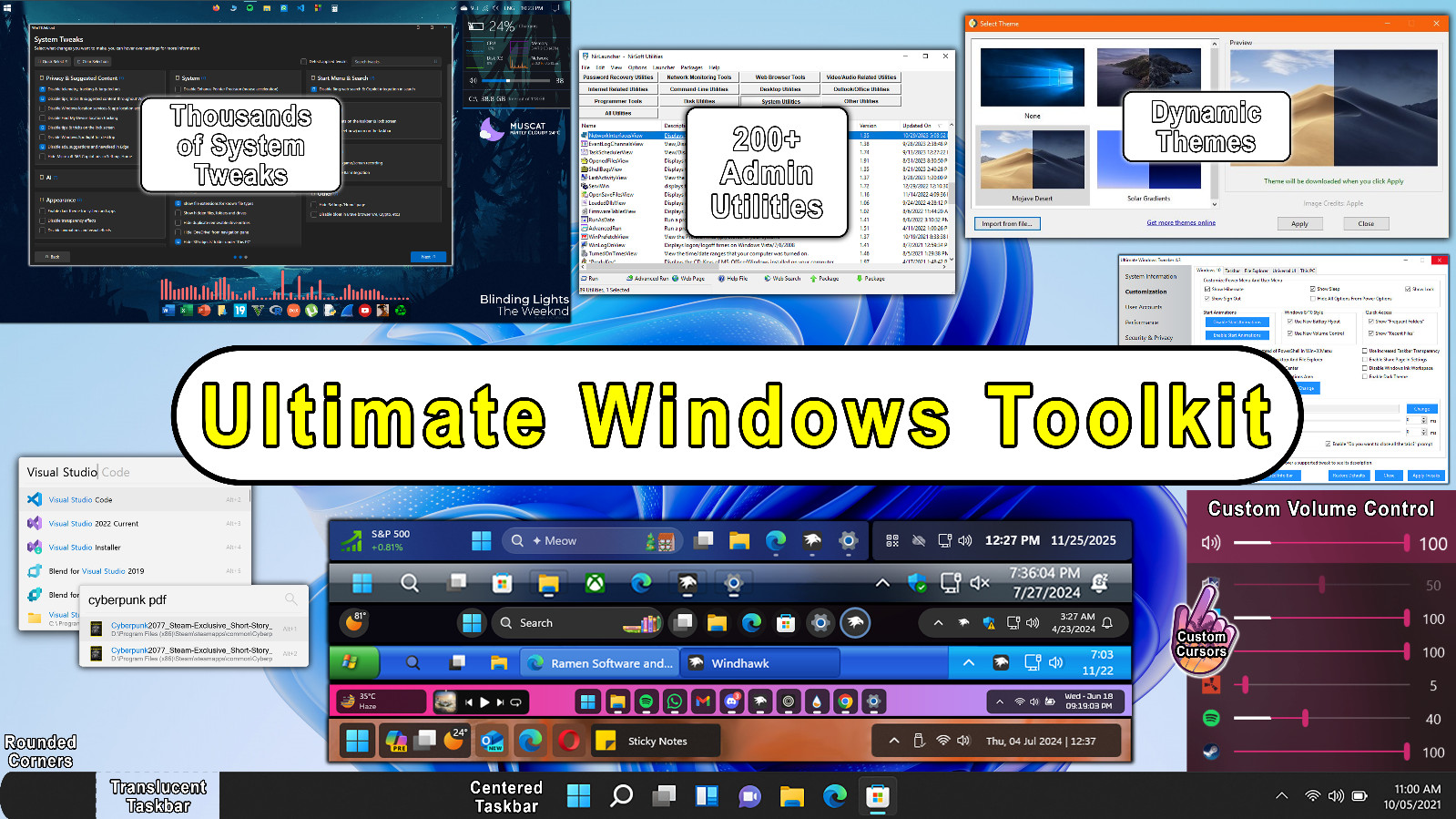
This is the better fit when you want to take control of Windows after setup. The toolkit's focus is performance optimization, privacy protection, and visual customization, and it specifically includes PowerToys for actions like advanced paste, pinning windows, and keeping the PC awake. With 450+ utilities, it offers a wider set of tools for day-to-day PC management. The trade-off is that its utility set leans toward customization and privacy, while the IT Technician Pack emphasizes hardware diagnostics. If most of your time is spent making Windows look and behave the way you want, this is the collection to grab.
Final Choice by Use Case
For hardware diagnostics, system troubleshooting, and IT technician work, go with the Ultimate IT Technician Pack. For ongoing Windows customization, privacy, and performance optimization, go with the Ultimate Windows Toolkit. The decision comes down to whether you're repairing machines or personalizing their everyday operation.
