Quick verdict
When you're shopping for creative photo video audio software, choosing between these two similarly named CD video editors is a practical balance of spend and workflow: Professional Video Editing Software Suite centers on trim-and-effects editing, while Open Shot Video Editor 2024 spells out an intuitive, drag-and-drop approach. Both list Windows 7, 8, 10, and 11 compatibility, CD format, and a Lifetime license. Professional Video Editing Software Suite is the natural fit for a shopper who wants the more direct editing brief; Open Shot Video Editor 2024 suits someone who prioritizes interface and control detail.
At-a-glance comparison
| Product | Listed price | Format and license | Windows operating systems |
|---|---|---|---|
| Professional Video Editing Software Suite | USD 7.80 | CD; Lifetime | Windows 7, 8, 10, 11 |
| Open Shot Video Editor 2024 | USD 19.99 | CD; Lifetime | Windows 7, 8, 10, 11 |
Where each product wins
Professional Video Editing Software Suite wins
This title is the clearer fit for shoppers who specifically want an explicit no-watermarks claim and no-subscription wording. Its description also names a 160+ page manual PDF, adding a written-guidance reason to choose it. That combination gives the package a clear documentation angle alongside its editing focus.
Open Shot Video Editor 2024 wins
Open Shot Video Editor 2024 wins when interface details carry the most weight. Its description names an intuitive, user-friendly interface and drag-and-drop functionality for trimming, slicing, cutting, and arranging clips. That specificity can matter to shoppers who want the editing actions spelled out before they choose.
Product notes
Professional Video Editing Software Suite - Trim, Add Effects Video Editor on CD
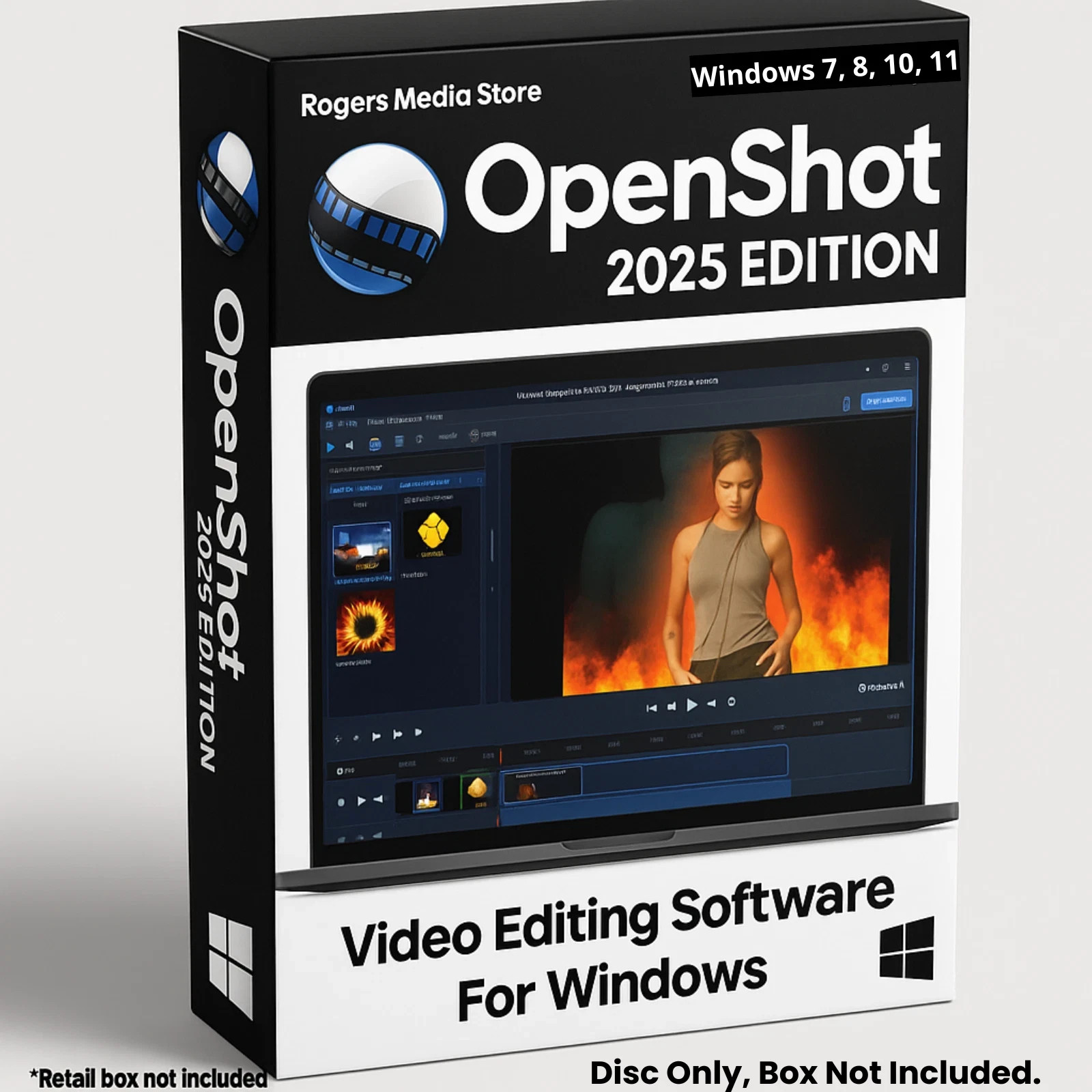
Professional Video Editing Software Suite - Trim, Add Effects Video Editor on CD is a focused choice for shoppers whose projects center on named editing actions. Its description combines trim, split, arrange, transitions, effects, and color correction, giving the package a concrete toolkit for assembling clips. Those details are the reason to choose it when straightforward clip work is the priority. The main limitation is packaging: the product is described as disc only, with no box included. That detail matters to shoppers who want a boxed presentation. The title's Trim, Add Effects wording reinforces that editing-first focus.
Open Shot Video Editor 2024 | Full Pro Video Editing Software Suite for Windows
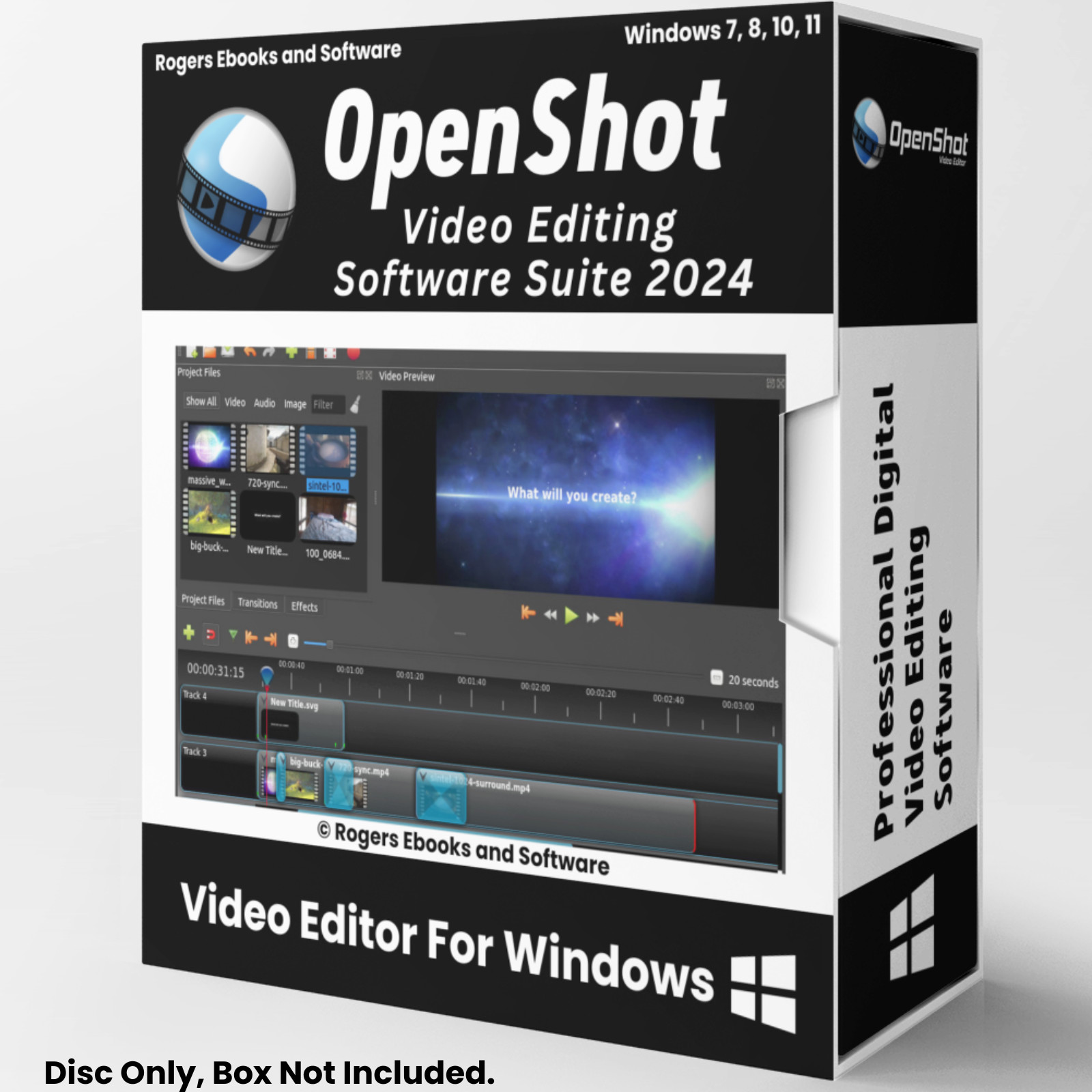
Open Shot Video Editor 2024 | Full Pro Video Editing Software Suite for Windows is a workflow-focused choice for shoppers interested in the creative treatments named in its description. The description calls out animations and visual effects, and identifies the software as open-source. Those details provide a concrete reason to choose it when visual styling or the open-source description matters. The main limitation is packaging: it is identified as disc only, with no box included. Shoppers who want boxed presentation should account for that before choosing this title. The title's 2024 wording gives it a specific edition label, while the full video editing suite wording makes the intended use clear.
Final choice by use case
- Choose Professional Video Editing Software Suite - Trim, Add Effects Video Editor on CD when an explicit no-watermarks claim, no-subscription wording, and manual PDF are the deciding details.
- Choose Open Shot Video Editor 2024 | Full Pro Video Editing Software Suite for Windows when the animations, visual effects, or open-source description align with your workflow.
- If both descriptions fit your needs, use the absolute $12.19 listed-price spread as the tiebreaker: the lower-priced title is Professional Video Editing Software Suite, while the other is Open Shot Video Editor 2024.
