Quick take
Choosing preloaded USB media starts with a simple question: what should the drive do once you plug it in or boot from it? The options here are Linux multiboot sticks, an offline Windows driver helper, and a general PC service toolkit. If you want to try or install Linux, the Linux Multi-Boot USB Installer 8-in-1 covers Ubuntu, Mint, Zorin, CachyOS, Fedora, Pop!_OS, MX Linux, and Debian, while the 26-in-1 Linux Multiboot USB 64GB USB 3.2 pulls 26 Linux-based OSes into one menu. For Windows, the Offline Windows Driver Installer USB 2026 is designed to work without internet, and the 64GB Bootable USB IT Technician Service Toolkit is a WinPE-based environment for diagnostics and maintenance. The comparison below will help you match the physical media to the task.
Listed price comparison
| Product | Listed price | Price bar |
|---|---|---|
| Linux Multi-Boot USB Installer 8-in-1 | USD 14.99 | |
| 64GB Bootable USB IT Technician Service Toolkit | USD 19.99 | |
| 26-in-1 Linux Multiboot USB 64GB USB 3.2 | Mint Zorin Fedora | USD 24.99 | |
| Offline Windows Driver Installer USB 2026 64GB USB 3.2 | No Internet Needed | USD 24.99 |
Decision matrix
| Your goal | Choose this product | Why |
|---|---|---|
| Try or install Linux with a practical set of distributions | Linux Multi-Boot USB Installer 8-in-1 | Eight distros including Ubuntu, Mint, Zorin, CachyOS, Fedora, Pop!_OS, MX Linux, and Debian. |
| Keep more Linux environments ready on one drive | 26-in-1 Linux Multiboot USB 64GB USB 3.2 | 26 Linux-based systems on a 64GB USB 3.2 drive with a menu. |
| Fix missing Windows drivers without internet | Offline Windows Driver Installer USB 2026 64GB USB 3.2 | Runs inside Windows XP through 11 and scans for drivers offline. |
| Maintain and diagnose Windows PCs | 64GB Bootable USB IT Technician Service Toolkit | Environment aimed at startup, boot, hardware, and maintenance tasks. |
Linux Multi-Boot USB Installer 8-in-1
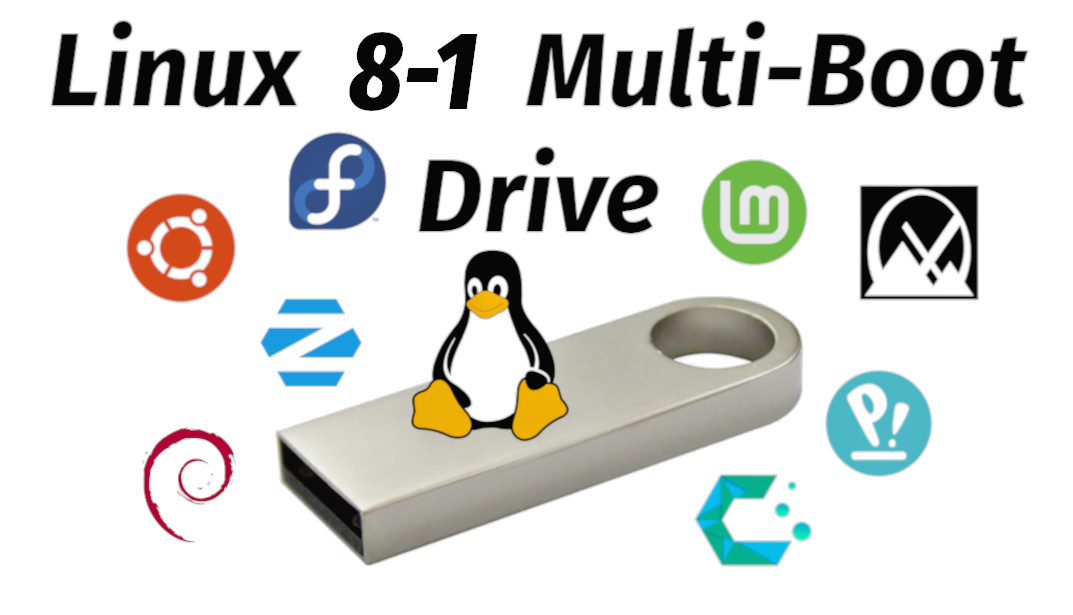
At $14.99, this is the lowest listed price in the group, and it still covers a practical set of Linux distributions: Ubuntu, Fedora, Linux Mint, Zorin OS, Pop!_OS, MX Linux, CachyOS, and Debian. The drive boots into a live session or installs an OS, and the 64-bit UEFI/BIOS versions make it flexible for older desktops or laptops. It is a useful match for someone exploring Linux or reviving older hardware. The trade-off is the count: eight distros is more focused than the 26-in-1 option, so if you want maximum selection on one USB key, this stick will feel narrower.
26-in-1 Linux Multiboot USB 64GB USB 3.2
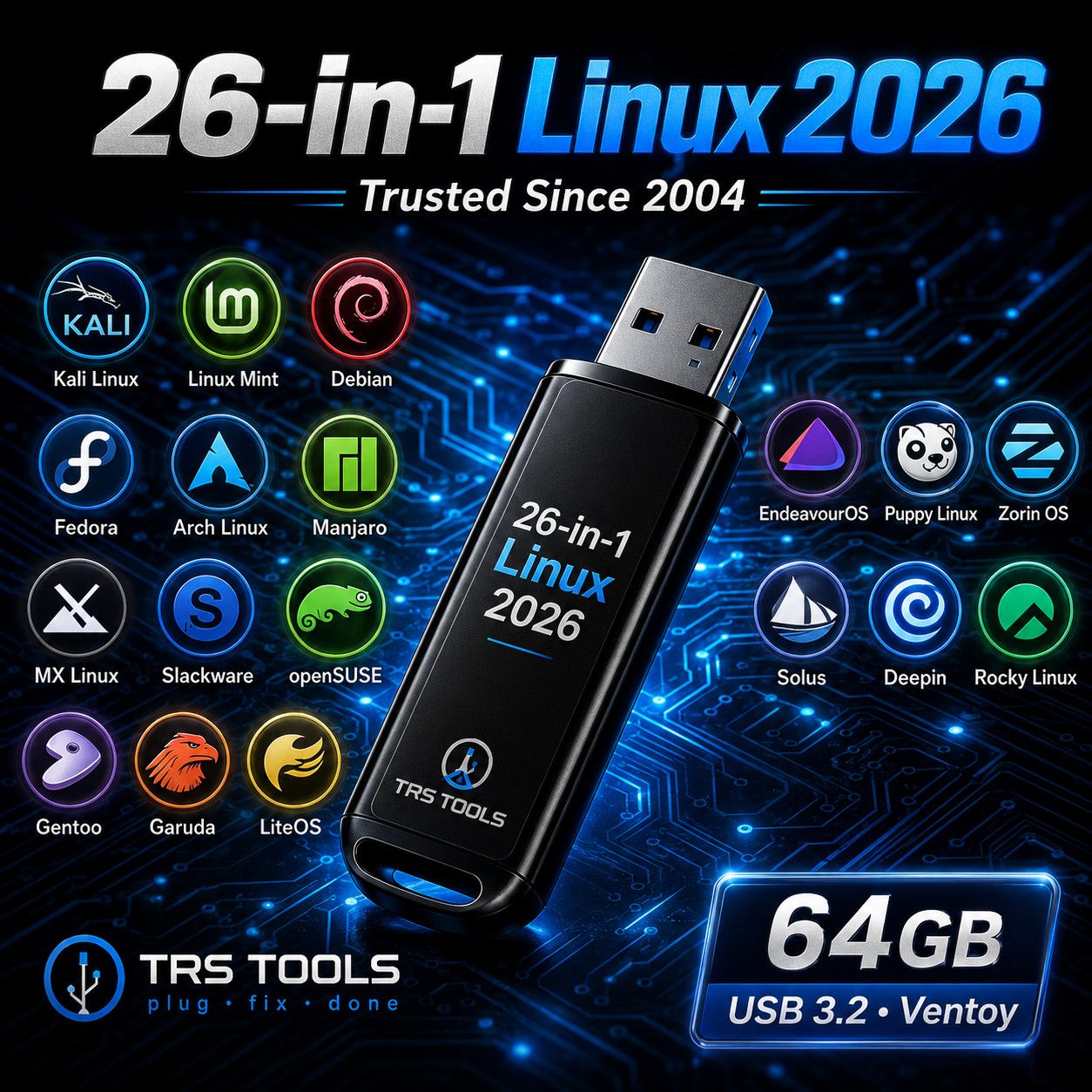
The 26-in-1 option costs $24.99 and is the widest Linux selection in this set. It is a 64GB USB 3.2 drive from TRS Tools with a menu that keeps 26 Linux-based operating systems organized for learning, testing, live use, or system access. Mint, Zorin, and Fedora appear in the title as part of the mix. The limit is that this drive stays in the Linux world; it is not built around Windows driver installation or Windows service tasks. Choose it when Linux variety is the priority and you want one physical drive with many environments instead of a smaller focused set.
Offline Windows Driver Installer USB 2026
This 64GB USB 3.2 drive sits in the same listed-price bracket as the 26-in-1 Linux option. It focuses on automatic driver installation from inside Windows XP through 11 without internet access, which is useful after a clean Windows install when network or device drivers are missing. The trade-off is that Windows must already be installed: this tool runs inside Windows and does not boot the machine. It is also not a Linux install stick, so it should not be used for multiboot duties. If the immediate problem is a missing driver and no connection, this is the direct match in the group.
64GB Bootable USB IT Technician Service Toolkit
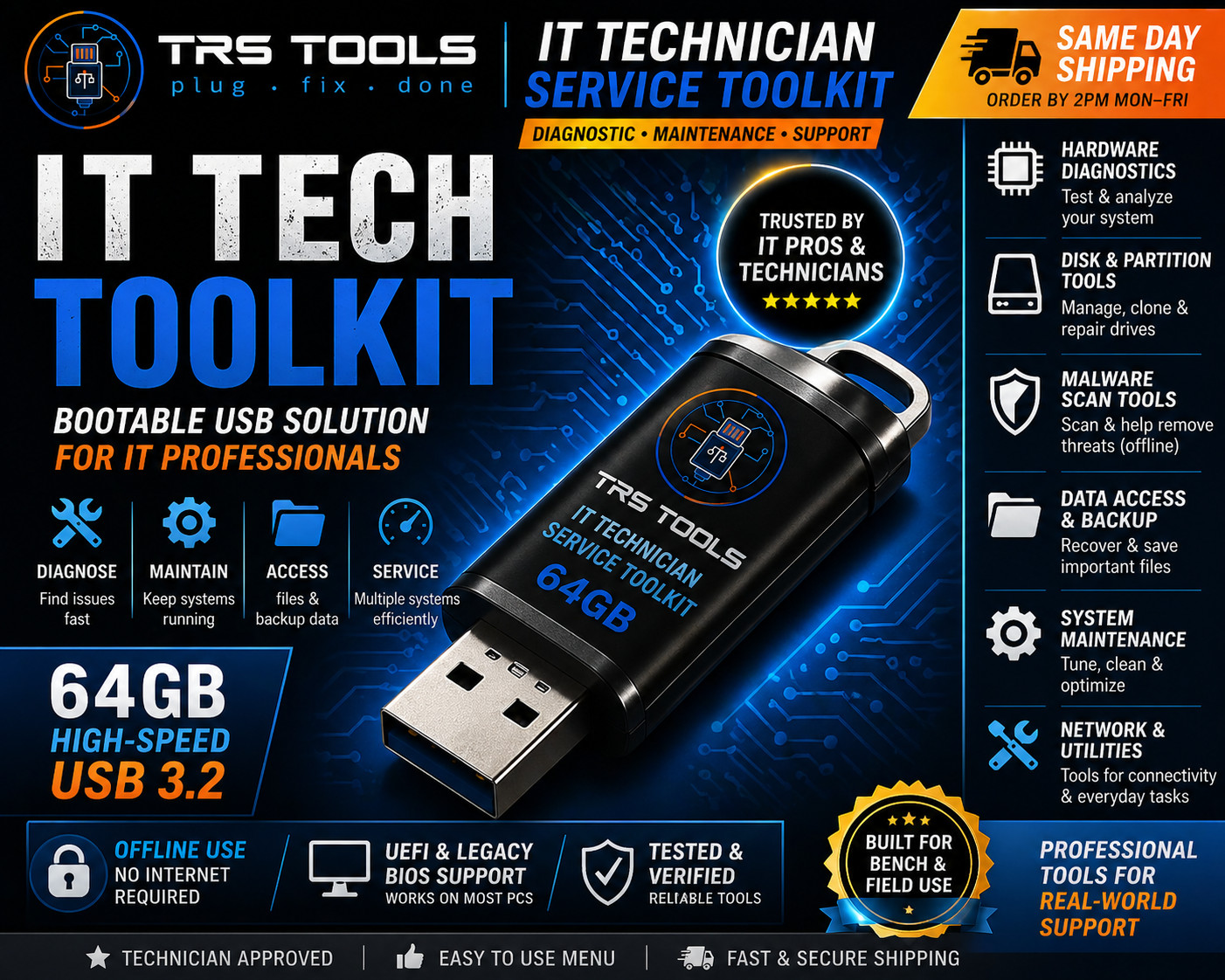
At $19.99, this TRS Tools USB sits between the lower-priced Linux installer and the two top-priced drives. It is a 64GB WinPE-based service environment with a quick-start PDF and a technician-style layout, and it is aimed at startup and boot troubleshooting, hardware diagnostics, and general PC maintenance. That makes it the more general-purpose helper if you repair or maintain Windows PCs. The limitation is scope: it is not the driver-finder in the group and it is not a Linux multiboot stick, so it is best for diagnostics and maintenance rather than OS distribution or driver hunting.
Final recommendation by use case
- Choose the Linux Multi-Boot USB Installer 8-in-1 when your immediate goal is trying or installing a solid set of Linux distributions without spending more than the lower end of the range.
- Choose the 26-in-1 Linux Multiboot USB when the point of the purchase is Linux variety on a single 64GB bootable USB.
- Choose the Offline Windows Driver Installer USB 2026 when you need offline driver coverage after a Windows install.
- Choose the 64GB Bootable USB IT Technician Service Toolkit when Windows PCs need diagnostics, boot troubleshooting, and maintenance tools more than driver search.
In short, pick the Linux multiboot drive for OS selection, the offline driver USB for Windows driver recovery, and the IT Service Toolkit for broader PC repair work. The listed price spread is $10 from the lowest to the highest priced products, so the bigger decision is which USB job matters most.
