Deciding which preloaded bootable USB to carry can be as confusing as the PC you're trying to fix. You have Linux multiboot sticks with different distro counts, a Windows-focused technician toolkit, and a $10 listed-price spread between the cheapest and most expensive options. Here's how to choose the physical license media hardware key that matches your actual workflow.
Quick Take
These four preloaded USB drives break into two groups. The Linux Multi-Boot USB Installer 8-in-1 offers a curated set of popular distributions at the low end of the range. The two TRS TOOLS 26-in-1 drives jump to a much larger Linux collection at the top of the range. In the middle, the 64GB Bootable USB IT Technician Service Toolkit is built around Windows diagnostics and maintenance rather than Linux exploration.
Listed Price Comparison
| Product | Listed price | Relative price bar |
|---|---|---|
| Linux Multi-Boot USB Installer 8-in-1 | Ubuntu, Mint, Zorin, CachyOS, Etc | USD 14.99 | |
| 26-in-1 Linux Multiboot USB 64GB USB 3.2 | Mint Zorin Fedora | USD 24.99 | |
| Linux Multiboot USB 64GB USB 3.2 | 26 Distros (Mint Ubuntu Zorin | USD 24.99 | |
| 64GB Bootable USB IT Technician Service Toolkit - PC Diagnostics, Maintenance | USD 19.99 |
Prices are the listed prices shown for each prepared USB.
Decision Matrix
| Use case | Consider this | Why it fits |
|---|---|---|
| New to Linux and want a small, curated set | Linux Multi-Boot USB Installer 8-in-1 | Focused list of well-known distros at the entry point of the price range. |
| Want one large Linux library | 26-in-1 Linux Multiboot USB 64GB USB 3.2 | Broad multiboot menu for exploring many distributions. |
| Prefer a drive with Mint, Ubuntu, and Zorin in the title | Linux Multiboot USB 64GB USB 3.2 | 26 Distros | Another large multiboot option organized around a similar lineup. |
| Diagnose and service Windows PCs | 64GB Bootable USB IT Technician Service Toolkit | Service-oriented bootable environment with a technician tool layout. |
Product Notes
Linux Multi-Boot USB Installer 8-in-1
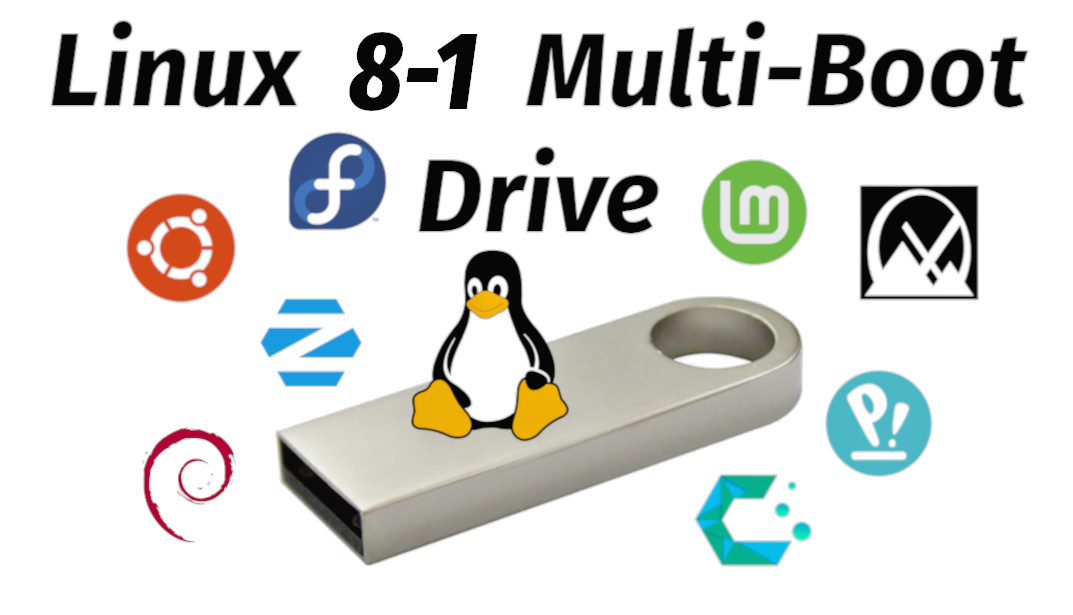
This is the low-priced option in the group and a good starting place if you aren't ready to commit to a large multiboot collection. It includes Ubuntu, Fedora, Linux Mint, Zorin OS, Pop!_OS, MX Linux, CachyOS, and Debian, so you get a spread of mainstream and enthusiast distros on one stick. It boots into a live environment or installs the OS, which makes it useful for both trying Linux and setting it up. The obvious limitation is the distro count: eight systems rather than the 26 on the top-end drives, so you get less variety for side-by-side comparisons. If you specifically want a 64GB USB 3.2 format, the TRS TOOLS drives are the way to go.
64GB Bootable USB IT Technician Service Toolkit
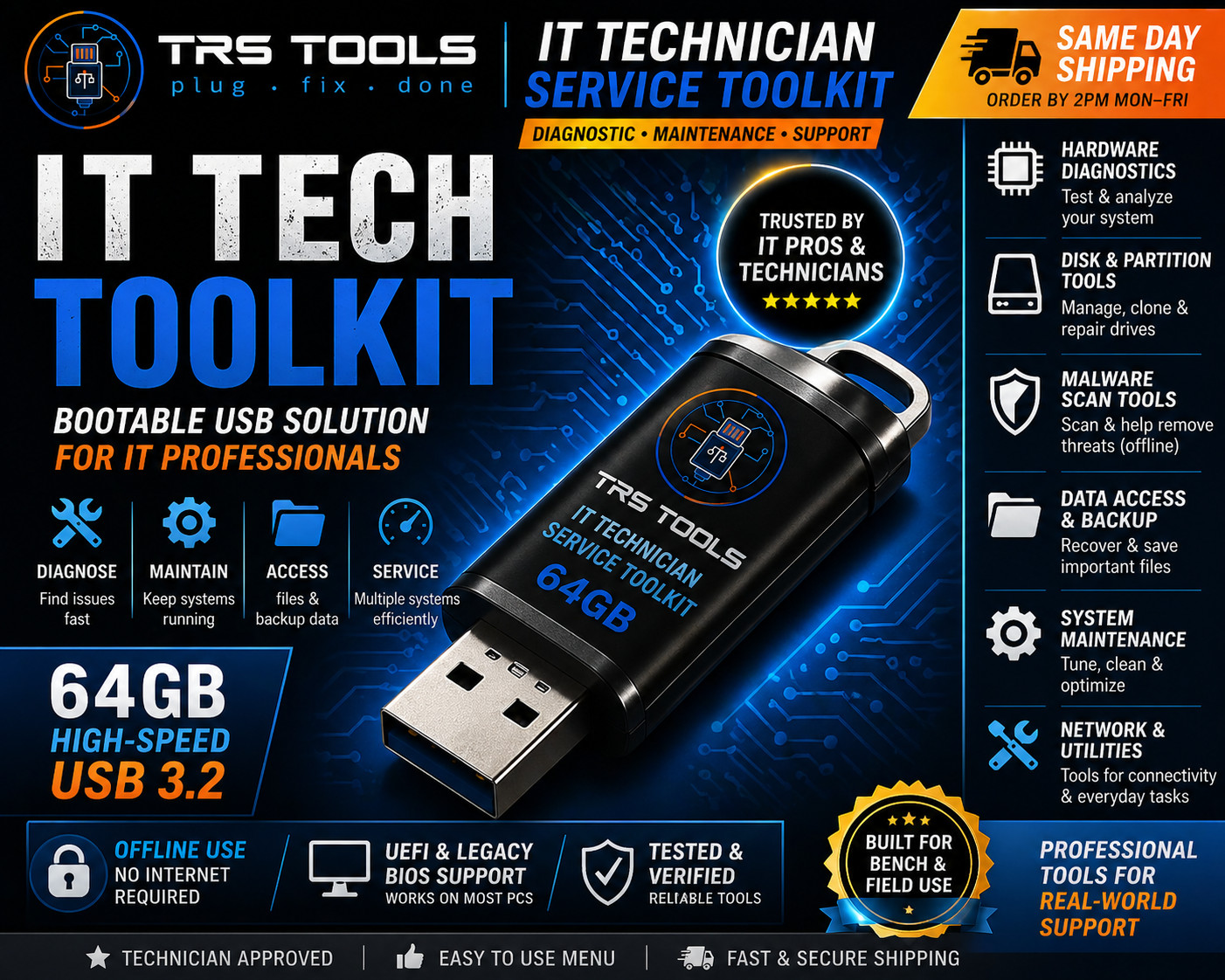
This is the middle-priced option and the only one here aimed at Windows service work rather than Linux distro sampling. TRS TOOLS makes it a 64GB field-service USB with a WinPE-based bootable environment, so it fits PC startup troubleshooting, hardware diagnostics, and general maintenance. It is aimed at Windows 7, 8, 10, and other Windows versions, which makes it useful for repair techs who work across older and current machines. The trade-off is scope: it's a technician toolkit, not a Linux multiboot explorer, so it won't give you the same broad distro library for learning or live sessions.
26-in-1 Linux Multiboot USB 64GB USB 3.2
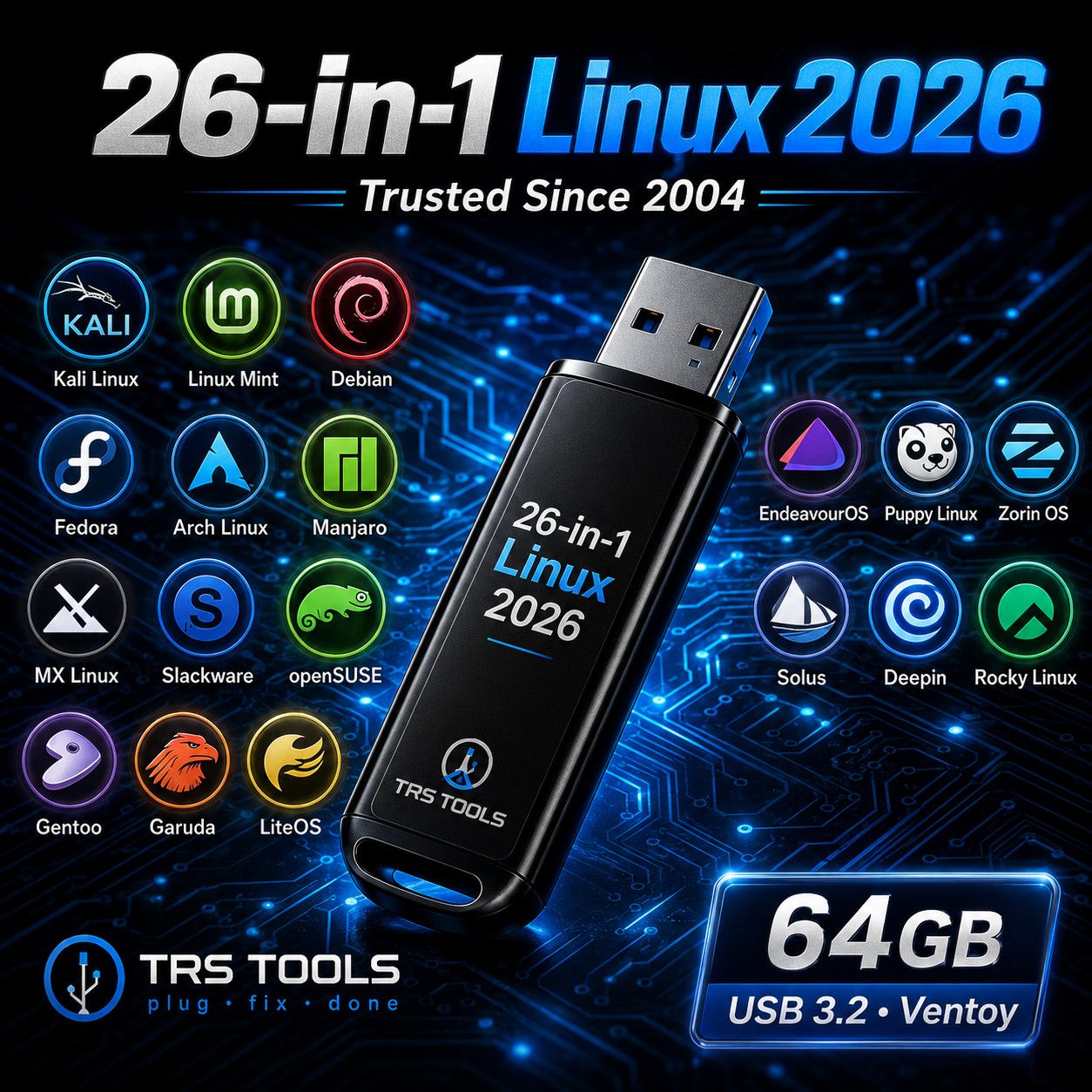
TRS TOOLS builds this around 26 Linux-based operating systems on a 64GB USB 3.2 drive, organized for menu selection. It's the broadest option in this group and sits at the top of the price range. It is organized for learning, testing, live use, and system access, so it works well if you want to compare many distributions without reflashing a USB yourself. System requirements are light-minimum hard drive space under 50MB and a 256 MHz processor-so it can boot on older hardware. The main limitation is that there are two 26-distro TRS TOOLS drives at the same price, so you'll be choosing between very similar options based on which distro names matter to you.
Linux Multiboot USB 64GB USB 3.2 - 26 Distros
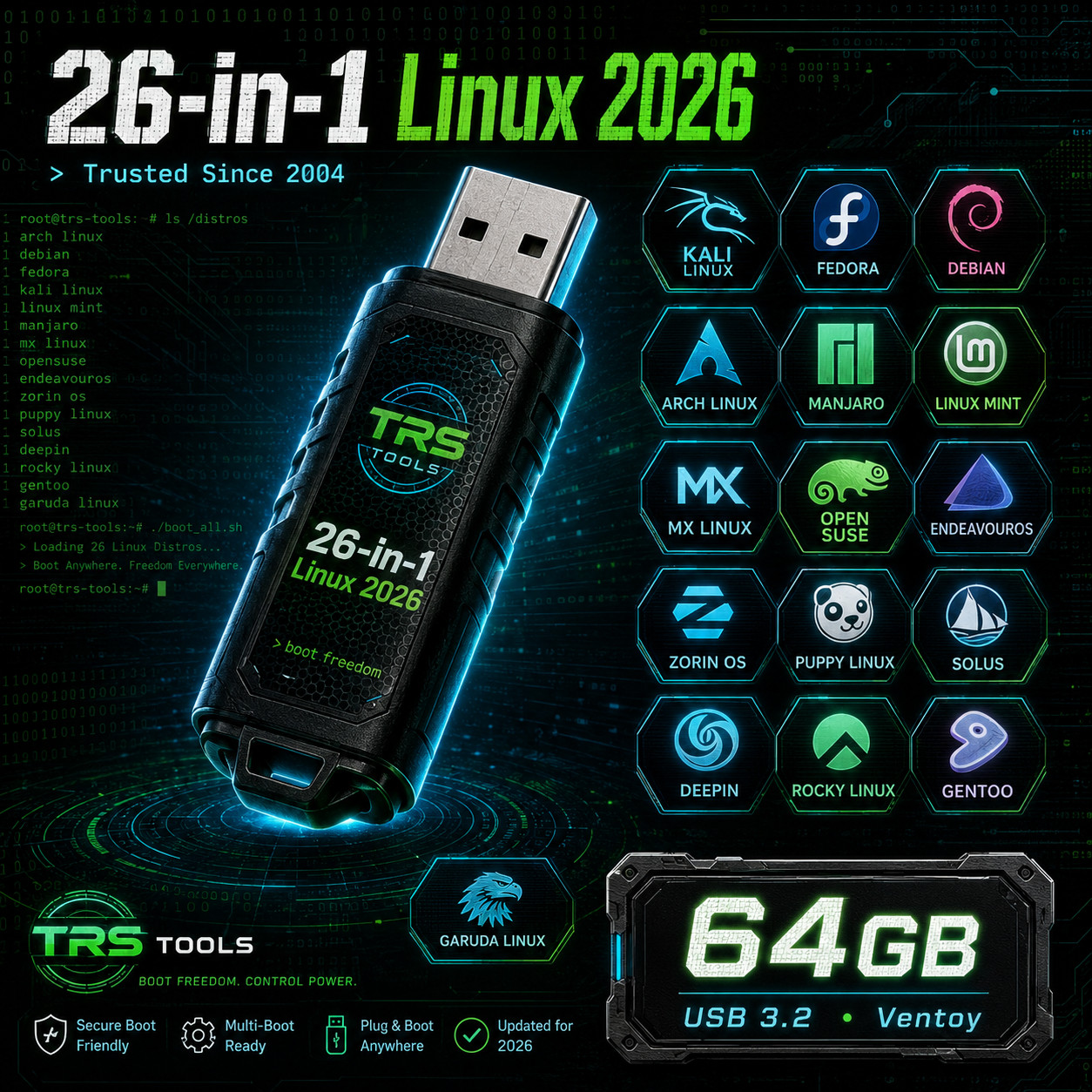
This second TRS TOOLS drive covers similar ground: 64GB USB 3.2, 26 Linux distros, and a prepared multiboot menu. The title calls out Mint, Ubuntu, and Zorin, so it is easy to pick if those are your primary targets. Like its sibling, it is aimed at users who want a portable physical media key for live sessions, testing, and comparing distributions. The downside is that at the listed price, you're paying for the full 26-distro bundle even if you only plan to use a handful of distros; the 8-in-1 option may be enough for lighter Linux use. If you're torn between the two 26-distro drives, choose based on which distro names are prominent in the title.
Final Recommendation by Use Case
- For the lowest listed price: Linux Multi-Boot USB Installer 8-in-1 at USD 14.99, if you want eight solid distros and a simpler introduction.
- For Windows repair work: 64GB Bootable USB IT Technician Service Toolkit at USD 19.99, because the WinPE-based environment aligns with diagnostics and maintenance.
- For the widest Linux selection: Either the 26-in-1 Linux Multiboot USB 64GB USB 3.2 or the Linux Multiboot USB 64GB USB 3.2 \| 26 Distros, both at USD 24.99.
