Choosing office productivity software for PDFs often comes down to one question: do you need a web-connected service, or would an offline Windows toolset better suit the way you handle documents? PDF Editor Tools USB Drive is geared toward the second route, combining common PDF tasks in a physical-media package at USD 19.99.
Quick verdict
PDF Editor Tools USB Drive is a focused pick for a Windows-based workflow that needs practical PDF handling without downloads or internet setup. The listed toolset covers creating, reading, editing, merging, splitting, and converting PDF files, so it makes sense when those are the central jobs rather than advanced collaboration or cross-device work.
The key trade-off is equally clear: the package is for Windows and lists minimum requirements of 1 GB of hard-drive space and 2 GB of RAM. It is best approached as a dedicated offline PDF utility collection for a compatible Windows computer.
Who it suits
Choose PDF Editor Tools USB Drive when your document routine involves combining files into one PDF, breaking a long PDF into sections, making edits, or converting documents into PDF-related formats. The no-download, no-internet setup described for the package is particularly relevant for users who prefer an offline workflow for home paperwork, school documents, small-business files, or travel.
It is also a sensible match when you want one purchase at a stated USD 19.99 price rather than a subscription-oriented approach. The lifetime license category supports that use case.
On the other hand, the Windows focus makes it less fitting for someone whose primary devices do not run Windows. The minimum 1 GB storage and 2 GB RAM requirements should also be part of the decision for older or tightly configured computers.
What stands out for PDF work
The appeal is breadth across everyday PDF tasks. Rather than centering on just viewing documents, the package is described for creating, reading, editing, merging, splitting, and converting PDFs. That combination can keep a straightforward document workflow in one place: prepare a file, revise it, reorganize pages, and convert it as needed.
Its offline orientation is the other major point. For users who do not want to depend on an internet connection or download process before beginning PDF work, the physical-media approach is the defining feature. The included utilities are described as ready to run on Windows, which keeps the emphasis on getting to common PDF jobs quickly.
PDF Editor Tools USB Drive - Create • Read • Convert for Windows
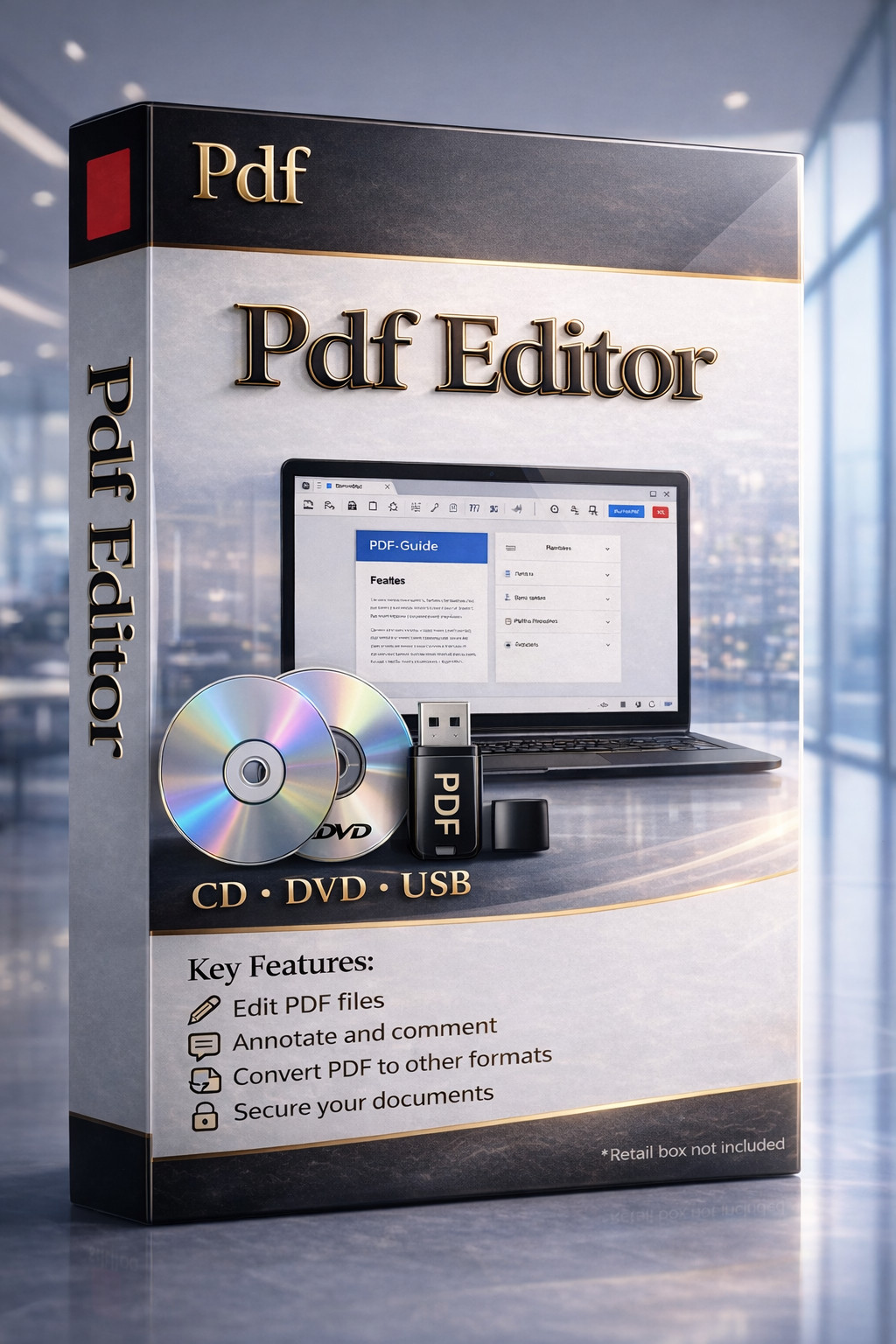
The strongest reason to choose this package is its all-in-one focus on routine PDF work: it brings editing, merging, splitting, creation, reading, and conversion together for Windows use. It is especially relevant when offline access matters and PDF tasks extend beyond simply opening a file.
Its meaningful limitation is platform scope. PDF Editor Tools USB Drive is specified for Windows, with 1 GB of hard-drive space and 2 GB of RAM listed as minimum requirements, so it is not a universal fit across every computer setup.
Meaningful trade-offs
The product's utility comes from concentrating on core PDF actions, not from trying to be every kind of office suite. That is a benefit if PDFs are the priority: the functions named in the package align directly with editing documents and organizing pages. For broader office tasks outside PDF creation and management, the title and feature list keep the focus squarely on PDF tools.
Physical media and offline operation may be appealing for a contained Windows setup, while the same approach is less aligned with a workflow built around browser-based access or multiple operating systems.
Bottom line
PDF Editor Tools USB Drive is worth considering for a compatible Windows computer where offline PDF creation, editing, conversion, merging, and splitting are regular needs. At USD 19.99, the decision rests on whether that practical Windows-only PDF toolset matches your day-to-day document work.
