Quick verdict
For shoppers choosing creative photo, video, audio software, the central problem is choosing between two Windows video-editing suites that share the Open Shot Video Editor name but carry different year labels. Decide first whether your priority is a known computer requirement or a particular editing workflow; then use the comparison table to resolve the package and price details.
Choose Open Shot Video Editor 2026 when its Windows focus and stated computer requirement suit your setup. Choose Open Shot Video Editor 2024 when its named editing toolkit matches the work you plan to do. Both titles describe a full pro video editing software suite for Windows, so this is a focused fit decision rather than a broad search for unrelated software.
At-a-glance comparison
| Product | Listed price | Format | Package detail |
|---|---|---|---|
| Open Shot Video Editor 2026 | USD 15.99 | Flash Drive | USB Drive Only; box not included |
| Open Shot Video Editor 2024 | USD 19.99 | CD | Disc only; no box included |
Where each product wins
- Open Shot Video Editor 2026: This choice wins for a requirement-led decision because it gives a concrete 2 GHz minimum processor speed. Its Windows support is listed for Windows 7, Windows 8, Windows 10, and Windows 11, providing a straightforward compatibility frame for a Windows computer.
- Open Shot Video Editor 2024: This choice wins for a workflow-led decision centered on the tools named for this version. It includes unlimited tracks, drag-and-drop trimming, slicing, cutting, and arranging, along with transitions, animations, and visual effects. Those specifics give shoppers a concrete editing use case for choosing the 2024-named suite.
Product notes
Open Shot Video Editor 2026
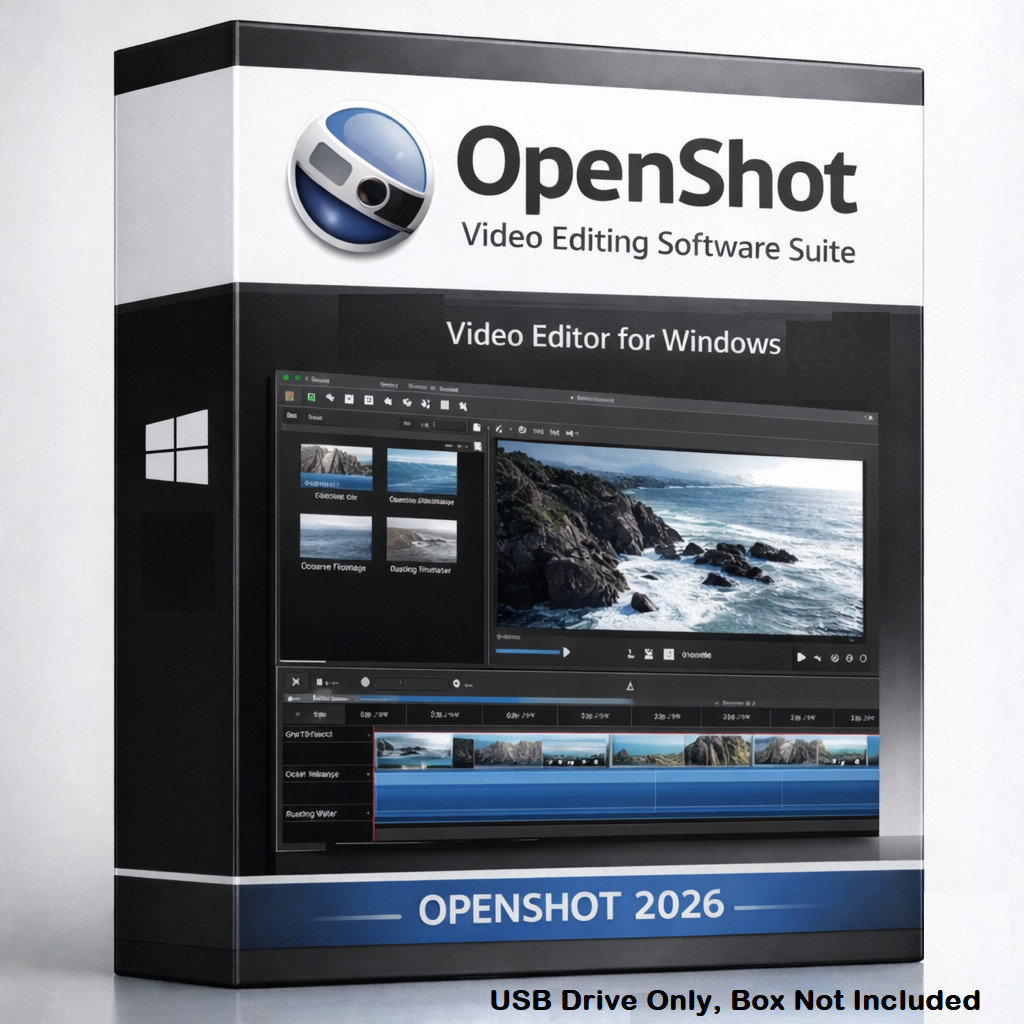
Open Shot Video Editor 2026 suits a shopper who wants an English, lifetime license for Windows. The listed 1 GB minimum hard-drive space adds a concrete planning point, while the title identifies the software as a full pro video editing software suite for Windows. Its limitation is the physical package: the box is not included. That may matter if boxed presentation is part of the purchase decision. The 2026 label also makes it easy to distinguish this package from the 2024-named alternative. Choose it when the Windows focus and lifetime license align with your needs and a boxed presentation is not central.
Open Shot Video Editor 2024
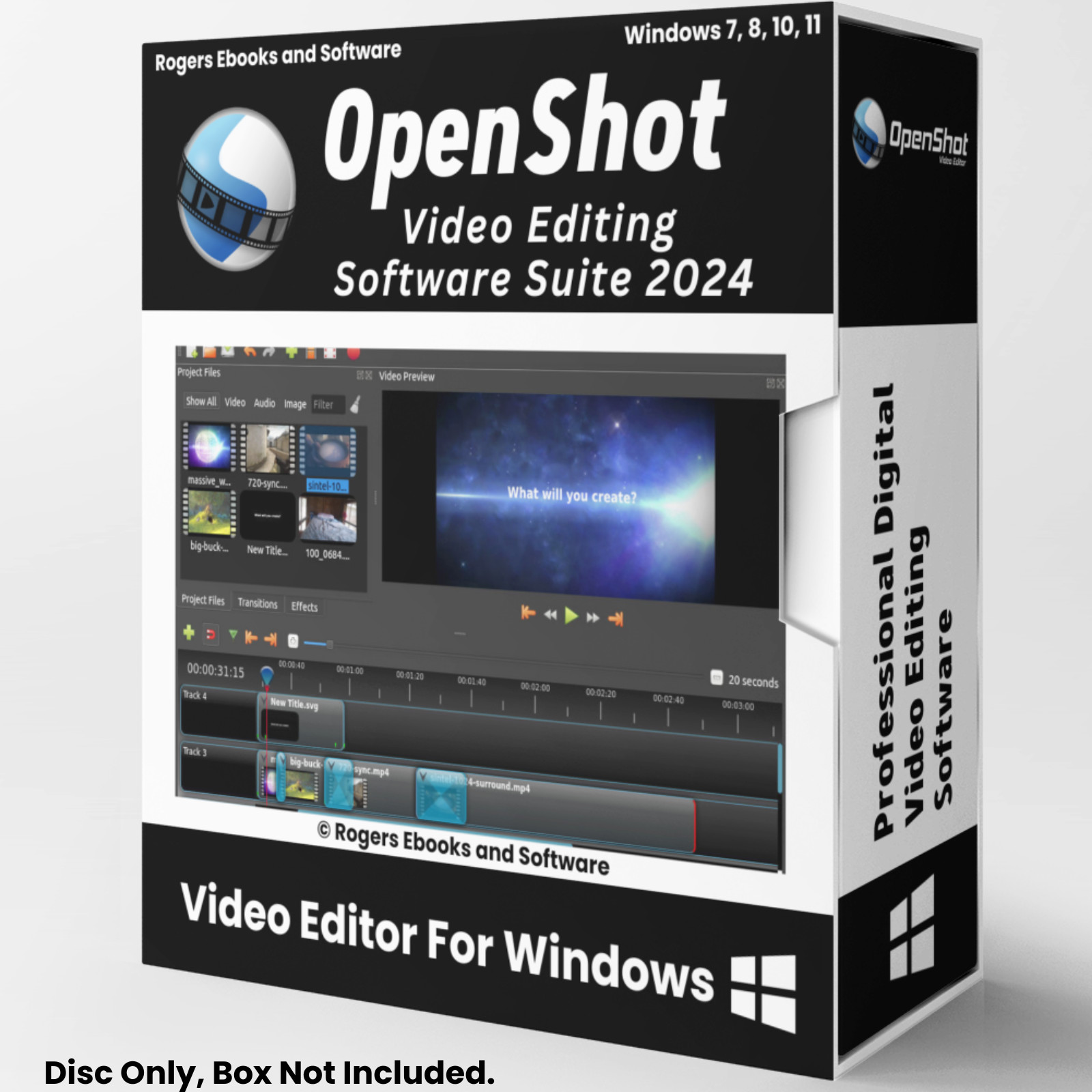
The case for Open Shot Video Editor 2024 is its English, lifetime license and its clearly named editing tools: unlimited tracks, trimming, slicing, cutting, arranging, transitions, animations, and visual effects. That makes it a concrete match for shoppers selecting around those editing controls. Its limitation in this comparison is the listed price: it sits USD 4.00 above Open Shot Video Editor 2026. The 2024-named package is easiest to justify when its particular workflow and edition label matter more than choosing the lower-priced entry in the table. Its 1 GB minimum hard-drive space is also stated for planning a Windows software setup.
Final choice by use case
- Requirement-led Windows workflow: Choose Open Shot Video Editor 2026 if the stated 2 GHz minimum processor speed is the deciding requirement for your computer.
- Editing-tool-led workflow: Choose Open Shot Video Editor 2024 if unlimited tracks, clip trimming, cutting, arranging, transitions, animations, and visual effects define your priorities.
Bottom line: use Open Shot Video Editor 2026 for the requirement-led choice, and Open Shot Video Editor 2024 for the editing-tool-led choice. If your priorities are evenly split, the table's format and listed-price columns are the cleanest tie-breaker.
