Choosing Office Professional Plus can get confusing because the listings are a mix of versions, formats, and user counts. Do you need a USB key for three Windows 10/11 machines, or would a DVD for one Windows PC be enough? The key differences are the release year, the physical format (USB or DVD), and the number of machines the license covers. This guide compares the four Microsoft Office Pro Plus packages at their listed prices so you can match the license to your setup.
Quick take
All four packages are brand-new Microsoft Office Pro Plus products with English language support. The main split is between the USB packages (Office 2024 and Office 2021) and the DVD packages (Office 2019 and Office 2016). The price table below shows the listed prices.
Listed price comparison
| Product | Listed price | Price bar |
|---|---|---|
| Microsoft Office 2024 Pro Plus Window 10 & 11 USB Lifetime 3 Users PC Genuine | USD 85.95 | |
| Microsoft Office 2021 Pro Plus Window 10 & 11 USB Lifetime 3 Users PC Genuine | USD 65.95 | |
| Office Pro Plus 2019 DVD | Sealed Retail Package | 1 PC for Windows | USD 53.99 | |
| Microsoft Office 2016 Pro Plus | Lifetime License | DVD + Key Card | 1 PC | Win | USD 49.99 |
Decision matrix
Use this to separate the practical differences before you decide.
| Package | Format | License scope | OS compatibility |
|---|---|---|---|
| Microsoft Office 2024 Pro Plus Window 10 & 11 USB Lifetime 3 Users PC Genuine | USB | 3 users | Windows 10 & 11 |
| Microsoft Office 2021 Pro Plus Window 10 & 11 USB Lifetime 3 Users PC Genuine | USB | 3 users | Windows 10 & 11 |
| Office Pro Plus 2019 DVD | Sealed Retail Package | 1 PC for Windows | DVD | 1 PC | Windows |
| Microsoft Office 2016 Pro Plus | Lifetime License | DVD + Key Card | 1 PC | Win | DVD + key card | 1 PC | Windows |
You can reduce the choice by asking two questions: how many Windows machines need Office, and how new should the release be? The DVD packages answer a one-machine setup, while the USB packages answer a multi-machine setup.
Microsoft Office 2024 Pro Plus Window 10 & 11 USB Lifetime 3 Users PC Genuine
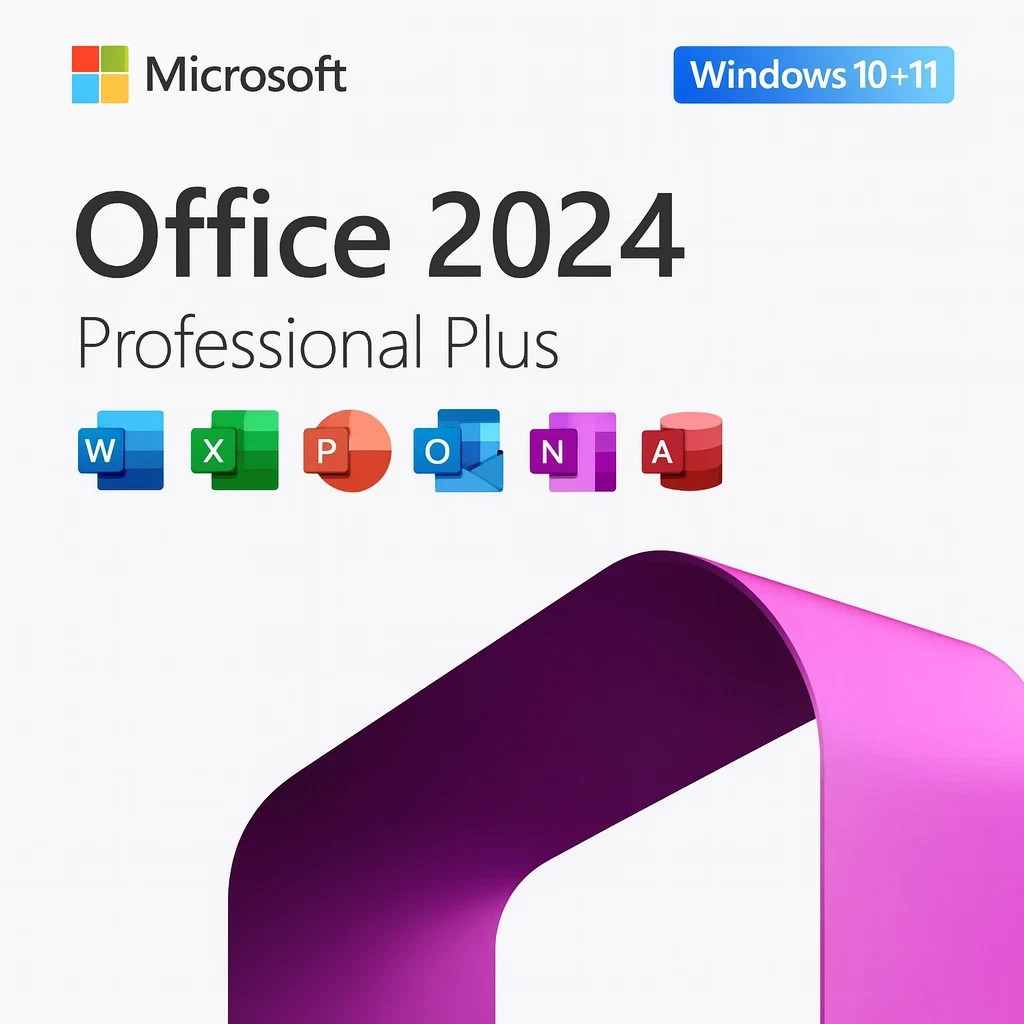
The 2024 USB package is the newest version in this selection and the only one running Office 2024. The physical USB drive and product key cover three users, which makes it a good fit for a small household or office with multiple Windows 10/11 machines. Just keep in mind that this license is limited to Windows 10 and Windows 11; if your PC runs an older Windows version, this package will not work. It is also the only package here that offers the 2024 release, so the choice is straightforward if you want the most recent version in this group.
Microsoft Office 2021 Pro Plus Window 10 & 11 USB Lifetime 3 Users PC Genuine
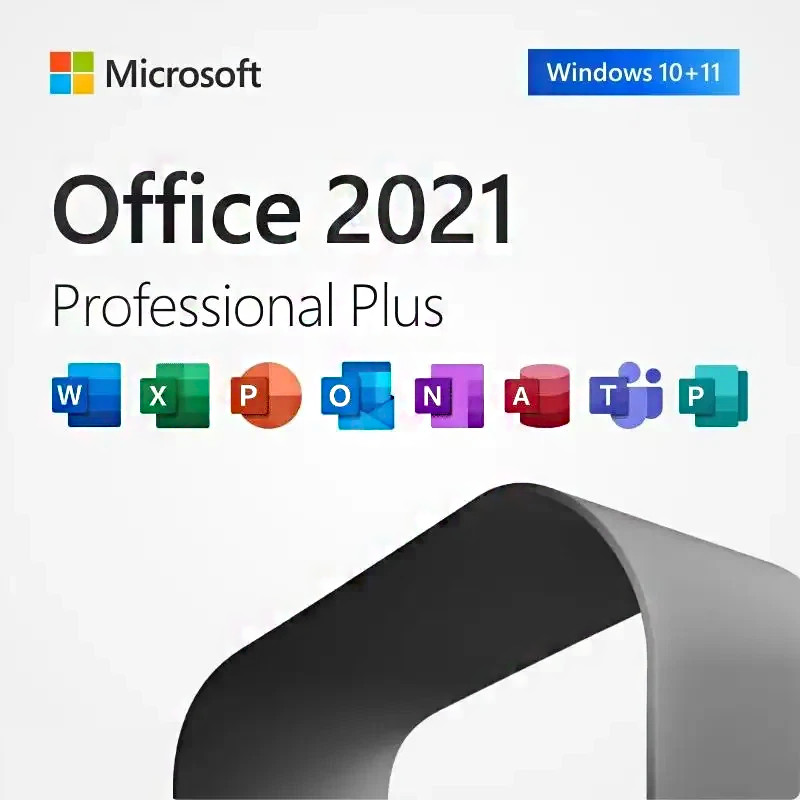
The 2021 USB package gives you the same USB format as the 2024 version, and the package includes a product key with the USB drive. It also runs on Windows 10 and Windows 11. The trade-off is the release date: you are getting Office 2021 rather than Office 2024. Since it comes with a lifetime license and the same physical USB approach, this is a practical middle choice for a multi-Windows-PC environment that does not need the newest release. The included product key comes alongside the USB drive, which is useful if you prefer a physical copy of your license.
Office Pro Plus 2019 DVD | Sealed Retail Package | 1 PC for Windows
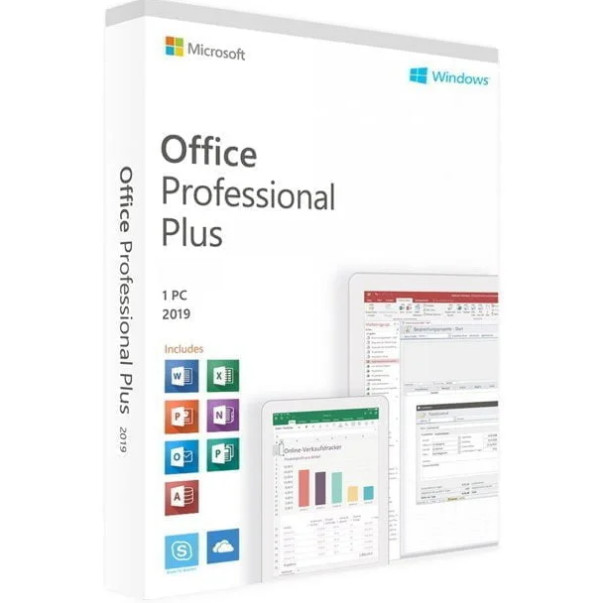
The 2019 DVD package offers a newer version than 2016 while keeping the physical DVD format. It includes a sealed retail DVD and a printed product key, and it runs on Windows. The limitation is that it is a DVD-only package, so it does not offer the USB convenience of the 2021 and 2024 releases. If you want a more recent Office release than the 2016 DVD but you are comfortable with a physical disc install for Windows, this package fills that spot. Its version age sits between the older 2016 release and the USB-only 2021/2024 releases.
Microsoft Office 2016 Pro Plus | Lifetime License | DVD + Key Card | 1 PC | Win
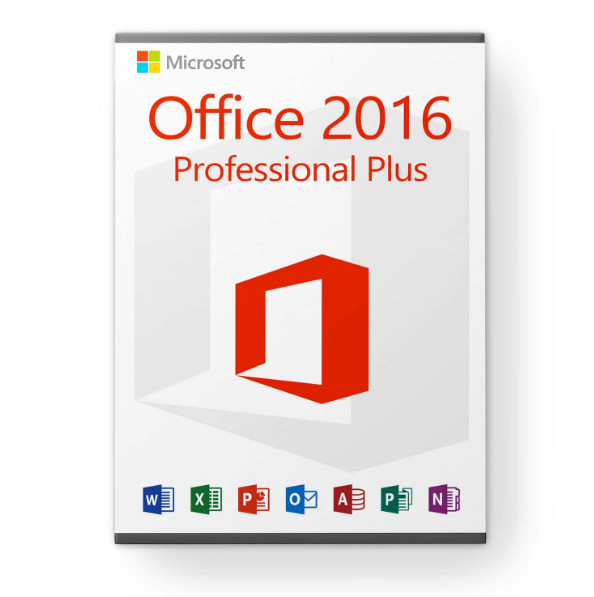
The 2016 DVD package comes as a sealed retail box with a physical DVD and a printed key card, and it is a lifetime license for Windows. The main limitation is the age of the 2016 version; you will be using a release that is older than the 2019, 2021, and 2024 packages in this guide. That said, if you only need Office on a single Windows machine and prefer a tangible DVD install, this is the simplest option here. The retail packaging and printed key card make the activation path clear, with no USB or multi-user license to worry about.
Final recommendation by use case
If you want the newest release across multiple Windows PCs, choose the 2024 USB package. If you want multi-machine flexibility without the newest release, the 2021 USB package is the fit. For a Windows DVD install, the 2019 package is a middle-release option; the 2016 package is the most straightforward DVD choice if you want the simplest installation and are not worried about version age.
