For shoppers browsing developer server database software, the key decision is whether a ready-made MS Access application can handle a personal workflow-or whether its Windows and Access requirements make it a poor fit. The Home Management Database for Personal Finance, Inventory & more, uses MS Access is aimed at household organization rather than building a database from scratch.
Quick verdict
At USD 29.95, this is a focused choice for someone who wants one application for personal finance, inventory management, and other home tasks. Its strongest appeal is the combination of a front-end application file and a back-end data-tables file. The main limitation is that it depends on Microsoft Access 2007 or greater, or Microsoft Access Runtime.
Who it suits
This software makes sense for a Windows user who wants a prebuilt home management database and is comfortable working with Microsoft Access. The title clearly centers on two practical uses-personal finance and inventory-while the description also mentions additional home tasks. The English-language format and Windows compatibility may suit a household workflow that already uses a Windows computer.
It is less suitable for shoppers seeking software that runs independently of the Access environment or for those using a different operating system. The CD format also matters: the application is supplied as physical media rather than a download format.
Home Management Database for Personal Finance, Inventory & more, uses MS Access
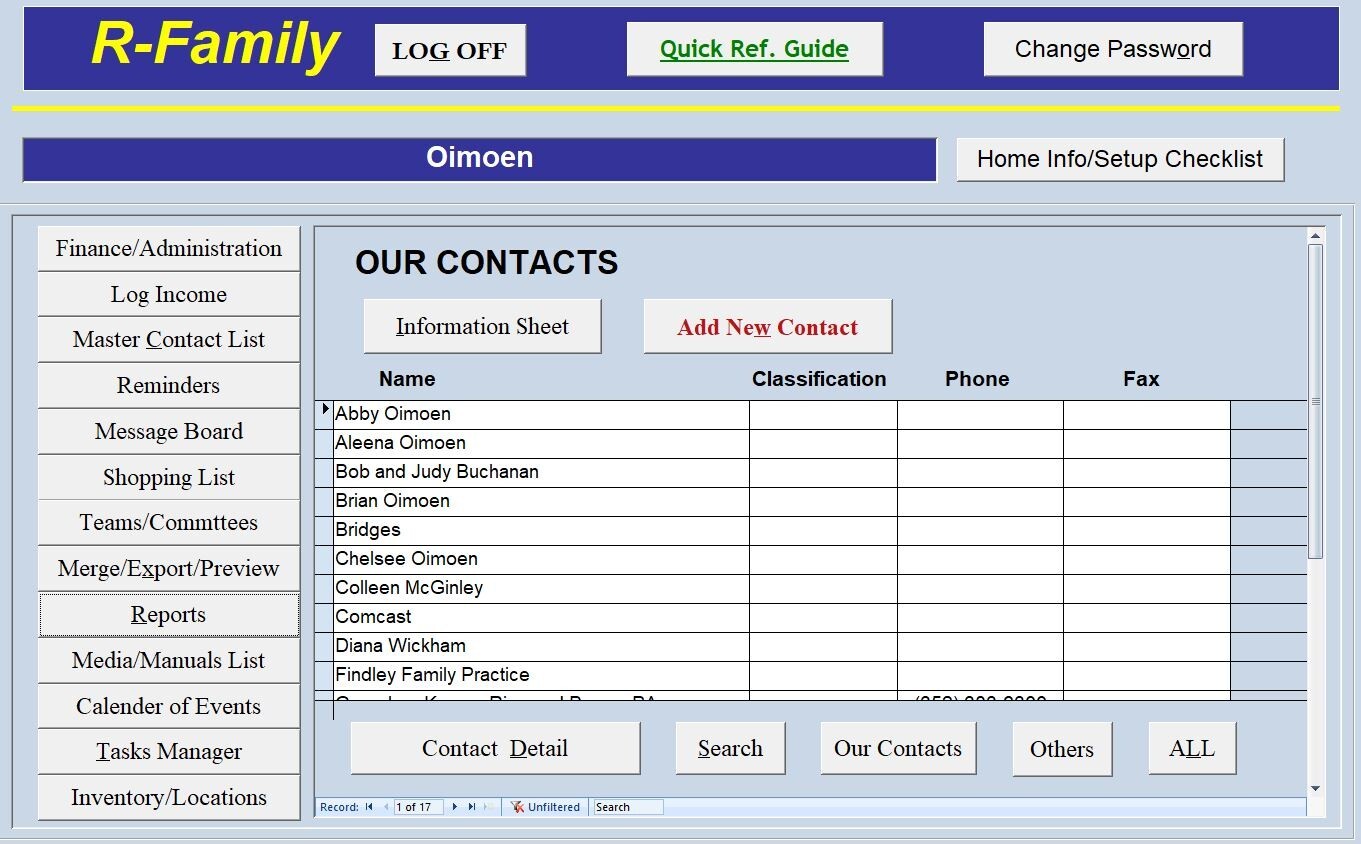
Choose this application if the goal is to organize finance and inventory through a ready-made MS Access setup instead of creating those functions from the ground up. The front-end and back-end file structure gives the product a clear database-oriented layout, and the application is listed at USD 29.95.
The concrete limitation is its software dependency. It requires MS Access 2007 or greater, although the description says it can run with Microsoft Access Runtime, which is available free from Microsoft. It is also designed for Microsoft Windows, so the platform requirement should be part of the decision.
What stands out from the listed details
The product combines several household uses in one application: personal finance, inventory management, and other home tasks. That gives it a broader use case than a database labeled for only one type of record. Its size is listed as less than 50 MB, and the minimum hardware requirements are a 1 GHz processor and 4 GB of RAM.
The front-end/back-end arrangement is another defining detail. The application file handles the user-facing side, while the data tables are kept in a back-end file. For shoppers who specifically want an MS Access database structure, that organization is more relevant than a generic office utility.
Meaningful trade-offs
The Access requirement is the central trade-off. Microsoft Access 2007 or greater is required, with Access Runtime presented as an option for running the program. That keeps the software tied to the Microsoft Access ecosystem.
The physical CD format is another practical consideration, as is the Microsoft Windows requirement. These details narrow the setting in which the application is intended to run. The listed lifetime license category may appeal to someone looking for an ongoing-use software license rather than a recurring term.
Bottom line
The Home Management Database for Personal Finance, Inventory & more, uses MS Access is a straightforward fit for a Windows user seeking a ready-made personal finance and inventory database at USD 29.95. Its value depends on accepting the MS Access or Access Runtime requirement and the CD-based format.
