Shopping for creative photo software often means weighing powerful editing features against recurring subscription costs. The NEW PRO Photo Graphic Design Image Editing Software-GIMP-w Photo shop Guide-DVD attacks that tension directly. It bundles GIMP, the GNU-licensed photo editor, with a Photo shop guide on one DVD for USD 9.96.
Quick verdict
This DVD package makes sense for Windows users who want capable photo editing without paying a monthly fee. The listing calls out two practical benefits: GIMP can open PSD files, and the included guide gives you a learning path right in the box. At USD 9.96, the asking price is a modest entry point into a serious editing tool.
NEW PRO Photo Graphic Design Image Editing Software-GIMP-w Photo shop Guide-DVD
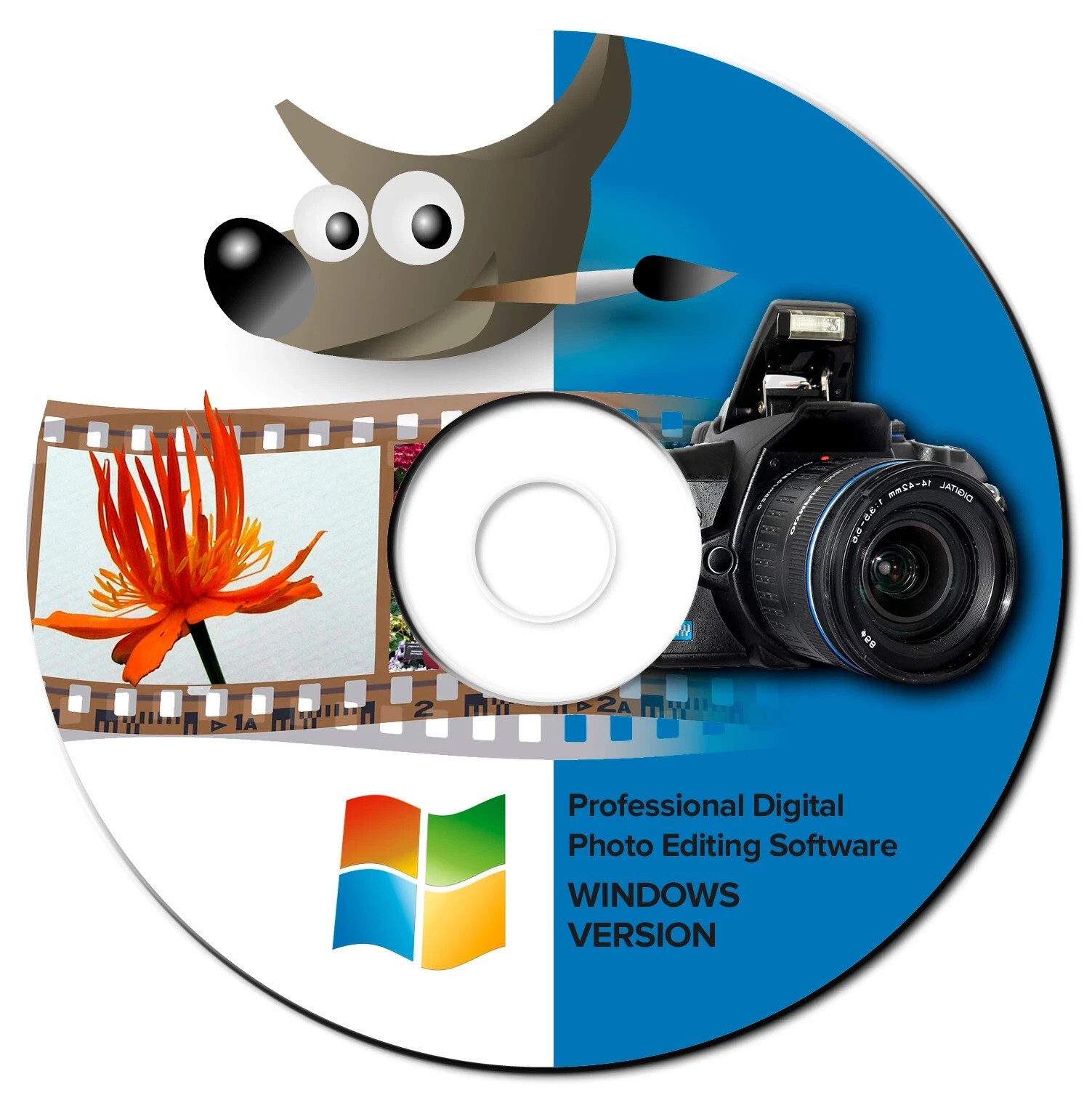
The main reason to choose this package is the combination of GIMP's editing power and the bundled Photo shop guide. It also supports PSD files, which is handy if you've accumulated work from other editors. The clear limitation is that this is a Windows-only DVD; the listed operating systems span Windows 7, 8, 8.1, 10, and 11, including 64-bit releases, so it won't fit a non-Windows setup. You'll also need a DVD drive to run the disc.
Who it suits
This package is a strong match for:
- Hobbyist photographers and small-business owners who need layers, masking, retouching, and color tools without an ongoing subscription.
- Students and casual designers who want a guided introduction to GIMP alongside the application itself.
- Windows users on the listed versions who prefer physical media over a large download.
What stands out from the listed details
The price is the obvious headline. The description contrasts this one-time USD 9.96 purchase with subscription-based suites that charge $20-$50 per month and, in some cases, can prevent you from opening saved files if you cancel. GIMP's GNU license means the software is free to use; what this listing adds is the convenience of a DVD, a guide, and a new version release.
The included Photo shop guide is another differentiator. Instead of setting up GIMP and then searching for tutorials on your own, you have guidance bundled with the disc. The description also notes that a USB version is available if you'd rather not use a DVD.
Meaningful trade-offs
GIMP is a powerful editor, but it is not a clone of commercial software. Tools, shortcuts, and certain workflows will feel different, and you should expect a learning curve. The DVD format requires a disc drive, which is less convenient than a download. The system compatibility is Windows-only, so this isn't a cross-platform package. And while the title mentions Photo shop, this is a guide to photo editing; a direct Photoshop substitute is not included. You're getting GIMP plus instructional material, not the commercial application.
Bottom line
If you're on a compatible Windows machine and want to master GIMP without a subscription, this DVD is a practical choice. The USD 9.96 price, PSD support, GNU license, and included guide make it an easy way to start building your photo-editing skills on your own terms.
