When you are shopping for creative photo video audio software, one decision keeps coming up: do you want a GIMP package on DVD with a Photo shop Guide, or a 2024-labeled GIMP on CD? Both products are brand new and supplied in English, and both are designed for Windows. The practical split is the format, the Windows range, and the listed price.
Quick Verdict
If your PC runs an older Windows build, the DVD edition is the stronger match. If you want the edition that puts 2024 in the title, the CD edition is the cleaner fit. The DVD edition also pairs the software with a Photo shop Guide; the CD edition is disc-only packaging.
At a Glance
| Product | Format | Windows support | Listed price | Price bar |
|---|---|---|---|---|
| GIMP Pro DVD with Photo shop Guide | DVD | Windows 7, 8, 8.1, 10, 11 | USD 9.96 | |
| GIMP 2024 Photo Editing CD | CD | Windows 10, 11 | USD 14.99 |
Where the DVD Edition Wins
The DVD edition's compatibility list starts at Windows 7, which gives it a longer tail for older Windows machines. The title also includes a Photo shop Guide, so the package pairs the editor with a reference. It can open PSD files, a useful detail if you have existing layered files in that format.
Where the CD Edition Wins
The CD edition is the listing that says GIMP 2024 in the product title and supports Windows 10 and 11. It includes retouching, color correction, layers, masks, channels, blending modes, and graphic design tools, and it runs offline with no subscriptions. If the 2024 edition label matters, this is the option that carries it.
Product Notes
GIMP Pro DVD with Photo shop Guide
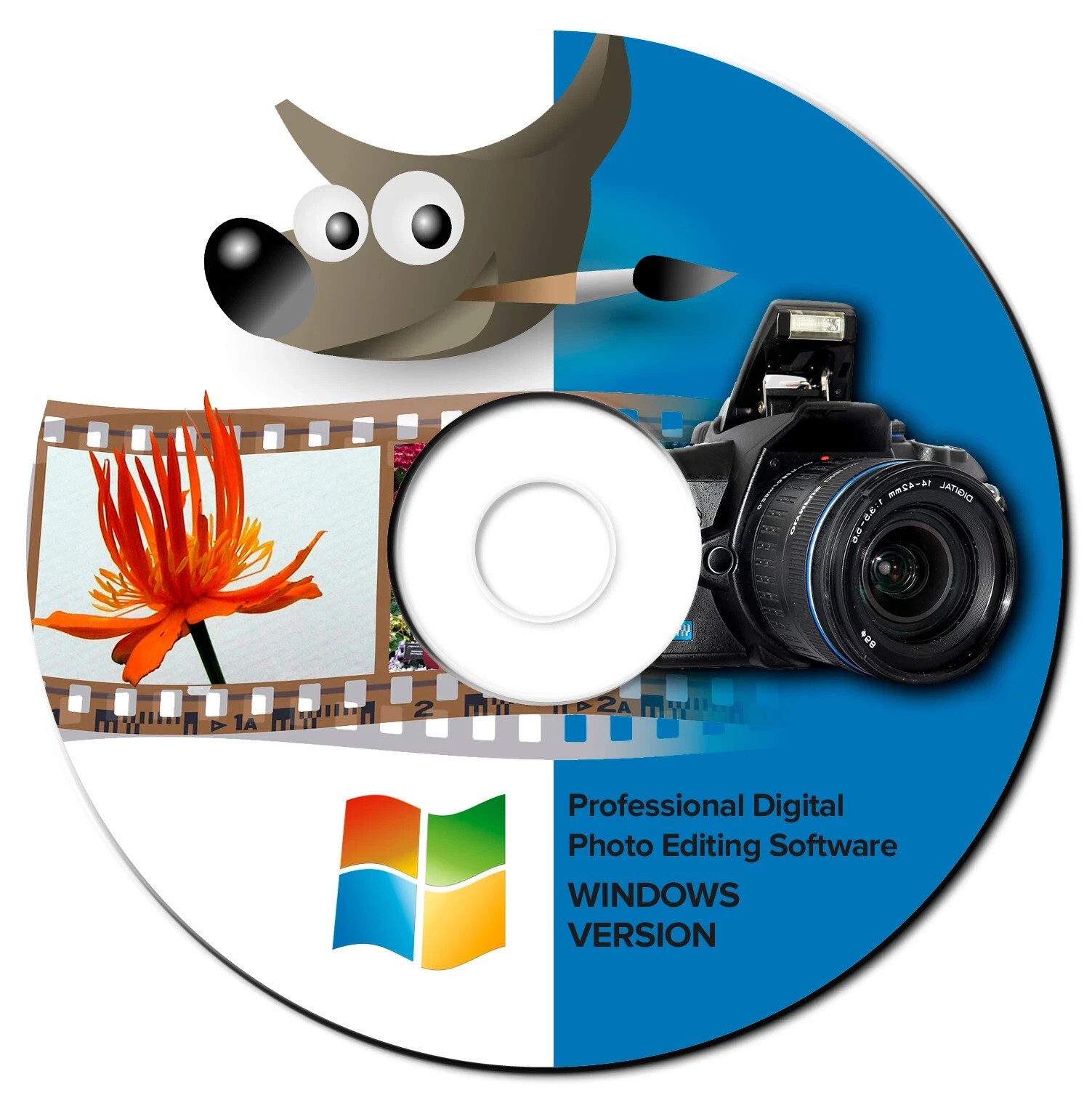
The DVD edition works well when your Windows PC is on an older release. Its listed compatibility runs from Windows 7 through Windows 11, including 64-bit entries along the way, so it covers more of the Windows lifespan than the CD edition. The title also includes a Photo shop Guide, which is a useful addition if you are learning photo editing and want a reference alongside the software. It can open PSD files, which helps if you already have files saved in that format. The one trade-off is that this edition does not carry a 2024 label. If that year in the product name is your deciding factor, the CD version is the one that says 2024.
GIMP 2024 Photo Editing Software CD
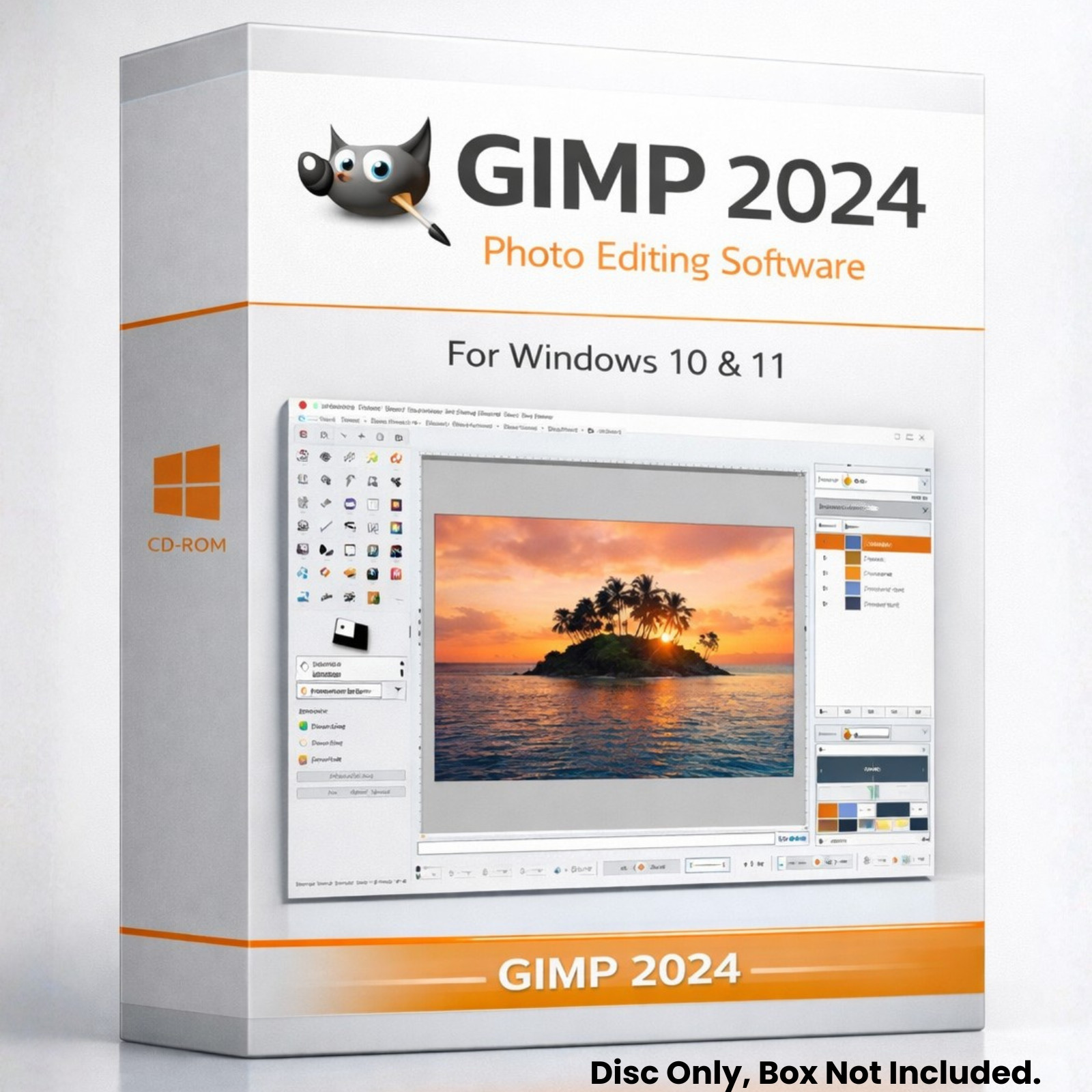
The CD edition is the better match when you want the GIMP package labeled 2024 and you are running Windows 10 or Windows 11. The package is disc-only, with no box included, so you know exactly what to expect with this listing. The software includes retouching, color correction, layers, masks, channels, blending modes, and graphic design tools, which makes it a full editing package. It also runs offline with no subscription, so you do not need an ongoing payment to keep using it. The listed minimum hard drive space is 1 GB and the minimum processor speed is 2 GHz. If your PC fits those requirements and you prefer the 2024-labeled edition, this CD is the direct choice.
Final Choice by Use Case
Choose the DVD edition when you need the earlier Windows compatibility or want the Photo shop Guide bundled with the software. Choose the GIMP 2024 CD when you are on Windows 10 or 11 and want the edition labeled 2024, while accepting disc-only packaging.
