Quick Verdict
Both GIMP editions give you a lifetime license for Windows 10 and Windows 11. The GIMP 3 (2026 Edition) Pro on USB asks for a 1 GHz processor, while the GIMP 2024 Photo Editing Software CD asks for a 2 GHz processor. The real fork in the road is media format and system requirement: choose the USB if you want the newer GIMP 3 release with a lighter processor burden; choose the CD if you like having a physical disc and prefer the lower listed price.
At a Glance
| Option | Price | Format | Min Processor | Min Hard Drive | License |
|---|---|---|---|---|---|
| GIMP 3 (2026 Edition) Pro | USD 15.99 | Flash Drive | 1 GHz | 1 GB | Lifetime |
| GIMP 2024 Photo Editing Software | USD 14.99 | CD | 2 GHz | 1 GB | Lifetime |
Both versions are brand new, in English, and support Microsoft Windows 10 and Windows 11. Both have no box: the USB version says it includes the drive only, and the CD version says the disc only.
Where Each Edition Stands Out
GIMP 3 (2026 Edition) Pro on USB: This listing leans on the current GIMP 3 generation and a "Pro" graphic design positioning. Its 1 GHz minimum processor requirement makes it more approachable for modest desktop or laptop processors. The flash drive format also avoids the need for an optical drive, which matters if your PC lacks a disc reader.
GIMP 2024 Photo Editing Software on CD: This one is priced a bit lower and arrives on CD, which is handy for people who still keep an optical drive or prefer physical media. The 2 GHz processor requirement is more demanding than the 1 GHz requirement on the USB edition, but the CD version still covers professional photo editing and graphic design workflows.
Product Notes
GIMP 3 (2026 Edition) Pro Graphic Design - Photo Editing Software for Windows
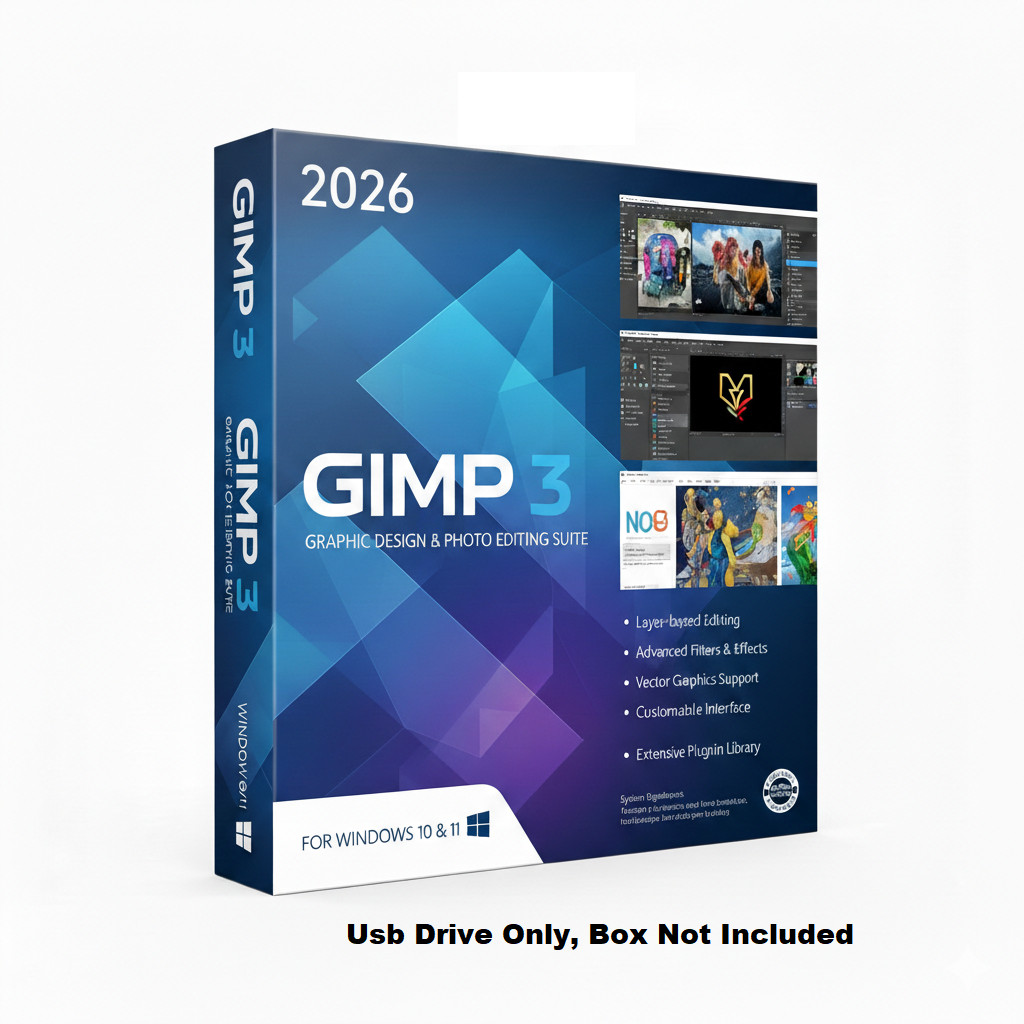
The GIMP 3 2026 Edition Pro is the higher-priced of the two, at USD 15.99, and it arrives on a flash drive only. Its system requirement is the more forgiving 1 GHz processor speed, which can suit less powerful machines. It is branded as a complete toolkit for retouching, image enhancement, and original artwork, and it targets photographers, artists, marketers, and students. The listing bills it as a powerful alternative to costly photo editing suites. One trade-off to keep in mind is the lack of a box: if you were expecting a jewel case or printed manual, the included USB drive is the entire physical package. For Windows 10 or Windows 11 systems, though, this is the edition that pairs the newer GIMP 3 version with a lower processor bar.
GIMP 2024 Photo Editing Software - Graphic Design, Image Enhancement & More CD
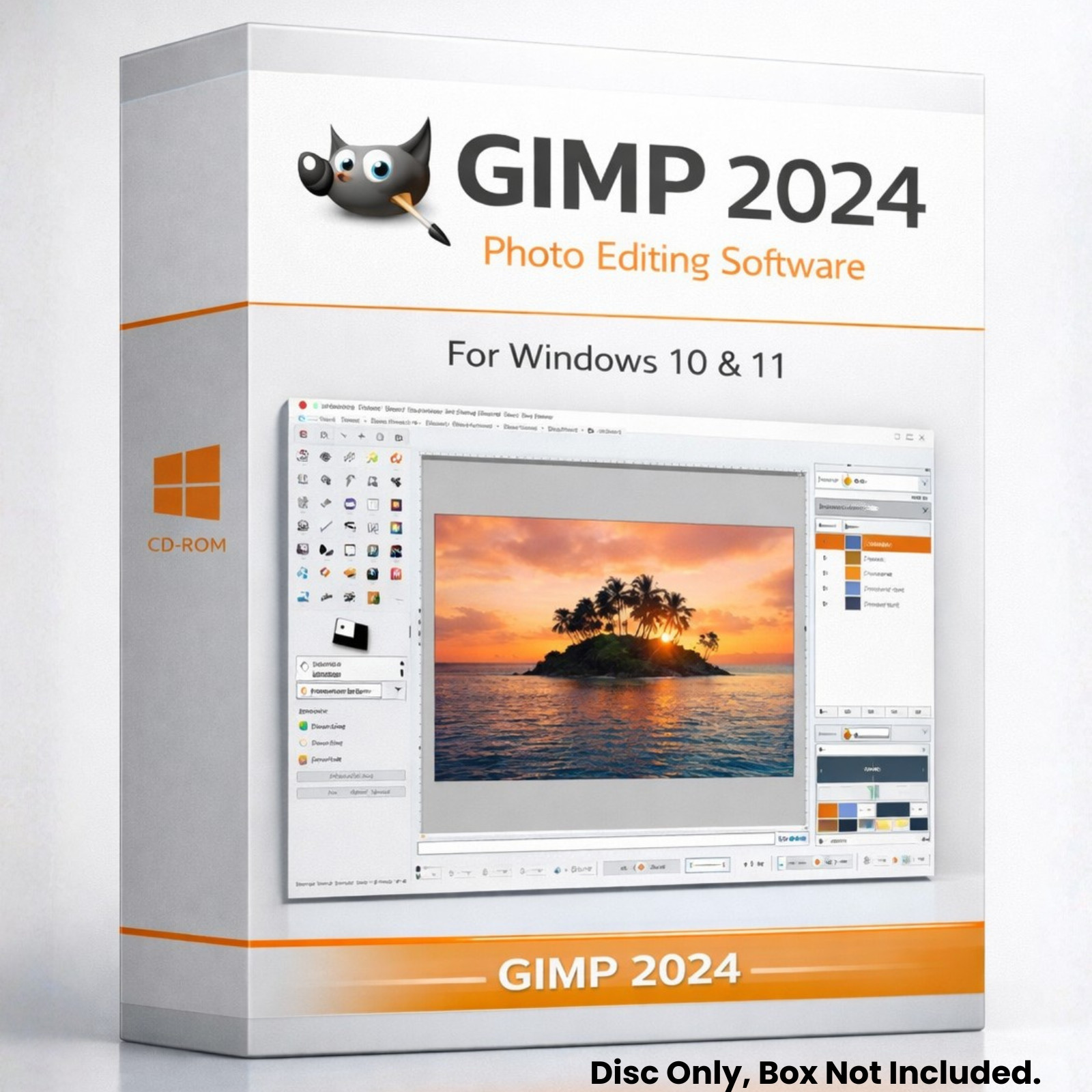
At USD 14.99, the GIMP 2024 CD is the lower-priced option and the one that keeps physical media in the mix. It comes as a disc only, with no box included, so the CD itself is what you will use. Its professional-grade photo editing strengths include layers, masks, channels, and blending modes for complex designs, plus no subscriptions or restrictions. The catch is the 2 GHz minimum processor speed, which is the higher requirement between the two listings. If your PC comfortably meets that, the CD version gives you a full lifetime license for the same Windows 10 and Windows 11 targets. It is the straightforward choice for anyone who still prefers a disc and wants a slightly lower upfront cost.
Final Choice by Use Case
Pick the GIMP 3 (2026 Edition) Pro on USB if your PC's processor is more modest or if it lacks a disc drive. Pick the GIMP 2024 CD if you have an optical drive, your processor is comfortably above 2 GHz, and you prefer the lower-priced disc. Both keep the same lifetime-license, Windows 10/11 model.
